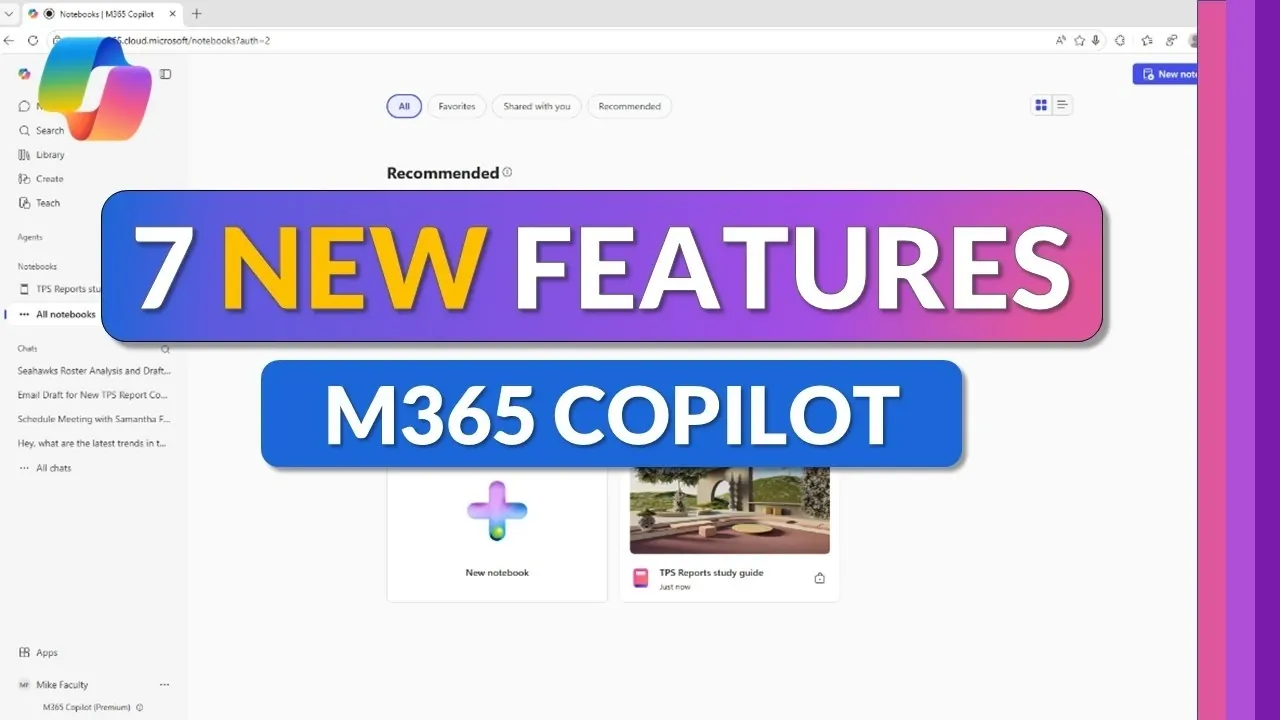
Microsoft 365 Copilot introduced seven new features in 2026, focusing on practical enhancements for managing work. One standout is the voice chat integration, which allows users to interact with Copilot using natural language commands. This feature includes real-time transcription, capturing key points from conversations automatically. Mike Tholfsen highlights its usefulness in meetings, where it supports tasks like note-taking and tracking action items, allowing participants to stay focused on the discussion.
Explore how these updates can streamline tasks, such as scheduling meetings directly within chat and adjusting email tone for clearer communication. Gain insight into the improved Copilot notebooks, which now support real-time collaboration and compatibility with multiple file formats. Additionally, decode the potential of updated AI models like “Think Deeper 5.4,” designed to handle detailed analysis for complex projects.
New Microsoft 365 Copilot Updates
TL;DR Key Takeaways :
- Voice Chat Integration: Enables natural language commands, real-time transcription and task automation, making meetings and conversations more productive.
- Enhanced Scheduling: Chat-based meeting scheduling simplifies calendar management by automating tasks like finding time slots and sending invitations.
- Email Drafting Tools: Streamlines email composition with tone adjustments, content refinement and seamless integration with Outlook.
- Advanced AI Models: Incorporates “Think Deeper 5.4” and “Quick Response 5.3” for smarter, faster and more accurate task handling and decision-making.
- Revamped Collaboration Tools: Updated Copilot notebooks and page shortcuts enhance teamwork, content formatting and workflow efficiency.
Voice Chat Integration: Talk, Transcribe and Act
The voice chat integration feature introduces a more natural way to interact with Microsoft 365 Copilot. By using natural language commands, you can communicate directly with Copilot to perform tasks or retrieve information. This tool also includes real-time transcription, making sure that important details from conversations are captured and stored for future reference. For example, you can ask Copilot to summarize a brainstorming session or create a task list based on your spoken instructions. This feature is particularly useful for meetings, as it ensures that no critical points are missed while allowing you to focus on the discussion.
Meeting Scheduling in Chat: Simplify Your Calendar
Managing your calendar has never been easier with Copilot’s chat-based scheduling feature. Fully integrated with Outlook, this tool allows you to find available time slots, send meeting invitations and organize your schedule, all within the chat interface. By automating these routine tasks, you can save valuable time and focus on more pressing responsibilities. Whether coordinating with colleagues or planning a team meeting, this feature ensures your calendar remains organized and up-to-date without requiring manual effort.
Email Drafting and Integration: Write Smarter, Not Harder
The enhanced email drafting tools in Microsoft 365 Copilot streamline the process of composing professional messages. You can draft emails directly in the chat interface, where Copilot helps you adjust the tone, refine the content and ensure clarity. Once the draft is complete, you can either send it immediately or export it to Outlook for further review. This feature is particularly beneficial for managing high-stakes communications or responding to complex queries, as it reduces the time and effort required to craft polished, effective emails.
Become an expert in Microsoft Copilot with the help of our in-depth articles and helpful guides.
Enhanced Outlook Copilot Button: Quick Access to What Matters
The updated Copilot button in Outlook provides a centralized hub for accessing essential tools and information. With a single click, you can view summaries, updates and related documents, eliminating the need to search through multiple folders or emails. This enhancement simplifies navigation and helps you stay focused on your priorities by making critical resources readily available. Whether you’re preparing for a meeting or reviewing project updates, the improved Copilot button ensures you have everything you need at your fingertips.
Updated AI Models: Smarter, Faster, More Accurate
Microsoft 365 Copilot now incorporates advanced AI models, including “Think Deeper 5.4” and “Quick Response 5.3,” to deliver more precise and efficient results. “Think Deeper 5.4” excels at providing in-depth analysis for complex queries, while “Quick Response 5.3” is optimized for delivering concise answers to straightforward questions. These updates ensure that Copilot can handle a wide range of requests with speed and accuracy, empowering you to make informed decisions and complete tasks more effectively.
Revamped Copilot Notebooks: Collaboration Made Easy
The redesigned Copilot notebooks are tailored to enhance collaboration and research. These AI-powered tools support multiple file types, including Word documents, Excel spreadsheets and PDFs, allowing you to generate insights or create study guides with ease. Additionally, you can listen to audio summaries of your content, making it easier to absorb information on the go. The notebooks also support real-time updates and collaborative sharing, making them ideal for team projects or group research. By centralizing resources and allowing seamless collaboration, this feature simplifies complex workflows and improves team productivity.
Copilot Page Shortcuts: Refine Content with Ease
Formatting and presenting content is now more efficient with Copilot page shortcuts. These tools allow you to make quick adjustments to your documents, such as shortening text, modifying the tone, or adding visual elements like emojis. Whether you’re preparing a overview, designing a presentation, or tailoring content for a specific audience, these shortcuts help you achieve your goals with minimal effort. By streamlining the editing process, this feature ensures that your content is clear, engaging and aligned with your objectives.
Transform Your Workflow with Microsoft 365 Copilot
The latest features in Microsoft 365 Copilot demonstrate a commitment to enhancing productivity through advanced AI tools and seamless integrations. From voice interaction and email drafting to improved collaboration and task automation, these updates are designed to simplify your workflow and help you focus on what truly matters. By using these innovations, you can work more efficiently, collaborate effectively and achieve your goals with greater ease.
Media Credit: Mike Tholfsen
Filed Under: AI, Guides
Disclosure: Some of our articles include affiliate links. If you buy something through one of these links, Geeky Gadgets may earn an affiliate commission. Learn about our Disclosure Policy.
Credit: Source link