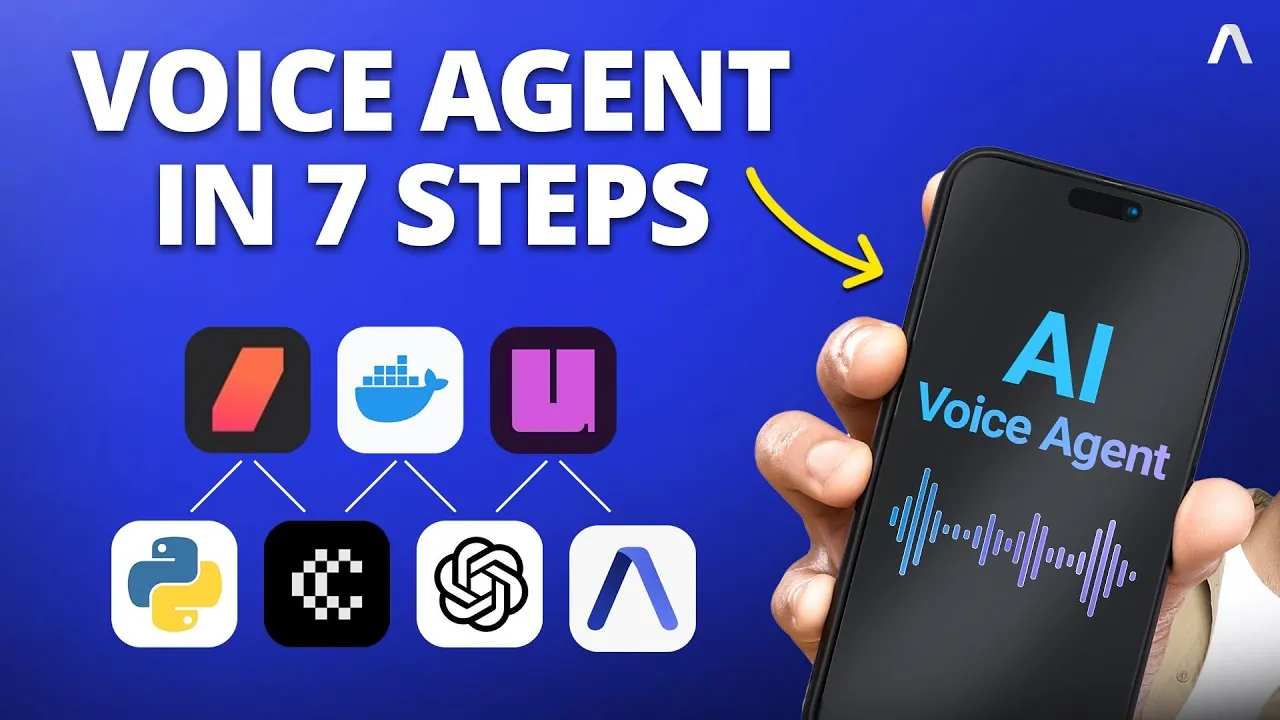
Imagine a world where you can hold seamless, real-time conversations with technology—where your voice is all it takes to book appointments, troubleshoot issues, or even manage your daily tasks. AI voice agents are no longer a futuristic dream; they’re a rapidly growing reality, transforming how we interact with machines. But here’s the catch: building one can seem like a daunting labyrinth of tools, frameworks, and integrations. What if there was a clear, accessible way to create your own AI voice agent without feeling overwhelmed? Enter Pipecat, a powerful orchestration framework that simplifies the process and brings your vision to life. With the right guidance, you can harness tools like AssemblyAI, OpenAI, and Cartisia to build an intelligent system that listens, understands, and responds—all in real time.
Assembly AI walk you through the step-by-step process of creating and deploying an AI voice agent using Pipecat Cloud. You’ll discover how to integrate essential technologies like speech-to-text transcription and natural language processing, while making sure your system delivers natural-sounding responses. Whether you’re a developer eager to explore conversational AI or a tech enthusiast curious about the mechanics behind voice agents, this guide will provide practical insights and actionable steps. By the end, you’ll not only understand how to build a functional AI voice agent but also gain a deeper appreciation for the seamless interplay of tools that make it all possible. Sometimes, innovation is just a few well-orchestrated steps away.
Building AI Voice Agents
TL;DR Key Takeaways :
- AI voice agents rely on three core technologies: Speech-to-Text (STT), Natural Language Processing (NLP), and Text-to-Speech (TTS) to enable real-time conversational interactions.
- Key tools for building an AI voice agent include Pipecat (workflow orchestration), Assembly AI (speech-to-text), OpenAI (language processing), Cartisia (text-to-speech), and Daily.co (real-time audio communication).
- Setting up a development environment involves installing Pipecat Cloud CLI, creating a virtual environment, managing dependencies, and securing API keys for integration.
- Development involves integrating tools like Assembly AI, OpenAI, and Cartisia, testing locally, and making sure seamless interaction between components.
- Deployment to Pipecat Cloud includes packaging the application, using Docker for containerization, securely managing API keys, and thorough testing to ensure reliability and performance.
What Are AI Voice Agents?
AI voice agents are intelligent systems designed to interpret and respond to human speech. These systems rely on three core technologies working in harmony:
- Speech-to-Text (STT): Converts spoken language into text for further processing.
- Natural Language Processing (NLP): Analyzes and generates contextually appropriate responses based on the transcribed text.
- Text-to-Speech (TTS): Transforms text-based responses into natural-sounding speech.
Pipecat serves as the orchestration framework, making sure seamless interaction between these components. Additionally, Daily.co provides the WebRTC infrastructure necessary for real-time audio communication. Together, these tools form the backbone of a conversational AI system, allowing smooth and dynamic interactions.
Essential Tools and Frameworks
To build a fully functional AI voice agent, you will need to integrate several specialized tools and frameworks. Each plays a vital role in the system’s overall functionality:
- Pipecat: Manages the conversational AI workflow and coordinates interactions between components.
- Assembly AI: Handles speech-to-text transcription with high accuracy.
- OpenAI: Processes text input to generate meaningful, context-aware responses.
- Cartisia: Converts text-based responses into clear and natural-sounding speech.
- Daily.co: Provides the WebRTC infrastructure for real-time audio communication.
These tools collectively enable the creation of a robust and responsive AI voice agent capable of real-time interaction.
Build a AI Voice with Pipecat & ChatGPT

Here is a selection of other guides from our extensive library of content you may find of interest on AI voice agents.
Step 1: Setting Up Your Development Environment
A well-prepared development environment is essential for a smooth workflow. Follow these steps to establish your environment:
- Install the Pipecat Cloud CLI to initialize your project and manage deployments effectively.
- Create a virtual environment to isolate dependencies and maintain a clean workspace.
- Update the
requirements.txtfile with all necessary libraries and dependencies. - Secure API keys for Assembly AI, OpenAI, Cartisia, and Daily.co, and store them securely for integration.
This setup ensures that your environment is optimized for development, reducing the likelihood of errors during integration and testing.
Step 2: Developing the AI Voice Agent
With your environment ready, you can begin developing the AI voice agent. This phase involves integrating the core tools and making sure they work together seamlessly:
- Modify the
bot.pyfile to include Assembly AI for speech-to-text transcription. - Set up event handlers to process transcription updates and trigger OpenAI for language processing.
- Integrate Cartisia’s text-to-speech functionality to convert responses into spoken output.
- Test the application locally to verify that all components are functioning as expected.
This step is critical for making sure the agent can accurately process speech, generate meaningful responses, and deliver them in real-time.
Step 3: Packaging and Deployment
Once the development phase is complete, the next step is to package and deploy your AI voice agent to Pipecat Cloud. Follow these steps to ensure a successful deployment:
- Update the
PCC-deploy.tomlfile with details specific to your agent, such as configurations and dependencies. - Build a Docker image of your application and push it to DockerHub for containerized deployment.
- Upload sensitive information, such as API keys, to Pipecat Cloud for secure access during runtime.
- Deploy the agent to Pipecat Cloud and verify that it is running correctly.
This process ensures that your AI voice agent is securely deployed and ready for real-world use, with all components functioning as intended.
Step 4: Testing and Interaction
Thorough testing is essential to ensure the reliability and performance of your AI voice agent. Pipecat Cloud provides a web-based interface, accessible via a unique URL, where you can interact with the agent. During testing, focus on the following aspects:
- Verify that the agent accurately transcribes speech into text using Assembly AI.
- Ensure that OpenAI generates contextually appropriate and coherent responses.
- Check that Cartisia delivers responses in a natural and clear voice.
Testing allows you to identify and resolve any issues, making sure that the agent performs reliably in real-world scenarios. Regular interaction and refinement during this phase will help optimize the system for seamless user experiences.
Final Thoughts
Building and deploying an AI voice agent may seem complex, but with the right tools and a structured approach, it becomes a manageable and rewarding process. By using Pipecat Cloud alongside technologies like Assembly AI, OpenAI, Cartisia, and Daily.co, you can create a conversational AI system capable of real-time, interactive communication. Each step, from setting up your development environment to testing the final deployment, plays a crucial role in delivering a seamless and efficient user experience. With careful planning and execution, your AI voice agent can become a powerful tool for dynamic and engaging interactions.
Media Credit: AssemblyAI
Filed Under: AI, Guides
Latest Geeky Gadgets Deals
Disclosure: Some of our articles include affiliate links. If you buy something through one of these links, Geeky Gadgets may earn an affiliate commission. Learn about our Disclosure Policy.
Credit: Source link