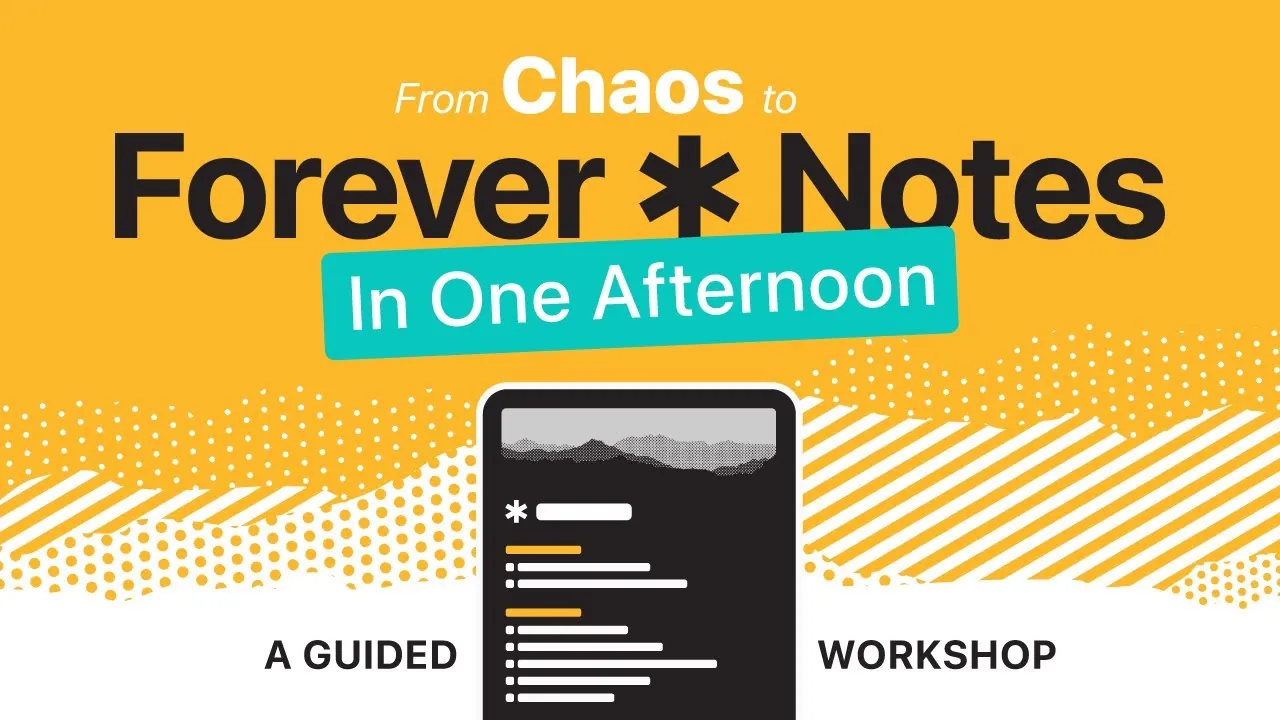
Have you ever opened Apple Notes, only to feel overwhelmed by a chaotic sea of scattered ideas, to-do lists, and forgotten reminders? It’s a common struggle—our digital lives are brimming with information, yet finding what we need often feels like searching for a needle in a haystack. That’s where the “Forever Notes” system comes in. Designed specifically for Apple Notes users, this method transforms your note-taking experience into a streamlined, intuitive process. Imagine having a single, organized hub where every note is just a click away—no more endless scrolling or misplaced thoughts. This isn’t just about tidying up; it’s about creating a system that works for you, not against you.
In this learning tool, you’ll discover how to set up the “Forever Notes” system step by step, turning Apple Notes into a productivity powerhouse. From creating a centralized home note to using tags, collections, and hubs, this guide will help you build a framework that adapts to your unique workflow. Whether you’re managing work projects, tracking personal goals, or simply trying to stay on top of life’s chaos, this system offers clarity and control. By the end, you’ll not only have a beautifully organized note library but also a tool that evolves with you—ready to support your goals, ideas, and ambitions. After all, your notes should be more than a digital junk drawer; they should be a reflection of your most productive self.
Forever Notes System Overview
TL;DR Key Takeaways :
- The “Forever Notes” system is a structured approach for Apple Notes users, centered around a “home note” that serves as a central dashboard linking to all major sections like collections, tags, and a journal.
- Key components include a home note, flexible tagging system, collections for grouping related notes, hubs for focused areas, and a journal for reflections and tracking progress.
- Supporting tools such as PDF guides, templates, workflow shortcuts, and a setup checklist simplify the implementation process and ensure consistency.
- The system is highly adaptable, allowing users to tailor it to their workflow and expand it gradually based on their needs and priorities.
- By organizing notes efficiently, the system enhances productivity, provides faster access to information, and supports long-term personal and professional goals.
Getting Started: The Core of the Forever Notes System
At the heart of the “Forever Notes” system is a central concept: creating a unified structure within Apple Notes. The foundation of this system is the “home note,” a central dashboard that serves as a navigational hub for your notes. This home note links to all major sections, such as collections, tags, and a journal, providing a single point of access to your entire note library. By consolidating your notes into this easily accessible framework, you eliminate the frustration of searching through disorganized folders and ensure that your notes are always just a click away.
The “home note” is more than just a directory—it’s a tool that brings clarity and structure to your note-taking process. By organizing your notes around this central hub, you create a system that is both intuitive and adaptable to your needs.
Essential Components of the Forever Notes System
The “Forever Notes” system is built on five key components, each designed to enhance organization and accessibility. These components work together to create a cohesive and efficient system:
- Home Note: The central hub that anchors your notes, linking to all major sections and providing a clear starting point for navigation.
- Tags: A flexible tagging system that categorizes your notes, making it easy to filter and retrieve information quickly.
- Collections: Groupings of related notes based on projects, themes, or topics, allowing you to organize your ideas logically.
- Hubs: Dedicated spaces for specific areas of focus, such as work, personal development, or hobbies, making sure that each area of your life has its own organized section.
- Journal: A section for daily reflections, brainstorming, or progress tracking, helping you document your thoughts and ideas over time.
Each of these components uses Apple Notes’ built-in features to create a seamless user experience. For instance, tags allow you to filter notes by topic, while collections visually group related content. Together, these elements form a system that adapts to your workflow, making it easier to stay organized and productive.
How to Set Up Forever Notes

Below are more guides on Apple Notes organization from our extensive range of articles.
Complete Apple Notes Organization System
Setting up the “Forever Notes” system is straightforward, thanks to a variety of supporting tools and resources. These resources are designed to save you time and ensure consistency across your notes:
- PDF Guides: Comprehensive, step-by-step instructions that walk you through each stage of the setup process.
- Organizational Templates: Pre-designed layouts for collections, hubs, and the home note, providing a solid starting point for your system.
- Workflow Shortcuts: Custom shortcuts that automate repetitive tasks, such as tagging or archiving, to streamline your workflow.
- Setup Checklist: A detailed list to track your progress and ensure that no steps are overlooked during the setup process.
These tools are particularly helpful if you’re new to digital note-taking or looking to optimize your current system. By using these resources, you can avoid unnecessary trial and error and focus on building a system that works for you.
Adapting the System to Your Workflow
One of the most appealing aspects of the “Forever Notes” system is its flexibility. While the entire setup can be completed in a single afternoon, you also have the option to work through it at your own pace. This modular approach allows you to tailor the system to your schedule and needs.
For instance, you might begin by setting up the home note and tagging system, then gradually expand to include collections and hubs as your workflow evolves. This step-by-step process ensures that the system grows with you, making it suitable for a wide range of users, from students and professionals to hobbyists and lifelong learners.
The adaptability of the “Forever Notes” system means that it can accommodate changes in your priorities or interests over time. Whether you’re managing work projects, tracking personal goals, or exploring new hobbies, this system provides a framework that evolves alongside you.
Why the Forever Notes System Works
The “Forever Notes” system is designed to simplify note management while enhancing productivity. By implementing this system, you’ll gain a clear and organized framework that supports your specific needs. Here’s what you can expect to achieve:
- Faster Access: Quickly locate important information through a centralized home note and an efficient tagging system.
- Improved Organization: Keep projects, goals, and ideas clearly organized within collections and hubs.
- Dedicated Reflection Space: Use the journal section for daily reflections, brainstorming, and progress tracking.
This structure not only saves time but also allows you to focus on what matters most. Whether you’re managing complex projects or simply keeping track of your thoughts, the “Forever Notes” system ensures that your notes are always organized and accessible.
Transforming Apple Notes into a Productivity Powerhouse
The “Forever Notes” system uses the intuitive design of Apple Notes to create a powerful tool for organization and productivity. By implementing this system, you’ll spend less time searching for information and more time using your notes to achieve your goals.
Whether you’re a student, professional, or lifelong learner, the “Forever Notes” system provides a reliable and adaptable framework for managing your notes. With its comprehensive resources and user-friendly design, this system ensures that your notes remain organized, accessible, and ready to support you for years to come.
Media Credit: Forever Notes
Filed Under: Apple, Guides
Latest Geeky Gadgets Deals
Disclosure: Some of our articles include affiliate links. If you buy something through one of these links, Geeky Gadgets may earn an affiliate commission. Learn about our Disclosure Policy.
Credit: Source link