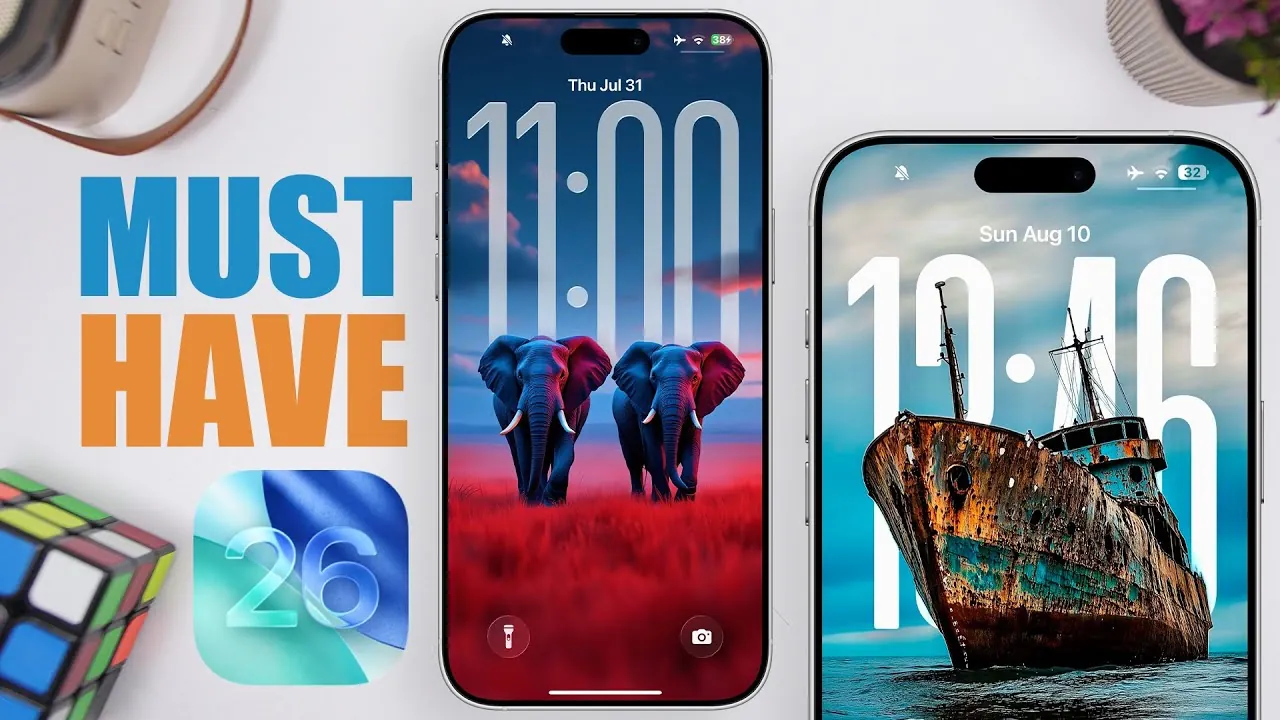
Customizing your iOS 26 device is now more seamless and engaging than ever, thanks to a diverse range of wallpaper apps. These apps offer everything from dynamic depth effects to curated collections, allowing you to tailor your lock and home screens to suit your unique style. Below, we explore eight standout wallpaper apps, highlighting their features, usability, and what makes them worth considering. The video below from iReviews gives us a look at some of the best wallpaper apps for iOS 26.

Wallcraft
Wallcraft is a premium-oriented app that provides an extensive library of high-quality wallpapers. Its key features include:
- Dynamic island wallpapers that integrate seamlessly with iOS 26 features
- Icon-highlighted designs for a cohesive aesthetic
- Customizable themes to match your personal preferences
While the app excels in offering premium designs, it lacks a dedicated section for depth effect wallpapers, which may be a drawback for some users. A subscription unlocks exclusive content, making it an excellent choice for those seeking unique and high-end wallpapers to elevate their device’s appearance.
Wallpaper Central
Wallpaper Central strikes a perfect balance between accessibility and customization. This app is free to use, with optional premium features, and offers:
- Depth effect wallpapers that add a sense of dimension to your screen
- User-generated content, fostering a creative and diverse collection
- Curated collections for easy browsing
One of its standout features is the ability to preview wallpapers before downloading, making sure you select the perfect design for your device. This app appeals to a broad audience, from casual users to those who enjoy experimenting with their device’s look.
Locked
Locked is a specialized app designed for users who prioritize lock screen customization. It focuses on providing wallpapers with depth effects and offers organized collections based on themes such as:
- Nature for serene and calming visuals
- Neon for vibrant and modern aesthetics
- Cityscapes for urban-inspired designs
Most wallpapers are free, but some premium options require a subscription. Locked is an excellent choice for users who want a focused and lock screen-centric experience, offering a variety of designs to suit different moods and styles.
Wallpapers Now
Wallpapers Now stands out for its versatility, combining live wallpapers with depth effect options. Its key features include:
- Dual wallpapers for coordinating your home and lock screens
- A mix of live and static designs to suit different preferences
However, the app’s limited updates may affect the availability of fresh designs over time. Despite this, it remains a solid option for users seeking variety and functionality, offering a blend of dynamic and visually appealing wallpapers.
Stock HD
Stock HD caters to users who appreciate classic and device-specific wallpapers. Its unique features include:
- Stock wallpapers from a variety of devices, including older iOS versions
- Browsing options by device name, such as Apple or BlackBerry
This app is particularly appealing to those who enjoy a nostalgic touch or want to replicate the look of older devices. It’s a great choice for users who value simplicity and timeless designs.
Wall-E
Wall-E is a vibrant and modern option for users who enjoy bold designs. It offers a mix of:
- Live wallpapers for dynamic visual effects
- 4K designs that enhance screen clarity
- Depth effect options for added dimension
While many wallpapers are free, some require watching ads or subscribing to a premium plan. Its colorful and high-resolution designs pair well with liquid glass icons, making it a popular choice for users looking to enhance their device’s aesthetic appeal.
Zedge
Zedge is a long-standing favorite among wallpaper apps, known for its diverse and creative collection. It includes:
- Depth effect wallpapers that add a unique touch to your screen
- AI-generated designs for innovative and original visuals
Although the app offers impressive creativity, its ad-heavy interface can detract from the overall user experience. Nevertheless, Zedge remains a go-to option for users seeking variety and originality in their wallpaper choices.
Lock Screen 26
Lock Screen 26 is a straightforward app focused exclusively on lock screen customization. Its features include:
- Parallax categories for depth effect wallpapers
- A simple interface that makes previewing and downloading wallpapers effortless
This app is ideal for users who prefer a no-frills approach to lock screen personalization, offering a streamlined experience without unnecessary distractions.
Enhance Your iOS 26 Experience
Each of these eight wallpaper apps offers unique features and caters to different preferences, making sure there’s something for everyone. Whether you’re drawn to the immersive depth effects of Wallpaper Central, the premium designs of Wallcraft, or the nostalgic charm of Stock HD, these apps allow you to transform your device into a personalized reflection of your style. By exploring these options, you can enhance both the functionality and visual appeal of your iOS 26 device, making it truly your own.
Master iOS 26 wallpaper apps with the help of our in-depth articles and helpful guides.
Source & Image Credit: iReviews
Filed Under: Apple, Apple iPhone, Guides
Latest Geeky Gadgets Deals
Disclosure: Some of our articles include affiliate links. If you buy something through one of these links, Geeky Gadgets may earn an affiliate commission. Learn about our Disclosure Policy.
Credit: Source link