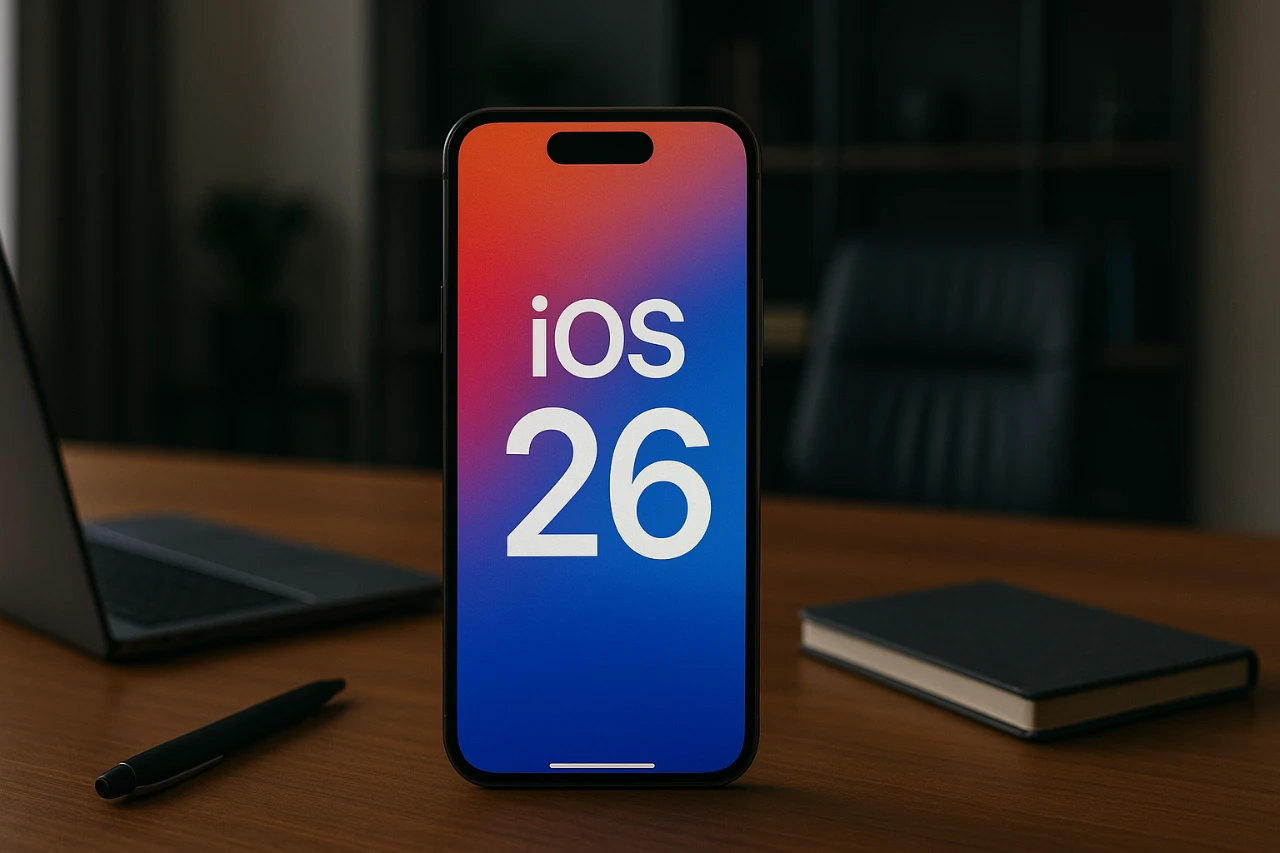
iOS 26 Beta 6 delivers a notable upgrade in performance and usability, setting a higher benchmark for mobile operating systems. With a focus on speed, efficiency, and optimization, this update introduces a smaller file size alongside several enhancements and adjustments. While it doesn’t overhaul the system entirely, it refines key aspects to improve the overall user experience. Below is a detailed look at what this update offers in a new video from Daniel About Tech.

Performance Enhancements: Faster and More Responsive
One of the standout improvements in iOS 26 Beta 6 is its enhanced system performance. App launches are faster, transitions are smoother, and loading times have been significantly reduced. Apple has fine-tuned system animations, making sure interactions feel fluid and seamless. These changes go beyond aesthetics—benchmark tests, such as Geekbench scores, reveal measurable gains in both processing power and efficiency compared to Beta 5.
Whether you’re multitasking between apps or running resource-intensive software, the system feels noticeably faster and more responsive. This improvement is particularly beneficial for users who rely on their devices for productivity or gaming, as it ensures a smoother and more reliable experience.
Smoother Animations for a Polished Experience
System animations have been redesigned to create a more polished and intuitive interface. Transitions between apps, menus, and screens are now smoother, enhancing the overall user experience. While these refinements may seem subtle, they significantly improve the way you interact with your device. Every action, from opening an app to switching between tasks, feels effortless and natural.
These animation updates reflect Apple’s commitment to delivering a refined and cohesive user experience. By focusing on these details, iOS 26 Beta 6 ensures that even routine interactions feel more engaging and satisfying.
Streamlined VPN Accessibility
Managing VPN connections has been simplified with the introduction of a dedicated VPN toggle in the Settings app. This new feature allows you to access and control your VPN settings directly, without navigating through multiple menus. For users who depend on VPNs for enhanced security or accessing region-specific content, this addition streamlines the process and improves usability.
The dedicated VPN section not only saves time but also makes it easier to switch between VPN profiles or adjust settings on the go. This enhancement underscores Apple’s focus on practicality and user convenience, catering to both casual and advanced users.
New Ringtones for Personalization
iOS 26 Beta 6 introduces six new variations of the default “Reflection” ringtone, offering more options for personalizing your device’s sound profile. While this update doesn’t drastically change the user experience, it adds a layer of customization that many users will appreciate.
These new ringtones provide subtle yet meaningful ways to make your device feel more personal. Whether you prefer a softer tone or a more vibrant sound, the expanded selection ensures there’s something for everyone.
Smaller Update Size and Storage Optimization
A practical highlight of iOS 26 Beta 6 is its reduced update size. At just 3.96 GB, it is significantly smaller than its predecessor, which was nearly 11 GB. This reduction not only saves storage space but also reflects Apple’s efforts to optimize system resources.
The smaller update size ensures that even devices with limited storage capacity can install and run the update efficiently. Additionally, this optimization contributes to faster download and installation times, making the update process more convenient for users.
Camera Mode Adjustment Removed
Apple has made a controversial change by removing the ability to change the direction of mode selection in the Camera app. While this adjustment simplifies the interface for some users, it may feel restrictive to those who valued the flexibility of the previous design.
This change highlights Apple’s ongoing effort to balance simplicity with functionality, though it may not appeal to everyone. For users who frequently switch between camera modes, this adjustment could require some time to adapt.
Refining the iOS Experience
iOS 26 Beta 6 represents a thoughtful update that prioritizes performance, efficiency, and usability. Faster app launches, smoother animations, and improved responsiveness create a more seamless user experience. The addition of a VPN toggle and new ringtone options enhances both practicality and personalization, while the reduced update size demonstrates Apple’s commitment to optimizing storage and system resources.
Although the removal of the Camera mode adjustment feature may divide opinions, this update showcases how incremental changes can lead to meaningful improvements. For users seeking a faster, more refined operating system, iOS 26 Beta 6 sets a high standard for future updates.
Find more information on iOS 26 Beta 6 performance by browsing our extensive range of articles, guides and tutorials.
Source & Image Credit: Daniel About Tech
Filed Under: Apple, Apple iPhone, Top News
Latest Geeky Gadgets Deals
Disclosure: Some of our articles include affiliate links. If you buy something through one of these links, Geeky Gadgets may earn an affiliate commission. Learn about our Disclosure Policy.
Credit: Source link