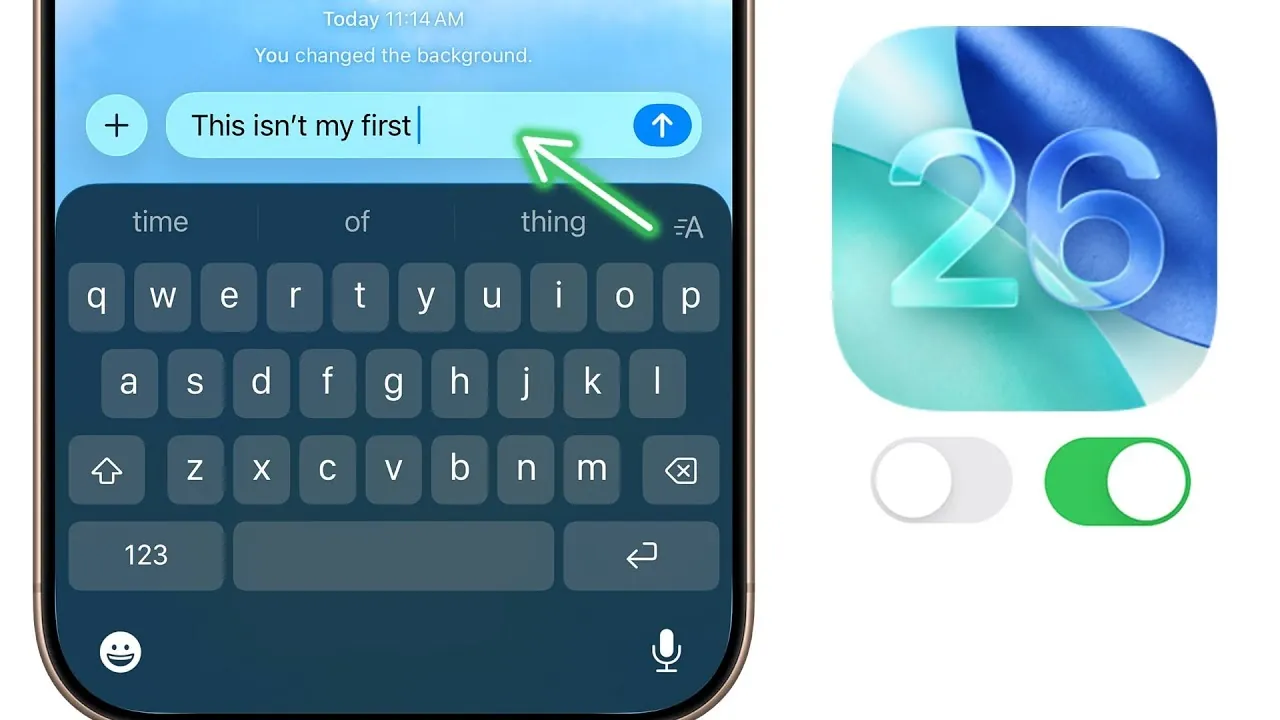
iOS 26 introduces a range of features and settings aimed at enhancing your iPhone experience. With a focus on customization, functionality, and user-centric improvements, this guide outlines 24 key settings you should adjust immediately. These changes span privacy, usability, and app-specific enhancements, allowing you to optimize your device for your unique needs. The video below from Brandon Butch gives us more details on what settings you should change after installing iOS 26.

CarPlay and HDR Screenshots
CarPlay integration now includes an option to disable automatic screenshots, helping you avoid unnecessary clutter in your photo library. This feature is particularly useful for frequent drivers who rely on CarPlay for navigation or media playback. Additionally, iOS 26 supports HDR screenshots, allowing you to capture images with improved clarity and vibrant color accuracy. This ensures that your screenshots retain the same high-quality visuals as your display.
Audio Connectivity and AirPlay Enhancements
Audio routing has been refined to give you more control over how sound is managed. You can now keep audio in your headphones even when connecting to external devices like speakers or car systems. This is especially beneficial for maintaining privacy during calls or media playback. AirPlay has also been upgraded, offering smoother transitions between devices and improved wireless media sharing. These enhancements make it easier to switch between devices without interruptions.
Messages and Notifications
Messaging privacy has been further strengthened with advanced filtering for unknown senders, helping you avoid spam or unwanted messages. Time-sensitive notifications, such as two-factor authentication codes, are now prioritized, ensuring quick access when you need them most. Additionally, you can customize notification categories to receive only the alerts that matter to you, reducing distractions and improving focus.
Wallet and Order Tracking
The Wallet app now integrates order tracking directly from your email, making it easier to monitor deliveries without switching between apps. This feature streamlines the shopping experience by consolidating information in one place. You can also add physical card details for faster access to payment methods, simplifying transactions and enhancing convenience.
Phone App Enhancements
The Phone app introduces upgraded call screening, requiring unknown callers to state their name and reason for calling before you answer. This feature helps you avoid spam calls and prioritize important conversations. Spam call filtering has also been improved, reducing interruptions from unwanted calls. Additionally, you can now customize the snooze duration for alarms, tailoring it to your preferences for a more personalized wake-up experience.
Safari and Gesture Navigation
Safari now offers new customization options, including the ability to switch between compact and traditional tab bar layouts. This flexibility allows you to choose a browsing experience that suits your preferences. Gesture-based navigation has also been introduced, allowing you to manage tabs more intuitively with swipes and taps. These updates make browsing faster and more efficient.
Always-On Display and Lock Screen Customization
The always-on display now includes a wallpaper blur option, reducing distractions while keeping essential information visible. This feature is ideal for maintaining focus in professional or quiet settings. Lock screen customization has been expanded, allowing you to create spatial scenes and personalize your device’s appearance further.
Camera Interface and Lens Cleaning
The camera interface has been simplified to provide a cleaner and more user-friendly experience. You can now hide or rearrange indicators, making sure that your viewfinder remains uncluttered. Additionally, lens cleaning hints have been added, notifying you when the lens needs attention to maintain optimal photo quality. These updates make it easier to capture high-quality images consistently.
Photo Albums and Organization
Managing your photo library is now more efficient with new tools for organization. You can reorder and collapse album collections, making it easier to navigate through your photos. Pinning specific albums for quick access further streamlines the process, making sure that your most-used collections are always at your fingertips.
Battery Optimization
iOS 26 introduces an adaptive power mode that extends battery life by adjusting performance based on your usage patterns. This feature helps you get the most out of your device throughout the day. High battery usage notifications provide insights into which apps or processes consume the most power, allowing you to make informed adjustments and improve efficiency.
Background Sounds Customization
Background sounds now feature an equalizer and timer settings, giving you greater control over ambient audio. Whether you’re using these sounds for relaxation, focus, or sleep, the added customization options allow you to tailor the experience to your needs. This enhancement makes background sounds more versatile and user-friendly.
AirPods Camera Remote
A new feature lets you use your AirPods as a remote control for your iPhone camera. This functionality is ideal for taking photos or videos from a distance, adding convenience to your photography. Whether you’re capturing group shots or creative angles, this feature enhances your ability to take high-quality images effortlessly.
Quick Reminders and Podcasts
Creating reminders is now faster and more intuitive with a new action button or control center toggle. This allows you to quickly jot down tasks or notes without navigating through multiple menus. For podcasts, playback customization has been expanded, allowing you to adjust speed and dialogue settings. You can even save playback preferences for specific shows, ensuring a consistent and personalized listening experience.
Accessibility and Interface Design
iOS 26 includes several accessibility improvements to enhance usability for all users. You can reduce UI transparency to make text and elements more distinct, improving readability. Additionally, liquid glass effects can be disabled, simplifying the interface for a cleaner and more straightforward appearance. These updates make the operating system more inclusive and adaptable to individual needs.
Why These Settings Matter
The 24 settings introduced in iOS 26 are designed to give you greater control over your iPhone. By adjusting these features, you can enhance functionality, improve privacy, and create a device experience tailored to your preferences. Take the time to explore these updates and unlock the full potential of your iPhone.
Advance your skills in iOS 26 Features by reading more of our detailed content.
Source & Image Credit: Brandon Butch
Filed Under: Apple, Apple iPhone, Top News
Latest Geeky Gadgets Deals
Disclosure: Some of our articles include affiliate links. If you buy something through one of these links, Geeky Gadgets may earn an affiliate commission. Learn about our Disclosure Policy.
Credit: Source link