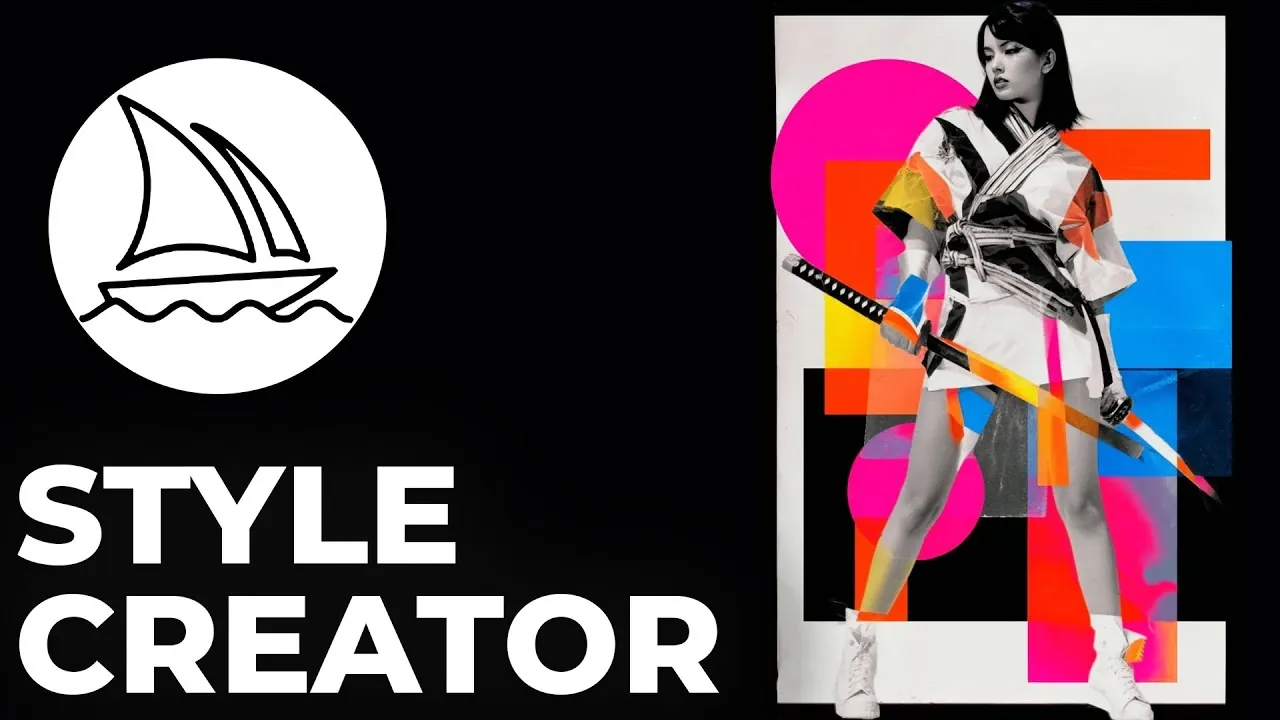
What if you could shape your creative vision with the precision of a sculptor, but instead of clay, you’re working with AI-generated art? Midjourney’s new Style Creator promises just that, a new tool designed to let users refine and personalize visual styles like never before. Yet, as with any ambitious innovation, it comes with its share of challenges. While some users are already hailing it as a revolution in digital artistry, others find its complexity and steep learning curve a barrier to unlocking its full potential. Is this tool a fantastic option for creative professionals, or does it risk alienating users with its intricacies? Future Tech Pilot takes a closer look to find out.
In this first look guide and review, Future Tech Pilot explores the creative potential and practical applications of the Style Creator, diving into its iterative process, unique features, and the controversies surrounding its usability. Whether you’re an artist seeking to develop a cohesive aesthetic or a hobbyist experimenting with new styles, this feature offers both opportunities and frustrations. We’ll also examine how user feedback is shaping its evolution and what it means for the future of AI-driven creativity. By the end, you’ll have a clearer sense of whether this tool aligns with your artistic ambitions, or if its promise remains just out of reach.
Midjourney Style Creator Overview
TL;DR Key Takeaways :
- Midjourney’s new “Style Creator” beta feature allows users to refine and customize visual styles through an iterative process, generating unique style codes for artistic experimentation.
- The tool operates by selecting images from grids to guide refinements, allowing users to build a library of personalized styles, though it requires patience and experimentation.
- Challenges include an unintuitive interface, inconsistent results, and a steep learning curve, with users suggesting clearer guidance and separation of style and color adjustments for better control.
- New interface features, such as hotkeys, grid view toggles, and image organization options, aim to improve usability but have received mixed feedback due to navigation difficulties.
- The Style Creator holds significant potential for creative exploration, offering applications in achieving consistent aesthetics, refining prompts, and exploring new artistic directions, with ongoing refinements based on user feedback.
Understanding the Style Creator
The Style Creator is a feature accessible through a dedicated tab on Midjourney’s homepage. Its primary function is to guide users through a step-by-step process to refine and define visual styles. The process begins with entering a prompt, after which the tool generates a grid of images. From this grid, you select the images that align most closely with your creative vision. Based on your selections, the system refines the output further, producing a unique style code at each iteration. These codes can be saved and reused for future prompts, allowing you to build a library of personalized styles.
This feature is particularly appealing for users seeking to explore new artistic directions or achieve a consistent aesthetic across multiple projects. However, the process requires patience and a willingness to experiment, as the tool’s iterative nature means that achieving the desired result may take several rounds of refinement.
How the Iterative Process Works
The Style Creator operates through an iterative process that allows you to progressively fine-tune your results. Typically, you will go through five or more iterations to achieve the desired outcome. At each step, you can:
- Select images from a grid to guide the next iteration, narrowing the focus of the tool.
- Skip grids if none of the options align with your expectations, maintaining control over the creative direction.
- Adjust visual elements such as brightness, tone, or color palette to better match your vision.
As you refine your selections, the tool becomes more focused, converging on a specific style. However, this narrowing process can sometimes reduce variation, which may limit creative diversity. Additionally, the iterative nature of the tool requires a clear understanding of your artistic goals to avoid unintended results.
Style Code Results in Midjourney, What Works and What Fails
Expand your understanding of Midjourney styles with additional resources from our extensive library of articles.
Challenges and Usability Concerns
While the Style Creator offers exciting possibilities, it has faced criticism for its unintuitive interface and inconsistent results. Users have reported that the generated styles sometimes deviate significantly from the original prompt, particularly when selected images introduce unexpected elements. This can make it difficult to achieve precise artistic goals, especially for those unfamiliar with the tool’s intricacies.
The integration of style and color adjustments within the same process has also been noted as a challenge. Separating these adjustments could provide greater flexibility and control, allowing users to focus on specific aspects of their designs. Additionally, the tool’s steep learning curve may deter new users, emphasizing the need for clearer instructions and more intuitive navigation.
Interface Features and Navigation
The Style Creator introduces several new user interface (UI) features aimed at improving navigation and functionality. These include:
- Options to like or delete images, helping you organize your selections more effectively.
- Hotkeys for faster navigation through image grids, streamlining the iterative process.
- Toggle settings for small or large grid views, offering flexibility in how you interact with the tool.
Despite these enhancements, the interface has been described as cumbersome by some users. Inconsistent grid sizes and unclear instructions on how to fully use the tool can make the learning process frustrating. Addressing these usability issues will be crucial for making sure the tool’s broader adoption and effectiveness.
User Feedback and Future Improvements
As a beta feature, the Style Creator is still evolving, and Midjourney is actively seeking user feedback to refine its design. Common suggestions include:
- Providing clearer guidance on how to select images effectively to achieve desired results.
- Separating style and color adjustments to offer greater creative flexibility.
- Improving the interface to make it more intuitive and user-friendly for beginners.
Your feedback plays a critical role in shaping the future of the Style Creator. By sharing your experiences and suggestions, you can help Midjourney address its current limitations and develop a tool that better meets the needs of its diverse user base.
Creative Potential and Practical Applications
Despite its challenges, the Style Creator offers significant potential for creative exploration. It provides a platform for experimenting with various artistic styles and visual aesthetics, making it a valuable resource for artists, designers, and other creative professionals. You can use the tool to:
- Explore new artistic directions by generating unique style codes tailored to your preferences.
- Refine specific elements of your prompts, such as tone or color palette, to achieve more precise results.
- Develop a consistent aesthetic for personal or professional projects, enhancing the cohesiveness of your work.
These applications demonstrate the tool’s versatility and its potential to expand the possibilities of AI-generated art. With further refinement and user education, the Style Creator could become an indispensable resource for creative professionals and hobbyists alike.
Looking Ahead
The Style Creator represents a significant step forward for Midjourney, offering users a new way to customize and refine visual styles. While its complexity and unpredictability highlight the need for further development, the tool’s potential for creative exploration is undeniable. As Midjourney continues to refine the feature based on user feedback, the Style Creator is poised to become a more intuitive and effective resource for artistic expression. By engaging with the tool and sharing your experiences, you can contribute to its evolution and help shape the future of AI-driven creativity.
Media Credit: Future Tech Pilot
Filed Under: AI, Technology News
Latest Geeky Gadgets Deals
Disclosure: Some of our articles include affiliate links. If you buy something through one of these links, Geeky Gadgets may earn an affiliate commission. Learn about our Disclosure Policy.
Credit: Source link