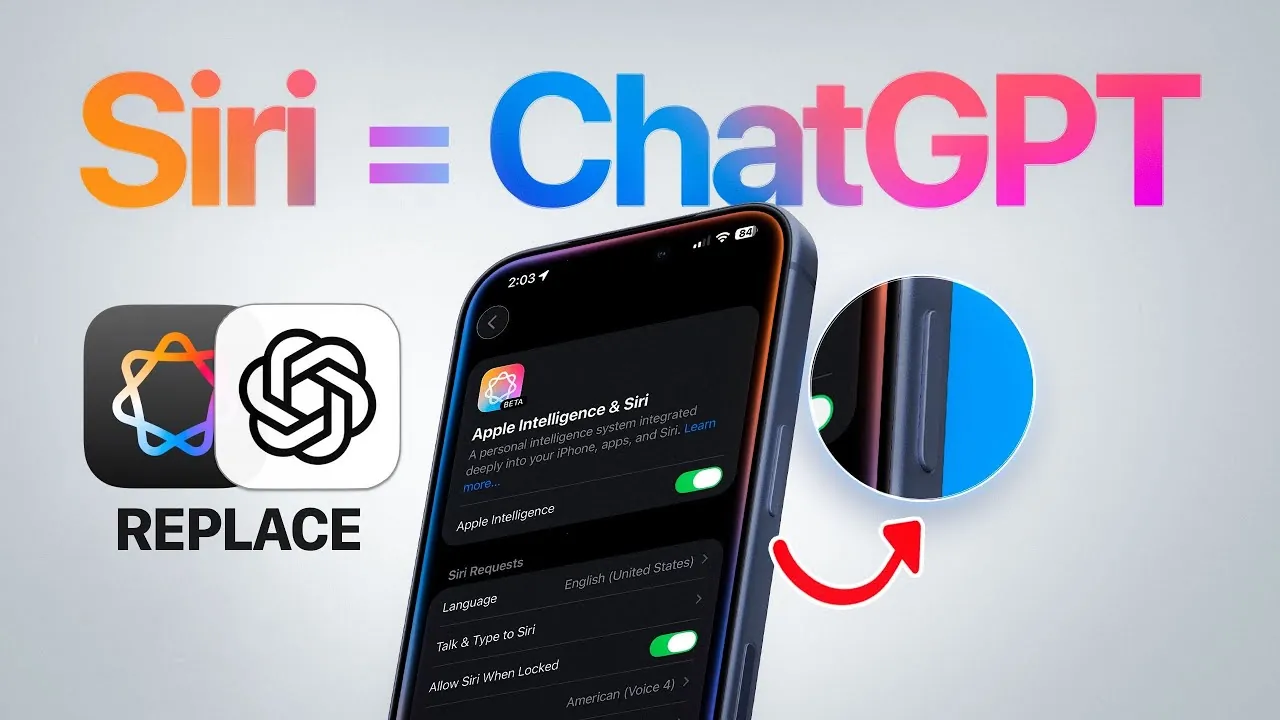
Replacing Siri with ChatGPT in iOS 26 offers a significant upgrade to your Apple device’s voice assistant capabilities. By integrating ChatGPT, you can experience faster, more accurate, and context-aware responses, enhancing how you interact with your device. This guide will walk you through the setup process, highlight the benefits of this integration, and explore the advanced features it brings to Apple’s ecosystem. The video below from iDeviceHelp gives us more details.

Why Choose ChatGPT Over Siri?
Integrating ChatGPT with Siri improves the functionality of your voice assistant by using advanced AI capabilities. This upgrade allows Siri to handle complex queries with greater precision, making it ideal for tasks such as retrieving detailed information, summarizing extensive content, or managing hands-free operations. The integration is designed to work seamlessly across Apple devices, making sure a consistent and efficient experience whether you’re using an iPhone, iPad, or Mac.
Key advantages of replacing Siri with ChatGPT include:
- Enhanced Accuracy: ChatGPT processes queries with a deeper understanding of context, delivering more relevant and precise answers.
- Improved Productivity: The AI-driven system can handle multitasking and complex requests, streamlining your workflow.
- Seamless Compatibility: The integration works across all Apple devices, maintaining uniform functionality and settings.
This integration transforms Siri into a more capable and versatile assistant, tailored to meet the demands of modern users.
Step-by-Step Guide to Setting Up ChatGPT
To replace Siri with ChatGPT, you’ll need to follow a straightforward setup process. Before you begin, ensure you have an active ChatGPT account. Once ready, proceed with these steps:
- Access the Apple Intelligence settings on your device.
- Navigate to the Siri customization menu and locate the ChatGPT extension.
- Enable the ChatGPT extension and configure the settings to align with your preferences.
- Disable the “Confirm Request” option to allow Siri to access ChatGPT without requiring manual approval for each query.
This setup ensures that Siri can seamlessly use ChatGPT, eliminating unnecessary delays and enhancing responsiveness. Once configured, you’ll notice a significant improvement in how your voice assistant handles queries and tasks.
How ChatGPT Enhances Siri’s Capabilities
The integration of ChatGPT brings a host of advanced features to Siri, making it a more powerful and efficient tool. Here’s how ChatGPT enhances Siri’s functionality:
- Advanced Query Processing: ChatGPT enables Siri to tackle complex questions, provide detailed explanations, and summarize intricate information with ease.
- Faster Response Times: The AI-driven system processes requests more efficiently, reducing lag and making sure prompt replies.
- Hands-Free Operation: By removing the need for repeated confirmations, the integration allows for smoother, uninterrupted interactions.
These enhancements make Siri a more reliable and capable assistant, particularly for users who rely on quick and accurate responses in their daily routines.
Customization and Advanced Features
iOS 26 introduces a range of customization options that allow you to tailor Siri’s behavior to suit your specific needs. With ChatGPT integration, you can take advantage of the following features:
- Customizable Activation: Remap the side button to activate ChatGPT directly, providing quicker access to your preferred assistant.
- Permission Management: Control how Siri interacts with ChatGPT and other third-party extensions, making sure your privacy and security are maintained.
- Cross-Device Synchronization: Use cloud-based integration to sync your preferences across all Apple devices, making sure a consistent experience.
These options empower you to optimize your voice assistant for maximum efficiency and personalization, making it an indispensable tool for both personal and professional use.
Future Potential of AI Integration
The current integration of ChatGPT with Siri represents a significant step forward in voice assistant technology, but there is room for further innovation. Apple could expand its extension framework to support additional AI tools, allowing even greater functionality. Future updates might also introduce deeper customization options, such as personalized voice profiles or advanced task automation, further enhancing the user experience.
As AI technology continues to evolve, the possibilities for voice assistants like Siri are virtually limitless. By embracing these advancements, Apple users can look forward to a more intuitive and adaptable digital assistant that meets the demands of an increasingly connected world.
Stay informed about the latest in ChatGPT integration in iOS by exploring our other resources and articles.
Source & Image Credit: iDeviceHelp
Filed Under: Apple, Apple iPhone, Guides, Top News
Latest Geeky Gadgets Deals
Disclosure: Some of our articles include affiliate links. If you buy something through one of these links, Geeky Gadgets may earn an affiliate commission. Learn about our Disclosure Policy.
Credit: Source link