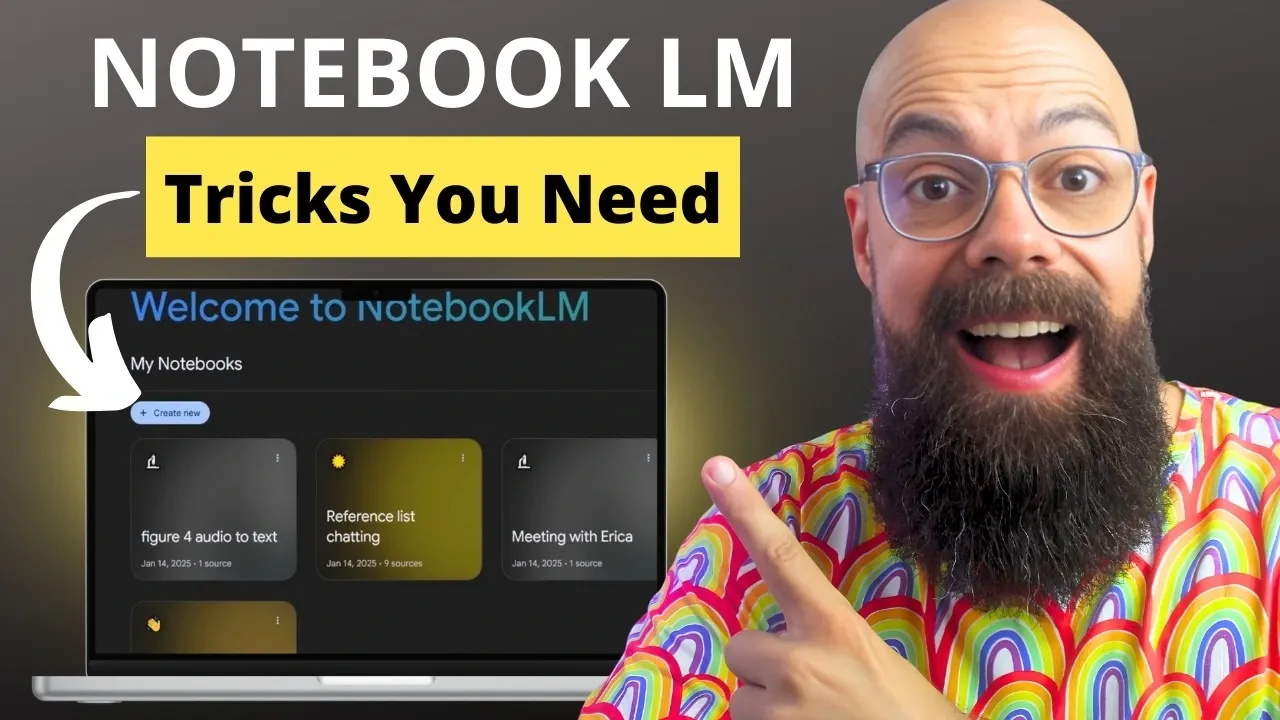
How often do you find yourself overwhelmed by research materials, struggling to make connections, or spending hours organizing and summarizing content? Andy Stapleton outlines how the latest features of NotebookLM are transforming the way students, researchers, and academics engage with their work. This isn’t just a minor upgrade, it’s a bold redefinition of how we process and interact with information. With AI-driven insights and seamless organization, NotebookLM takes on the heavy lifting, allowing you to focus on critical thinking and producing meaningful results.
In this deep dive, we’ll uncover how NotebookLM’s AI-powered chat and innovative organizational features are reshaping research and learning. From uncovering hidden patterns in your sources to generating personalized study guides and professional-grade presentations, these innovations are designed to save time and elevate your work. Whether you’re preparing for exams or tackling complex academic projects, these features could redefine how you approach knowledge management and productivity.
NotebookLM Overview
TL;DR Key Takeaways :
- NotebookLM streamlines academic research with features like efficient source management, allowing users to upload and organize up to 50 sources for free, with support for various formats such as Google Workspace files and websites.
- The platform’s AI-powered interactive chat provides tailored insights, content summaries, and answers to specific questions, enhancing research efficiency and clarity.
- Advanced content organization tools, including note-saving, mind maps, and structured workflows, help users maintain clarity and identify knowledge gaps in their research.
- Interactive study tools, such as customizable flashcards, quizzes, and personalized study guides, make learning and self-assessment engaging and effective.
- NotebookLM offers professional presentation capabilities, including high-quality infographics, slide decks, and audio/video tools, making sure visually compelling and impactful communication of research findings.
Efficient Source Management
Effective research begins with the organization of your sources, and NotebookLM excels in this critical area. The platform enables you to upload and manage up to 50 sources for free, with an option to expand to 300 sources through a paid plan. Supported formats include Google Workspace files, websites, and direct text uploads, allowing you to consolidate all your research materials in one centralized location.
NotebookLM also offers tools to help you discover additional sources that complement your existing research. This feature ensures your literature reviews are thorough and comprehensive, helping you identify research gaps and build a strong foundation for your work. By streamlining source management, NotebookLM saves you time and enhances the quality of your research.
AI-Powered Interactive Chat
NotebookLM’s AI-powered chat feature transforms how you interact with your research materials. By referencing your uploaded sources, the chat can summarize content, answer specific questions, and generate insights tailored to your field of study. This functionality allows you to extract relevant information quickly and efficiently.
The chat is customizable, allowing you to adjust response lengths and focus areas to suit your specific needs. Whether you’re breaking down complex topics or exploring new research directions, this tool provides clarity and precision, making it an invaluable resource for academic and professional work.
NotebookLM’s Latest Features Explained

Stay informed about the latest in NotebookLM by exploring our other resources and articles.
Advanced Content Organization
Organizing your research effectively is essential for maintaining clarity and focus, and NotebookLM provides robust tools to simplify this process. You can save critical information as notes for quick access and create mind maps to visualize your research field. These visual aids help you identify knowledge gaps, establish connections between concepts, and structure your work logically.
Whether you’re drafting a paper, preparing for a presentation, or conducting a detailed analysis, these organizational tools ensure your ideas remain cohesive and accessible. By providing a structured approach to content management, NotebookLM supports both short-term tasks and long-term projects.
Interactive Study and Learning Tools
NotebookLM extends its functionality beyond research by offering interactive study tools designed to reinforce learning. You can create customized flashcards and quizzes tailored to your subject matter, making self-assessment both engaging and effective. These tools are particularly useful for students preparing for exams or researchers seeking to deepen their understanding of specific topics.
Additionally, the platform generates personalized study guides and technical reviews, allowing you to focus on areas of interest or importance. These features make NotebookLM a versatile tool for both academic and professional development.
Professional Presentation Capabilities
Presenting your findings effectively is a crucial aspect of research, and NotebookLM simplifies this process with its professional presentation tools. The platform enables you to create high-quality infographics and slide decks, complete with accurate visuals and data. These tools ensure your work is not only well-researched but also visually compelling and easy to understand.
NotebookLM also includes audio and video overview tools, allowing you to craft dynamic presentations with customizable focus areas. Whether you’re presenting to peers, colleagues, or a wider audience, these capabilities help you communicate your findings clearly and effectively.
Commitment to Data Privacy
In an era where data security is a growing concern, NotebookLM prioritizes your privacy. The platform ensures that your data is neither used for AI model training nor accessed by Google, providing a secure environment for your research. This commitment to data privacy allows you to work with sensitive information confidently, knowing that your materials remain protected.
Additional Productivity Features
Beyond its core functionalities, NotebookLM includes several supplementary tools designed to enhance productivity. For example, you can record and analyze meeting audio to generate summaries and actionable insights, making sure you capture every critical detail.
The platform also supports the creation of structured overviews, blog posts, and briefing documents, making it a versatile tool for a variety of professional applications. These additional features expand the platform’s utility, catering to diverse needs across academic and professional domains.
Empowering Research and Learning
NotebookLM offers a robust set of tools designed to streamline academic and research workflows. From efficient source management to AI-powered insights and professional presentation capabilities, the platform enhances productivity and organization while maintaining the highest standards of data privacy. Whether you’re a student, researcher, or academic, NotebookLM equips you with the resources to analyze, organize, and present your work effectively, empowering you to achieve your goals with confidence and precision.
Media Credit: Andy Stapleton
Filed Under: AI, Guides
Latest Geeky Gadgets Deals
Disclosure: Some of our articles include affiliate links. If you buy something through one of these links, Geeky Gadgets may earn an affiliate commission. Learn about our Disclosure Policy.
Credit: Source link