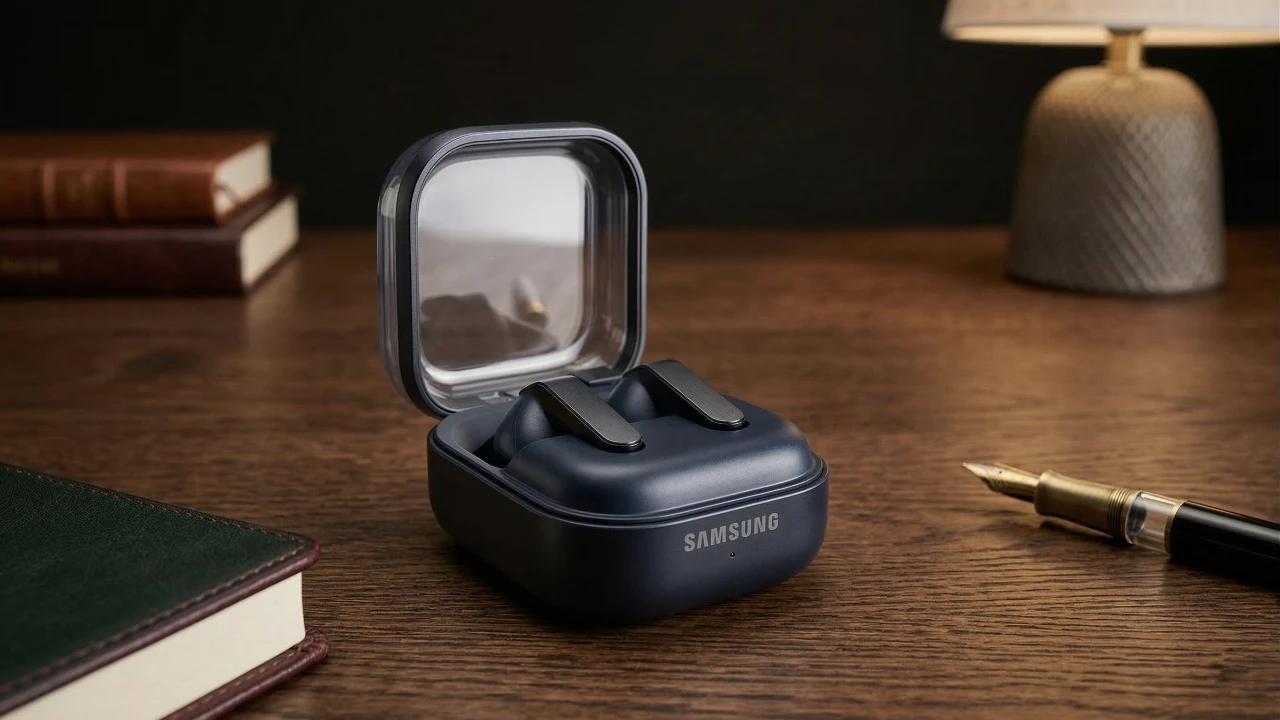
The Samsung Galaxy Buds 4 Pro are packed with advanced features that can significantly enhance your audio experience. However, many of these features remain underutilized because they are hidden within the settings. By exploring and allowing these options, you can maximize the performance, usability, and convenience of your earbuds, tailoring them to your specific needs. The video below from HotShotTek gives us more details on the best settings for your new Galaxy Buds.

Maximize Efficiency with Widgets
Customizing the Galaxy Buds widgets on your smartphone can streamline your daily interactions with the earbuds. These widgets provide quick access to essential functions such as toggling between Active Noise Cancellation (ANC) and Ambient Sound modes. Instead of navigating through multiple menus, you can adjust sound settings directly from the widget interface. This feature is particularly useful for users who frequently switch between environments, allowing you to adapt your audio settings with minimal effort.
Achieve the Perfect Fit for Comfort and Performance
A proper fit is essential for both comfort and optimal sound quality. The Galaxy Wearable app includes a silicone ear tip fit test that analyzes the seal of your earbuds and provides recommendations for adjustments. A secure fit not only enhances audio clarity but also ensures that features like ANC perform effectively. Experiment with different ear tip sizes or even mix and match to find the combination that best suits your ears. This small adjustment can make a significant difference in your overall listening experience.
Enhance Your Audio Experience
To elevate your listening sessions, enable Ultra High Quality (UHQ) audio in the settings. This feature delivers richer, more detailed sound, making it ideal for music enthusiasts who value clarity and depth. Additionally, the customizable equalizer (EQ) allows you to fine-tune the audio profile to match your preferences, whether you enjoy deep bass, balanced mids, or crisp highs. For an even more immersive experience, activate Dolby Atmos, which enhances the spatial depth and clarity of both music and movies.
Unlock Advanced Features for Better Performance
The Galaxy Buds 4 Pro include advanced features that improve call quality and audio immersion. Allowing super wideband speech ensures clearer voice transmission during calls, even in noisy environments. For supported content, activate 360 Audio, which provides spatial sound that adapts to your head movements, offering a more dynamic and engaging listening experience. To protect your hearing, turn on loudness normalization, which prevents sudden volume spikes and maintains consistent audio levels.
Adaptive Features for Personalized Use
The earbuds offer adaptive options to cater to individual needs. Adaptive Sound creates a personalized hearing profile, which is particularly beneficial for users with hearing difficulties. Another valuable feature is voice detection, which automatically switches to transparency mode when you start speaking, allowing you to have conversations without removing your earbuds. For added safety, enable siren detection to stay alert to emergency sounds while jogging, cycling, or commuting.
Customize Controls for Greater Flexibility
Personalizing the controls of your Galaxy Buds 4 Pro can make them more intuitive to use. Assign specific functions to each earbud, such as toggling between ANC and Ambient Sound modes or launching your preferred voice assistant. This level of customization ensures that your earbuds are tailored to your preferences, enhancing convenience and usability.
Convenience Features for Everyday Use
The Galaxy Buds 4 Pro include several features designed to simplify your daily routine. By allowing head gestures, you can answer or decline calls with a simple nod or shake of your head, eliminating the need to reach for your phone. The Read Notifications Aloud feature keeps you informed about messages and emails without interrupting your activities. If you prefer uninterrupted playback, consider disabling auto ear detection, which pauses audio when you remove an earbud.
Special Modes for Specific Needs
For gamers, allowing Game Mode reduces audio latency, making sure that sound effects are synchronized with on-screen action. While this mode may slightly impact audio quality, it provides a competitive edge during gameplay. Another unique feature is the neck stretch reminder, which promotes better posture by reminding you to stretch during extended use. Additionally, the podcast sharing feature allows you to broadcast audio to other devices, making collaborative listening more convenient.
Seamless Connectivity Across Devices
The Galaxy Buds 4 Pro are designed for effortless pairing with a variety of devices. Use the pairing button on the case to connect to smartphones, tablets, or even gaming consoles like the Nintendo Switch. This seamless connectivity ensures that you can enjoy your earbuds across multiple platforms without any hassle, making them a versatile choice for both work and leisure.
Optimize Your Galaxy Buds 4 Pro for Maximum Potential
By exploring and allowing these hidden settings, you can unlock the full potential of your Galaxy Buds 4 Pro. From improving audio quality to enhancing usability and safety, these features allow you to customize your earbuds to suit your specific needs. Take the time to familiarize yourself with these options and enjoy a superior audio experience tailored to your lifestyle.
Source: HotshotTek
Filed Under: Android News, Gadgets News, Guides, Top News
Disclosure: Some of our articles include affiliate links. If you buy something through one of these links, Geeky Gadgets may earn an affiliate commission. Learn about our Disclosure Policy.
Credit: Source link