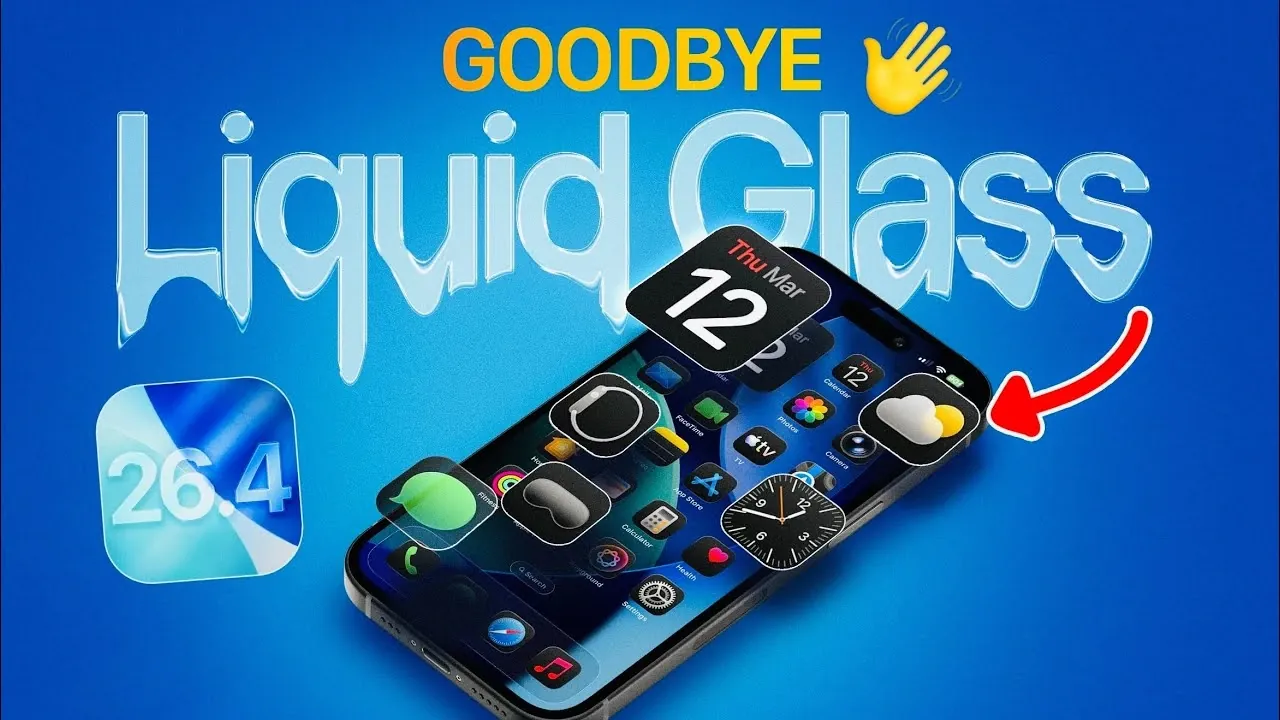
Apple’s iOS 26.4 introduces a pivotal evolution in its user interface, particularly with the iconic Liquid Glass design. This update brings a host of customization options, accessibility enhancements, and user-focused features, reflecting a shift in Apple’s design priorities. While Liquid Glass has long been a hallmark of Apple’s aesthetic identity, iOS 26.4 redefines its role, emphasizing functionality and personalization to enhance how you interact with your device.
Enhanced Customization Options
iOS 26.4 offers unprecedented control over the Liquid Glass design, allowing you to tailor its appearance to suit your preferences. Within the “Display & Brightness” settings, you can now adjust the opacity and intensity of Liquid Glass effects on your lock screen. Whether you favor the classic, fully transparent look or a more subdued frosted glass effect, the update ensures that the interface aligns with your personal style.
Additionally, notification appearance settings have been expanded to provide even greater flexibility. You can toggle between clear or tinted effects for notifications, allowing you to customize their visual impact. These updates not only enhance the aesthetic appeal of your device but also improve its usability by allowing you to create a more cohesive and functional interface.
Accessibility at the Forefront
With iOS 26.4, Apple continues its commitment to inclusivity by introducing new accessibility features designed to make the interface more user-friendly. A standout addition is the “Reduce Bright Effect” option, found in the “Accessibility” menu. This feature addresses the intense brightness often associated with Liquid Glass during interactions such as navigating menus, typing on the keyboard, or adjusting controls.
By minimizing or eliminating these bright effects, Apple reduces visual strain and improves clarity, making sure a more comfortable experience for users with varying needs. These enhancements demonstrate Apple’s dedication to creating a system that is not only visually appealing but also accessible to a diverse audience.
A Shift in Apple’s Design Philosophy
The updates in iOS 26.4 signify a broader shift in Apple’s design philosophy. Liquid Glass, once a defining aesthetic element, is no longer the central focus of the user interface. Instead, Apple is prioritizing functionality and user empowerment by introducing granular controls over its appearance and behavior.
This evolution reflects a growing trend toward customization and accessibility, allowing you to adapt the interface to your unique preferences. While the original vision of Liquid Glass emphasized seamless and immersive aesthetics, the new approach strikes a balance between form and function. This shift underscores Apple’s focus on practicality without compromising the visual appeal that has long defined its products.
What This Means for Your Experience
The changes in iOS 26.4 significantly enhance your overall experience by offering greater control and flexibility. The expanded customization options allow you to design an interface that reflects your personal style, while the improved accessibility features ensure that the system is intuitive and accommodating for a wider range of users.
However, these updates also mark a departure from the original intent of Liquid Glass as a purely visual centerpiece. By reducing its prominence, Apple is redefining the balance between aesthetics and usability, making sure that the interface remains both functional and visually engaging. This shift highlights Apple’s commitment to meeting the evolving needs of its users while maintaining the design excellence for which it is known.
As Apple continues to refine its approach to user interface design, iOS 26.4 offers a glimpse into the future of its digital ecosystem. Whether you are drawn to the aesthetic flexibility or the enhanced accessibility, this update represents a thoughtful step forward in creating a more personalized and inclusive user experience.
Explore further guides and articles from our vast library that you may find relevant to your interests in iOS 26.4.
Source & Image Credit: iDeviceHelp
Filed Under: Apple, Apple iPhone, Top News
Disclosure: Some of our articles include affiliate links. If you buy something through one of these links, Geeky Gadgets may earn an affiliate commission. Learn about our Disclosure Policy.
Credit: Source link