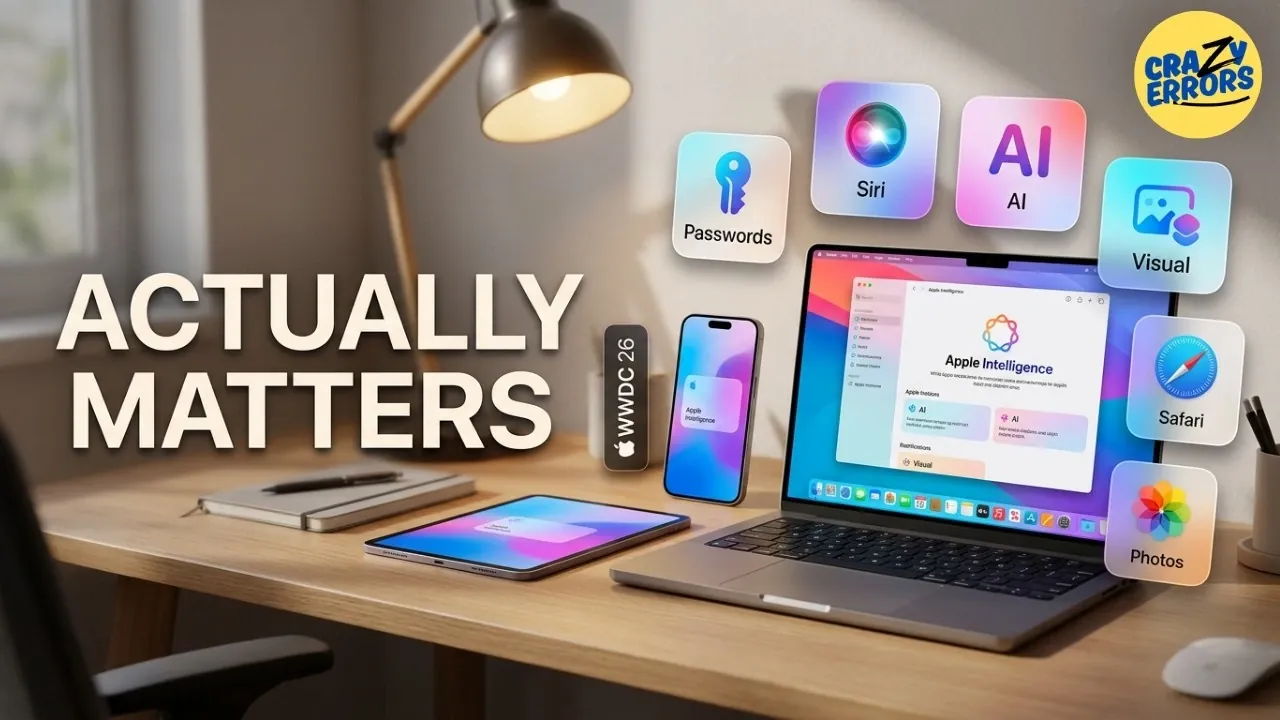
Apple has introduced a series of updates designed to improve functionality across its ecosystem, with a focus on security and user convenience. One standout feature is built-in password management, which identifies weak or compromised credentials and provides actionable solutions directly on your device. By integrating this feature, Apple reduces the need for external services while addressing a critical aspect of digital security. Crazy Errors examines how these updates align with broader trends in simplifying digital workflows.
Explore this guide to understand Safari’s automatic tab grouping, a feature that helps organize browsing for better focus and learn how Siri’s context-aware capabilities enhance personalized interactions. Additionally, gain insight into the latest updates to the Photos app, which now includes advanced editing options for more precise creative control. These updates highlight specific ways Apple is refining its ecosystem to meet evolving user needs.
Apple’s Latest macOS Updates
TL;DR Key Takeaways :
- Password Management: Apple introduces a built-in password management tool to identify weak or compromised passwords, enhancing digital security and eliminating the need for third-party apps.
- Smarter Siri: Siri becomes more context-aware, capable of performing complex tasks like locating specific content and drafting personalized messages, improving productivity and convenience.
- Visual Intelligence: Enhanced visual intelligence allows interaction with static content like images and PDFs, turning them into actionable insights for streamlined workflows.
- Shortcuts Automation: Updates to Shortcuts simplify automation with plain language, allowing users to create intricate workflows and reduce manual effort.
- Safari Upgrades: New features like automatic tab grouping and notifications for monitored web pages improve organization and keep users informed efficiently.
1. Password Management: Built-In Security at Your Fingertips
Apple is reinforcing its commitment to digital security with a built-in password management tool. This feature actively identifies weak or compromised passwords and offers actionable solutions directly on your device. By integrating this functionality into its ecosystem, Apple eliminates the need for third-party password managers, making sure your credentials remain secure and centralized. This seamless approach not only simplifies password management but also strengthens your overall online safety.
2. Smarter Siri: Context-Aware Assistance
Siri is evolving into a more intelligent and context-aware assistant. Using advancements in Apple Intelligence, Siri can now perform complex tasks such as locating specific photos, emails, or reminders while maintaining continuity across your devices. Additionally, Siri can draft messages and emails that align with your tone and style, making it a more personalized tool for communication. These updates aim to transform Siri into a proactive and intuitive digital assistant, enhancing both productivity and convenience.
3. Visual Intelligence: Turning Static Content into Action
Apple’s enhanced visual intelligence bridges the gap between static visuals and actionable insights. Whether you’re viewing an image, PDF, or web page, this feature allows you to interact directly with on-screen content. You can search for information, explain text, or take actions based on screenshots. By making static content more dynamic, this update streamlines workflows and ensures your devices are more responsive to your needs.

Unlock more potential in macOS 27 by reading previous articles we have written.
4. Shortcuts Automation: Simplifying Complex Tasks
Automation becomes more accessible with updates to Apple’s Shortcuts feature. Using plain language, you can now create intricate workflows without requiring technical expertise. This enhancement enables seamless connections between apps, allowing you to automate repetitive tasks effortlessly. Whether managing daily routines or handling complex projects, Shortcuts enables you to focus on what truly matters by reducing manual effort and increasing efficiency.
5. Safari Upgrades: A More Organized Browsing Experience
Safari introduces two significant updates to improve your browsing experience. The first is automatic tab grouping, which organizes your tabs by topic, reducing clutter and making navigation more intuitive. The second is notifications for monitored web pages, such as price drops or restocks, which keep you informed without the need for constant manual checks. These features make Safari a more efficient tool for managing your online activities, making sure you stay organized and up-to-date.
6. Photos App: Advanced Editing Tools for Greater Control
The Photos app is receiving a suite of advanced editing tools designed to give you greater control over your images. The cleanup tool allows you to remove larger objects from photos effortlessly, while the extend tool expands images beyond their original frame. Additionally, the reframing tool lets you adjust angles, zoom, or reposition the viewpoint after capturing an image. These features provide enhanced flexibility and precision, allowing you to refine your photos with ease.
7. Call Context: Relevant Information When You Need It
Apple’s new call context feature ensures that important information is readily available during phone calls. Whether it’s a confirmation code or other relevant details, this feature automatically surfaces the data at the right moment, eliminating the need to search across apps. While seemingly small, this update has the potential to make your interactions more seamless and efficient, saving you time and effort during calls.
A Smarter, More Streamlined Ecosystem
These seven updates highlight Apple’s focus on security, intelligence, and automation, all designed to enhance your experience across its ecosystem. With macOS 27 Golden Gate and these features on the horizon, your devices are set to become smarter, more intuitive and better equipped to simplify your daily tasks. This fall, you can expect a more productive and efficient digital environment that seamlessly integrates with your lifestyle.
Media Credit: Crazy Errors
Filed Under: Apple, Top News
Disclosure: Some of our articles include affiliate links. If you buy something through one of these links, Geeky Gadgets may earn an affiliate commission. Learn about our Disclosure Policy.
Credit: Source link