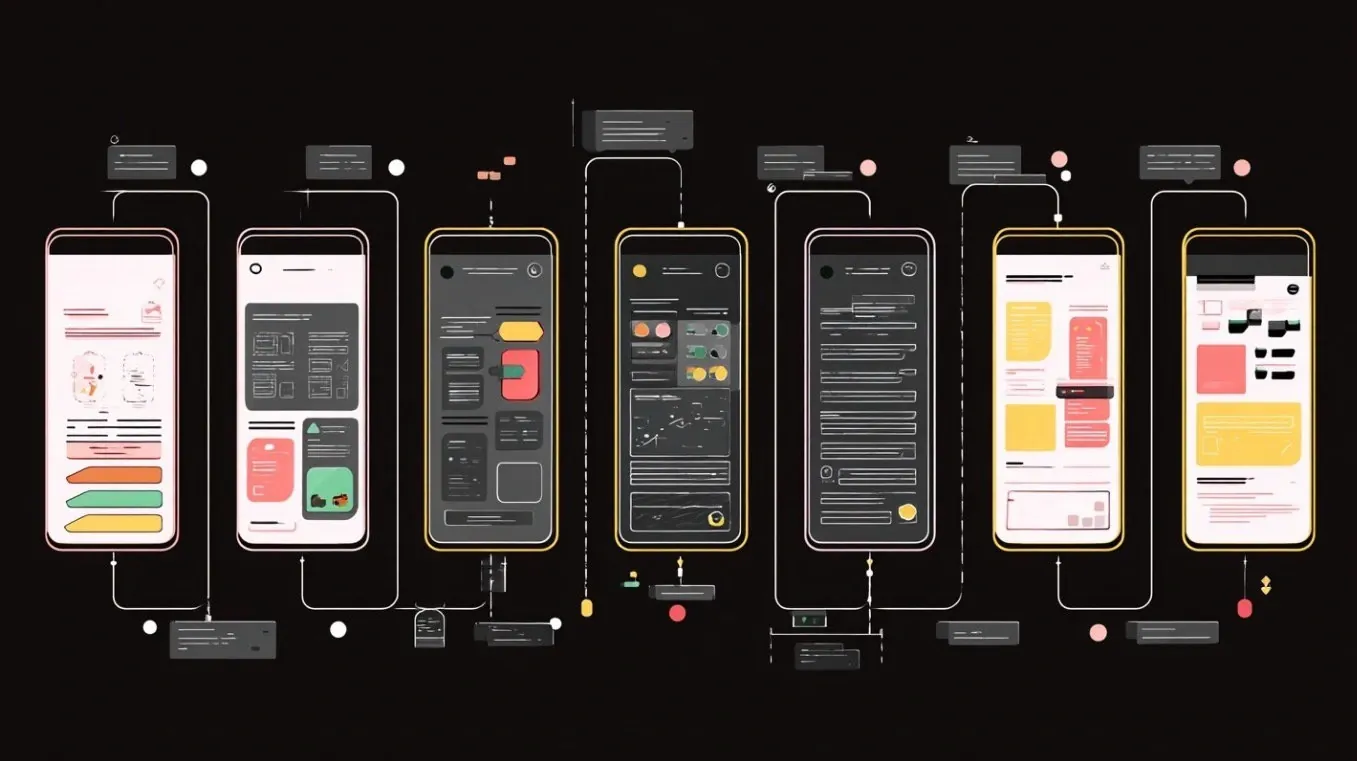
What if you could create stunning, professional designs without years of training or an expensive design team? That’s the reality AI is shaping today. In this guide, Matt Maher explains how artificial intelligence is transforming the design process, making it accessible to anyone with a creative idea. Whether you’re a developer dabbling in user interface design or a seasoned designer looking to streamline your workflow, AI is breaking down barriers and transforming how we approach creativity. Imagine generating cohesive, visually striking mockups from just a few descriptive prompts or refining your designs with actionable suggestions, all in a fraction of the time it used to take. This isn’t just a shift in technology; it’s a shift in who gets to participate in the creative process.
By diving into the possibilities AI brings to design, you’ll discover how it can help you bridge the gap between functionality and aesthetics. From generating mockups and establishing scalable design systems to refining layouts for better usability, AI is reshaping the fundamentals of design. But it’s not just about speed or convenience, it’s about empowering you to focus on what truly matters: creating designs that resonate with users. Whether you’re curious about how AI can enhance your creative process or skeptical about its limitations, this breakdown offers a fresh look at how technology is redefining creativity. The question isn’t whether AI can design, but how it can amplify your vision.
How AI is Transforming the Design Workflow
TL;DR Key Takeaways :
- AI is transforming design by making professional UI creation accessible to developers and non-designers, bridging technical and creative workflows.
- AI tools streamline the design process by generating mockups, refining UI elements, and assisting with design fundamentals like contrast, typography, and color harmony.
- AI supports iterative design by allowing quick adjustments, layout testing, and creative variations, making sure designs evolve with project needs.
- AI helps build consistent and scalable design systems, maintaining a unified aesthetic and enhancing user experience across applications.
- While AI enhances efficiency and creativity, human expertise remains essential for refining designs, making sure usability, and aligning with user preferences.
AI tools are redefining the design process by making it more intuitive, efficient, and accessible. With minimal input, such as descriptive prompts, screenshots, or thematic keywords, you can generate design mockups that align with your vision. For instance, you might specify a theme like “modern minimalism” or “vintage elegance,” and AI will produce cohesive visual concepts tailored to your preferences.
These tools are particularly useful during the initial stages of design. Instead of starting with a blank canvas, you can use AI-generated mockups as a foundation, saving time and reducing creative friction. However, it’s important to treat these outputs as starting points rather than final products. Your expertise remains essential in refining these designs to meet specific project requirements and user expectations.
Enhancing Design Fundamentals with AI
Strong design is built on fundamental principles such as contrast, spacing, typography, color harmony, and visual hierarchy. AI tools can assist you in mastering these elements, making sure your designs are both functional and visually appealing.
For example, AI can analyze your design and provide actionable suggestions, such as adjusting spacing for improved readability or recommending color palettes that enhance accessibility. It can also identify inconsistencies, such as misaligned elements or uneven font usage, helping you polish your UI. By using these capabilities, you can create designs that not only look professional but also deliver an intuitive user experience.
AI Design Tools 2026

Here is a selection of other guides from our extensive library of content you may find of interest on AI-assisted design.
Iterative Design and Refinement with AI
Design is an iterative process, and AI excels at supporting refinement. Initial mockups often require adjustments based on feedback or evolving project needs. AI tools simplify this process by allowing you to modify graphical elements, test layout variations, and experiment with alternative design options.
For instance, if you’re designing a mobile application, AI can help you resize buttons, adjust typography, or explore different layout configurations. This iterative approach ensures your design evolves alongside your project, resulting in a final product that balances functionality with aesthetics. By integrating AI into your workflow, you can streamline revisions and focus on delivering a polished, user-centric design.
Building Consistent and Scalable Design Systems
Consistency is a cornerstone of effective design, and a well-structured design system ensures your application maintains a unified aesthetic as it grows. AI can assist you in creating comprehensive design systems that define fonts, colors, spacing, and other UI components in formats like JSON files. These systems serve as a blueprint for your application’s visual identity.
Establishing a design system early in the development process prevents inconsistencies as new features are added. This not only saves time but also enhances the user experience by maintaining a cohesive look and feel across all touchpoints. A robust design system is an investment in the long-term quality and scalability of your application, and AI tools make it easier to build and maintain these systems efficiently.
Practical Applications of AI in Design
AI tools offer a wide range of practical applications that can enhance your design process. Here are some ways you can use them effectively:
- Generating Mockups: Quickly create design mockups based on thematic prompts or specific project requirements, providing a strong starting point for your creative process.
- Testing Design Systems: Use AI to evaluate how well your design system integrates with existing applications, making sure consistency and alignment with your intended theme.
- Refining Design Objectives: Use AI-generated suggestions to articulate and clarify your design goals, such as improving accessibility or simplifying layouts.
- Exploring Creative Variations: Generate multiple design concepts to compare and select the one that best aligns with your vision and project needs.
- Optimizing Usability: Analyze user interactions with AI tools to identify areas for improvement, such as enhancing navigation or adjusting visual elements for better functionality.
These applications highlight the versatility of AI in design, allowing you to experiment with creative possibilities while maintaining a focus on usability and practicality.
Recognizing AI’s Limitations
While AI offers powerful tools for design, it is not a substitute for human judgment. AI-generated designs often require manual adjustments to address usability concerns or align with your target audience’s preferences. For example, overly decorative elements might detract from functionality, and certain design choices may not resonate with your users.
To maximize the benefits of AI, focus on clarity and usability. Avoid relying too heavily on visual embellishments, and ensure your designs prioritize user needs. By combining AI’s capabilities with your expertise, you can create applications that are both visually appealing and user-friendly.
Empowering Creativity Through AI
AI is providing widespread access to design, making it accessible to a broader audience while enhancing the capabilities of experienced professionals. By integrating AI tools into your workflow, you can generate mockups, refine UI elements, and establish consistent design systems that elevate the quality of your applications. These tools not only save time but also empower you to focus on creating user-centric designs that stand out in a competitive market.
Building a design system early ensures long-term consistency and scalability, while iterative refinement with AI helps you adapt to evolving project needs. With AI as your ally, you can transform your ideas into polished, professional applications that prioritize both form and function. Design is no longer an intimidating challenge, it’s a powerful resource that enables you to bring your creative vision to life with efficiency and precision.
Media Credit: Matt Maher
Filed Under: AI, Technology News, Top News
Latest Geeky Gadgets Deals
Disclosure: Some of our articles include affiliate links. If you buy something through one of these links, Geeky Gadgets may earn an affiliate commission. Learn about our Disclosure Policy.
Credit: Source link