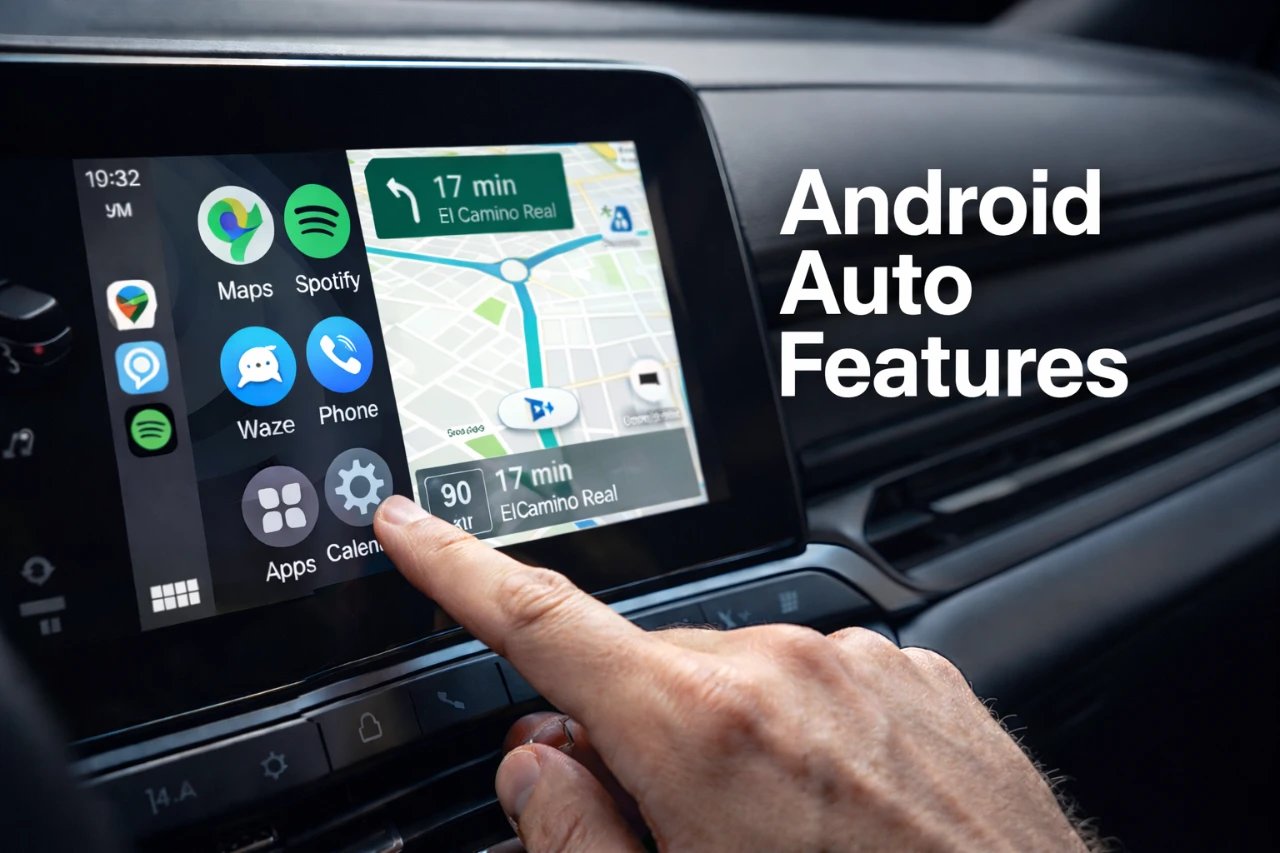
Android Auto has significantly enhanced the driving experience by seamlessly integrating your smartphone with your vehicle’s infotainment system. While its core functionalities like navigation and media playback are widely recognized, many of its most valuable features remain underutilized. The video below from HotshotTek explores Android Auto’s hidden capabilities, offering practical tips and customization options to help you unlock its full potential. Whether your goal is to improve safety, streamline navigation, or personalize your interface, these insights will help you make the most of your time on the road.

Customizing the Interface for a Personalized Experience
Customizing the Android Auto interface allows you to tailor the system to your specific preferences, making sure that the most important information is always accessible. By adjusting the layout and appearance, you can create a dashboard that works best for your driving habits.
- Adjust Display Layout: Rearrange the interface to prioritize essential apps like navigation, media, or communication tools, keeping the most relevant information within easy reach.
- Personalized Wallpapers: Add a personal touch by uploading custom wallpapers directly from your smartphone, giving your dashboard a unique look.
- Reorganize App Shortcuts: Arrange your most frequently used apps, such as music streaming or messaging, for quicker and more convenient access.
These customization options not only enhance usability but also make your driving experience more enjoyable and efficient.
Streamlining Tasks with Shortcuts and Automation
Efficiency is key when you’re behind the wheel, and Android Auto’s shortcuts and automation features are designed to save time and reduce distractions. By using these tools, you can simplify routine tasks and stay focused on the road.
- Custom Navigation Shortcuts: Set up shortcuts for frequently visited destinations, such as your workplace, gym, or favorite coffee shop, to access directions with a single tap.
- Quick Contact Access: Program shortcuts for frequently contacted individuals, allowing you to call or message them effortlessly.
- Voice Commands: Use Google Assistant for hands-free control, allowing you to perform tasks like finding nearby gas stations, sending messages, or playing specific playlists without taking your hands off the wheel.
These features streamline your interactions with Android Auto, making it easier to stay connected while maintaining your focus on driving.
Managing Media and Notifications for a Distraction-Free Drive
Effectively managing media and notifications is crucial for reducing distractions and maintaining privacy while driving. Android Auto offers several tools to help you stay in control of what you see and hear.
- Disable Automatic Media Playback: Prevent music or podcasts from starting automatically when you connect to Android Auto, giving you control over when and what to play.
- Selective Notification Display: Customize which notifications appear on your dashboard, making sure that only important messages are displayed to minimize interruptions.
- Independent Volume Control: Adjust the volume of navigation prompts separately from other audio sources, making sure clear guidance without disrupting your music or calls.
These settings allow you to create a distraction-free environment while still enjoying your favorite media and staying informed.
Troubleshooting and Enhancing Wireless Connectivity
Technical issues can occasionally disrupt your Android Auto experience, but understanding how to troubleshoot common problems can save you time and frustration. Additionally, optimizing wireless connectivity ensures a seamless connection between your smartphone and vehicle.
- Reboot Without Restarting: Resolve temporary glitches by rebooting the infotainment system without turning off your car, a quick fix for minor issues.
- Fix Wireless Connectivity Issues: Ensure both your smartphone and car system are updated to the latest software versions. If problems persist, reset the wireless pairing to resolve dropped connections or pairing failures.
By addressing these issues proactively, you can enjoy a smoother and more reliable Android Auto experience.
Maximizing Voice Assistant Capabilities
Voice recognition is a cornerstone of Android Auto, providing hands-free control for a safer and more convenient driving experience. By optimizing the voice assistant features, you can perform tasks effortlessly while keeping your attention on the road.
- Exclusive Voice Recognition: Configure the system to recognize only your voice, reducing accidental activations and making sure personalized responses.
- Easy Activation: Access the virtual assistant through on-screen controls or dedicated steering wheel buttons for quick and seamless interaction.
- Hands-Free Commands: Use voice commands to send messages, set reminders, adjust navigation settings, or control media playback without taking your hands off the wheel.
These features enhance both safety and convenience, allowing you to stay focused while still managing essential tasks.
Exploring Additional Features for Convenience and Entertainment
Android Auto includes several lesser-known features that can add convenience and entertainment to your driving experience. These tools, while often overlooked, can significantly enhance your time on the road.
- In-Car Games: Access pre-installed games to pass the time while the car is stationary, ideal for long waits or breaks during road trips.
- Driver Seat Adjustments: Customize settings for left- or right-hand drive vehicles to ensure optimal comfort and usability.
- Default Phone Assignment: Assign a default phone for Android Auto in shared vehicles, simplifying the connection process for frequent users.
These features may seem minor, but they contribute to a more enjoyable and personalized driving experience.
Enhancing Your Android Auto Experience
By exploring and using these hidden features, you can unlock the full potential of Android Auto, transforming it into a powerful tool for navigation, communication, and entertainment. From interface customization to troubleshooting and voice assistant capabilities, these tips empower you to create a safer, more efficient, and personalized driving experience. Take the time to tailor Android Auto to your specific needs, making sure that every journey is both enjoyable and stress-free.
Explore further guides and articles from our vast library that you may find relevant to your interests in Android Auto hidden features.
Source: HotshotTek
Filed Under: Android News, Mobile Phone News, Top News
Disclosure: Some of our articles include affiliate links. If you buy something through one of these links, Geeky Gadgets may earn an affiliate commission. Learn about our Disclosure Policy.
Credit: Source link