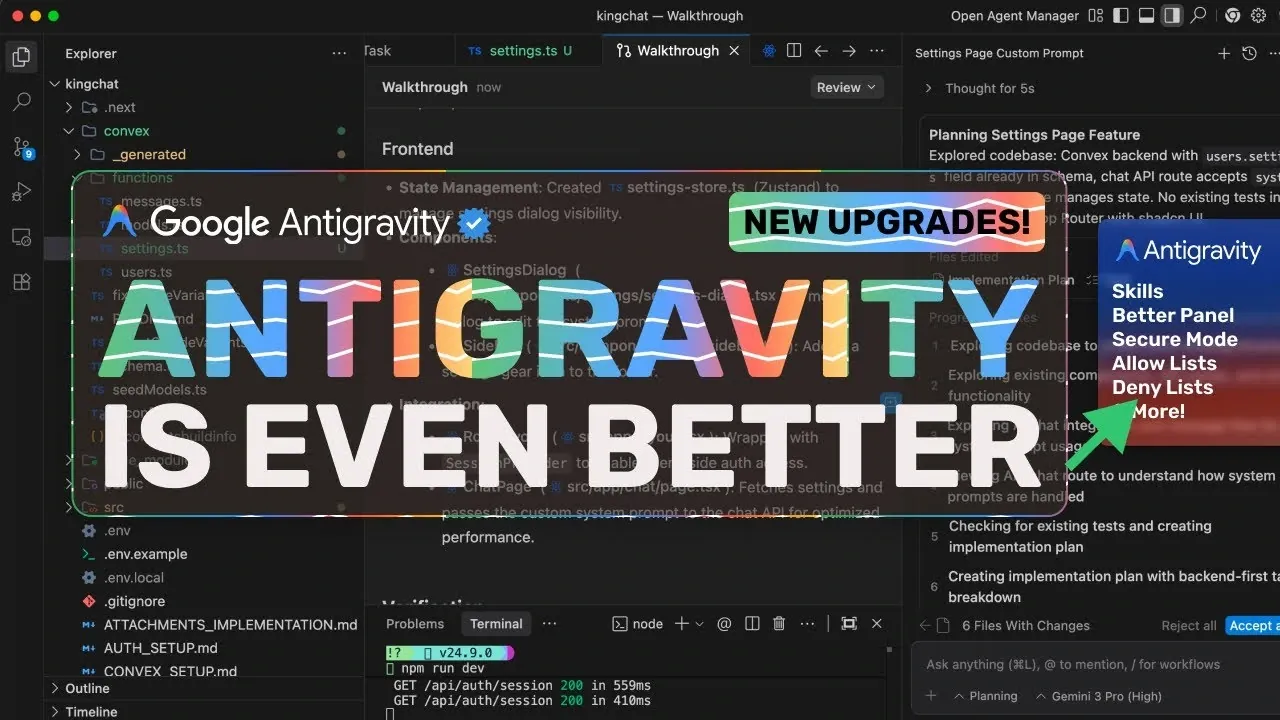
What if your workflow could be customized to fit your exact needs, your security protocols were smarter than ever, and your resource management was effortlessly efficient? AI Code King breaks down how Google Antigravity 3 is redefining the way we interact with technology, offering a suite of upgrades that promise to transform productivity and control. From the introduction of customizable Skills to the innovative “Secure Mode,” this latest iteration is packed with features that cater to both individual users and enterprise teams. But not all changes are without friction, stricter rate limits for Pro-tier users have sparked debate, raising questions about how these updates will impact high-demand workflows.
In this overview, we’ll explore the standout features of Google Antigravity 3, including how on-demand workflows can streamline repetitive tasks, why the new rate limit system demands a more strategic approach, and what makes Secure Mode a must-have for sensitive operations. Whether you’re a casual user or a power player, there’s something here to challenge the way you think about efficiency and innovation. As we unpack these updates, you’ll discover how Google’s latest evolution strikes a balance between empowering flexibility and enforcing structure, leaving you to decide if it’s a revolution worth embracing.
Google Antigravity 3 Updates
TL;DR Key Takeaways :
- Customizable Skills: Google Antigravity 3.0 introduces “Skills,” customizable workflows that streamline repetitive tasks and enhance collaboration, ideal for both individual users and teams.
- Rate Limit Updates: A new weekly quota system replaces the 5-hour refresh model, with task complexity measured by “thinking tokens,” encouraging strategic resource management.
- Secure Mode: Enhanced security with three permission modes (Turbo, Auto, Off) and allow/deny lists, providing greater control over sensitive operations.
- Tiered Plans: Free, Pro ($20/month), and Ultra ($200/month) tiers cater to diverse user needs, with Ultra offering unlimited access and Pro facing stricter rate limits.
- Focus on Usability and Practicality: The update balances innovation with practicality, offering tools for customization, security, and efficiency to meet the needs of casual users, teams, and enterprises.
The platform continues to evolve to meet the demands of individual users, collaborative teams, and enterprise professionals, offering tools that balance innovation with practicality.
Customizable Skills: Enhancing Workflow Efficiency
A standout feature of Google Antigravity 3 is the introduction of customizable “Skills.” These are on-demand workflows or agents that can be tailored to specific tasks, offering a more flexible alternative to the always-active “Rules.” This feature is particularly beneficial for users looking to streamline repetitive processes or automate complex tasks.
You can create Skills globally or within specific workspaces, making them ideal for collaborative environments. For example, teams can design Skills to automate tasks such as code reviews, documentation updates, test writing, or deployments. By sharing these workflows across teams, organizations can ensure consistency and efficiency in their operations.
This feature enables users to adapt workflows to their unique requirements, significantly boosting productivity and collaboration. Whether you’re an individual user or part of a team, customizable Skills provide a practical way to optimize your daily operations.
Rate Limit Changes: Managing Usage with Predictability
The updated rate limit system in Google Antigravity 3.0 introduces a new approach to managing usage quotas. Pro-tier users now operate under a weekly quota system, replacing the previous 5-hour refresh model. This change offers a more predictable structure but may pose challenges for users with high-frequency needs.
Quota consumption is now tied to task complexity, measured using “thinking tokens.” These tokens reflect the computational intensity of tasks, meaning more complex operations consume a larger portion of your quota. For users on the Ultra tier, which costs $200 per month, these limits are removed entirely, providing unrestricted access. In contrast, Pro-tier users, paying $20 per month, will need to carefully plan their usage to maximize efficiency under the new system.
This change encourages users to prioritize tasks and manage resources effectively. While the stricter limits may require adjustments, they also promote a more strategic approach to task execution, making sure that resources are allocated where they are most needed.
Google Antigravity 3 – New Upgrades Explained
Find more information on Google Antigravity by browsing our extensive range of articles, guides and tutorials.
Secure Mode: Strengthening Control Over Sensitive Operations
Security takes center stage in Google Antigravity 3.0 with the introduction of “Secure Mode.” This feature provides enhanced control over sensitive operations through three terminal permission modes:
- Turbo Mode: Focuses on speed with minimal security oversight, suitable for low-risk tasks.
- Auto Mode: Balances efficiency and security, making it a practical choice for most users.
- Off Mode: Offers the highest level of security, requiring manual approval for every action.
In addition to these modes, users can implement allow lists and deny lists to manage specific commands, adding another layer of security. This feature is particularly valuable for team environments and projects that involve sensitive data or operations. By offering greater control over potentially risky actions, Secure Mode ensures that users can work with confidence, knowing their operations are safeguarded.
Additional Enhancements Worth Exploring
Google Antigravity 3.0 also includes several updates aimed at improving the overall user experience and catering to a diverse range of needs:
- Free Tier: Provides access to advanced AI models like Opus 4.5 and Gemini 3 Pro, making sure robust functionality for non-paying users.
- Pro Tier: At $20 per month, includes benefits such as 2 TB of Google Drive storage, though stricter rate limits may impact heavy users.
- Ultra Tier: Offers unlimited access for $200 per month, making it an ideal choice for power users and enterprise teams.
- Agent Manager Stability: While persistent issues remain, the side panel agent is recommended for improved reliability and performance.
These enhancements demonstrate Google’s commitment to providing a platform that meets the needs of both casual users and professionals. By offering a range of tiers and features, Google Antigravity 3.0 ensures that users can find a solution tailored to their specific requirements.
Striking a Balance Between Innovation and Practicality
Google Antigravity 3.0 represents a significant step forward in customization, security, and overall functionality. Features like customizable Skills and Secure Mode empower users to take greater control of their workflows and operations, while the revised rate limit system encourages efficient resource management.
However, the stricter quotas for Pro-tier users highlight the need for careful planning and prioritization. For those requiring unrestricted access, the Ultra tier provides a viable solution, making sure that high-demand users can continue to operate without limitations.
By balancing innovation with practicality, Google Antigravity 3.0 remains a versatile and valuable platform for a wide range of users. Whether you’re an individual seeking to optimize your daily tasks, a team leader aiming to enhance collaboration, or an enterprise professional managing complex operations, this update offers tools designed to help you work smarter and more securely.
Media Credit: AICodeKing
Filed Under: AI, Technology News, Top News
Latest Geeky Gadgets Deals
Disclosure: Some of our articles include affiliate links. If you buy something through one of these links, Geeky Gadgets may earn an affiliate commission. Learn about our Disclosure Policy.
Credit: Source link