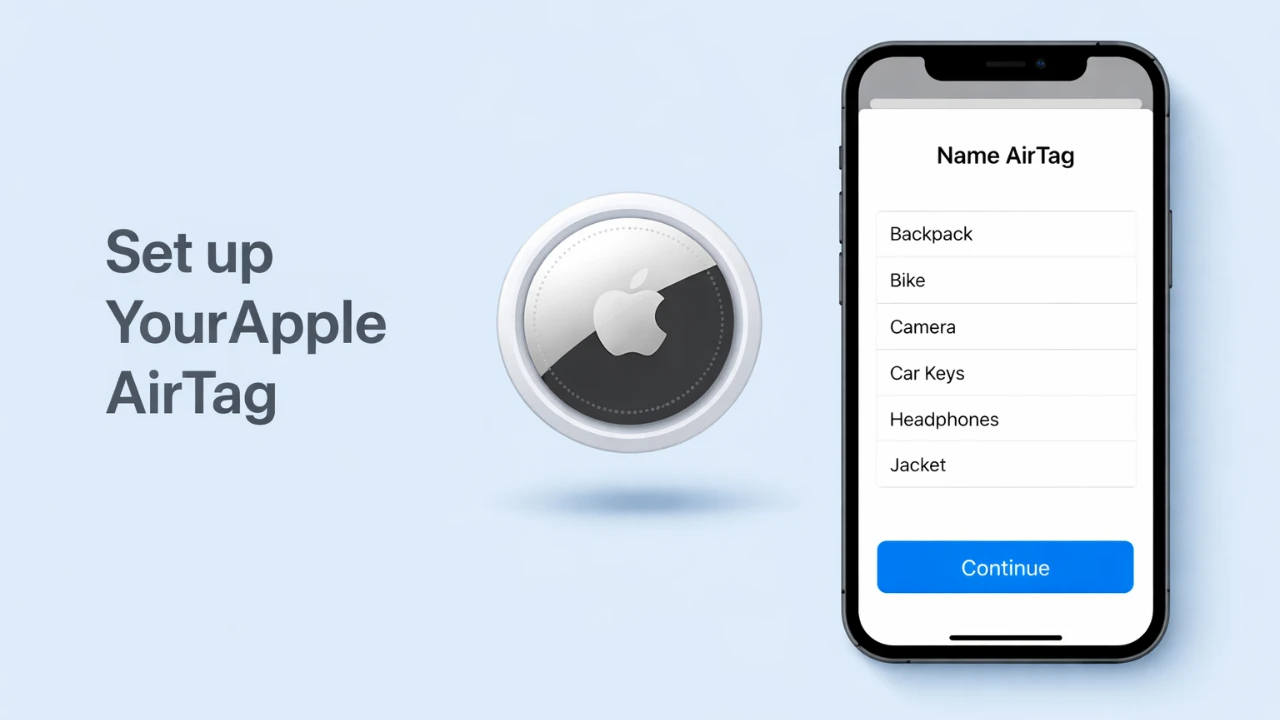
The Apple AirTag is a compact and efficient device designed to help you locate personal items such as keys, wallets, or backpacks. With its precise location tracking and secure connectivity, the AirTag is a reliable tool for keeping your belongings safe. Setting it up correctly ensures you can fully use its features. The video below from Apple provides a comprehensive, step-by-step process to help you set up your AirTag efficiently and integrate it into your daily routine.

What You Need Before You Start
Before starting the setup process, ensure your Apple device and AirTag are ready for pairing. Several essential features and settings must be enabled to guarantee a smooth and successful setup:
- iCloud Keychain: This feature securely stores your credentials and allows seamless integration with your Apple account. Check your device settings to confirm it is activated.
- Two-Factor Authentication: This critical security measure ensures that only you can access your Apple ID. Verify that it is enabled on your account for added protection.
- Location Services: Enable Location Services on your iPhone or iPad to allow the AirTag to communicate its location effectively. This is essential for real-time tracking and accurate location updates.
- Bluetooth and Internet Connectivity: Turn on Bluetooth to establish a connection between your AirTag and your device. Ensure your device is connected to the internet to complete the setup process and register the AirTag to your Apple ID.
Step-by-Step Guide to Setting Up Your AirTag
Once you have confirmed that all prerequisites are met, follow these steps to set up your Apple AirTag:
- Activate the AirTag: Remove the protective film and plastic tab from the AirTag battery. This action powers on the device and prepares it for pairing with your Apple device.
- Start the Pairing Process: Bring the AirTag close to your iPhone or iPad. A setup prompt should automatically appear on your screen, indicating that the AirTag is ready to connect.
- Connect the AirTag: Tap the “Connect” button on the setup prompt. You will be prompted to assign a name to the AirTag, such as “Keys,” “Wallet,” or “Backpack,” to identify the item it will track.
- Register the AirTag: Follow the on-screen instructions to link the AirTag to your Apple ID. Agree to the terms and conditions to finalize the registration process and complete the setup.
Integrating the AirTag with Your Daily Routine
After successfully setting up your AirTag, attach it to the item you want to track. The AirTag is designed to integrate seamlessly with the Find My app on your Apple device, providing a range of features to help you monitor and locate your belongings. Key functionalities include:
- Real-Time Location Tracking: View the AirTag’s location on a map within the Find My app, making it easy to pinpoint its exact position.
- Sound Alerts: Play a sound from the AirTag to help you locate it when it is nearby but out of sight, such as under furniture or in another room.
- Lost Mode: Enable Lost Mode to receive notifications if someone else finds your AirTag. This feature also allows you to display a custom message with your contact information on the finder’s device.
Features That Enhance Your Tracking Experience
The Apple AirTag is equipped with advanced features that ensure reliable and secure tracking, making it a valuable tool for safeguarding your belongings. Some of its standout capabilities include:
- Precision Tracking: The AirTag uses a combination of Bluetooth and Location Services to provide highly accurate location data, even in crowded or complex environments. This ensures you can quickly locate your items, whether they are nearby or far away.
- Replaceable Battery: The AirTag is powered by a CR2032 coin battery, which typically lasts about a year. When the battery is running low, you will receive a notification on your Apple device, allowing you to replace it promptly and maintain uninterrupted tracking.
- Find My Network: If your AirTag is out of Bluetooth range, the Find My network uses the vast network of nearby Apple devices to locate it. This feature ensures that you can track your item almost anywhere, even if it is far from your immediate vicinity.
- Privacy and Security: The AirTag is designed with privacy in mind. Its location data is encrypted, and only you can access it. Additionally, the AirTag includes anti-stalking features, such as notifying users if an unknown AirTag is traveling with them.
By understanding and using these features, you can maximize the benefits of your AirTag and ensure that your personal items are always within reach.
Uncover more insights about the Apple AirTag in the previous articles we have written.
Source & Image Credit: Apple Support
Filed Under: Apple, Apple iPhone, Guides
Disclosure: Some of our articles include affiliate links. If you buy something through one of these links, Geeky Gadgets may earn an affiliate commission. Learn about our Disclosure Policy.
Credit: Source link