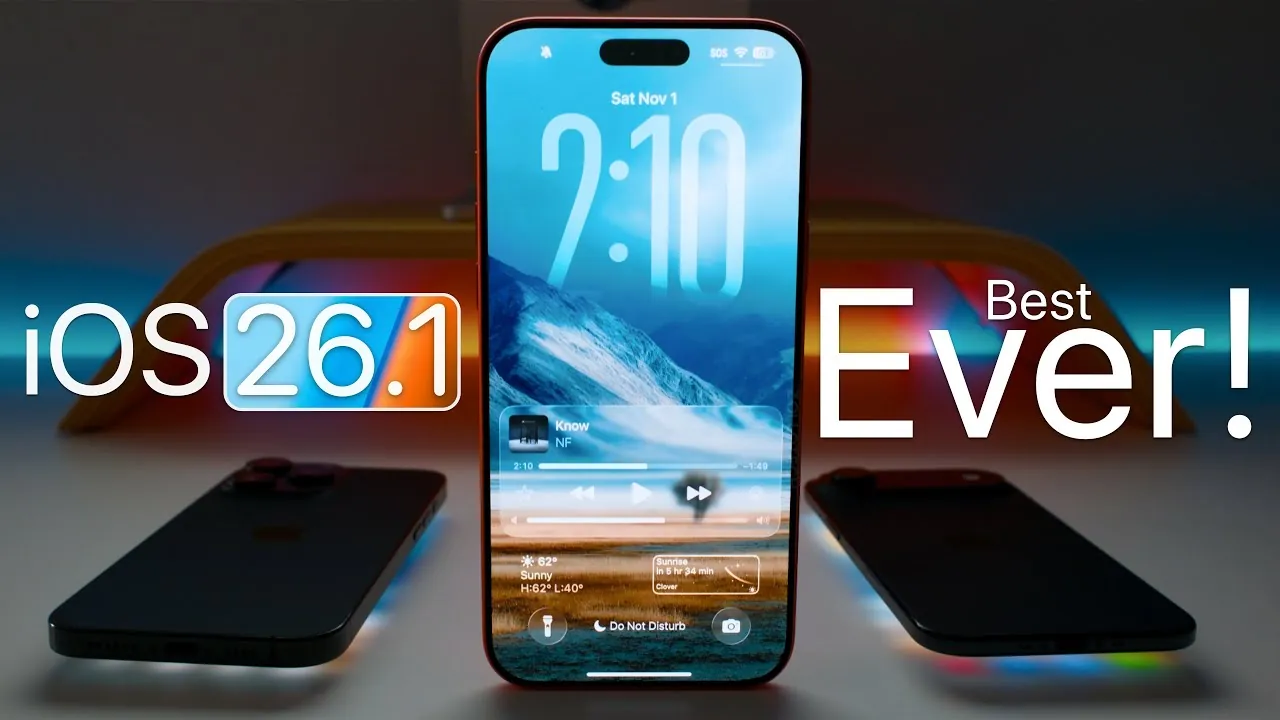
Apple’s iOS 26.1 release candidate (RC) introduces a wide array of improvements designed to address issues from iOS 26.0.1 while incorporating new features to enhance performance, battery life, and overall functionality. This update underscores Apple’s ongoing commitment to refining the user experience, though a few minor glitches persist. Below is an in-depth look at the key updates and what they mean for users. The video below from Zollotech gives us more details about the software. The final version is expected later today.

Performance Optimization and Battery Efficiency
iOS 26.1 brings significant enhancements to system performance. You’ll notice smoother animations, faster app launches, and reduced lag, particularly when using resource-intensive applications. These optimizations make everyday interactions with your device more seamless and enjoyable, making sure a more fluid user experience.
Battery efficiency has also been a major focus of this update. By addressing the overheating issues reported in iOS 26.0.1, Apple has improved battery reliability, allowing devices to last longer under heavy usage. Whether you’re streaming content, gaming, or multitasking, these changes ensure your device performs consistently without compromising battery life. These improvements are particularly beneficial for users who rely on their devices for extended periods throughout the day.
Enhanced Wireless Connectivity
Connectivity improvements are a standout feature of iOS 26.1. Wi-Fi and Bluetooth connections are now faster and more stable, reducing the likelihood of dropped signals during critical moments. This is especially useful for users who depend on uninterrupted connectivity for work or entertainment.
CarPlay users will benefit from enhanced EV routing integration, now compatible with select 2023+ Toyota models. This feature makes navigation more efficient by providing optimized routes for electric vehicles, making sure a smoother driving experience. These connectivity upgrades reflect Apple’s focus on delivering reliable and efficient solutions for users across various environments, whether at home, at work, or on the road.
AI Integration and Expanded Language Support
Apple continues to advance its artificial intelligence capabilities with iOS 26.1. Siri is set to receive notable upgrades, with future updates potentially integrating advanced AI tools such as ChatGPT, Gemini, and Claude. These enhancements aim to make Siri more versatile, allowing it to handle more complex tasks and provide more accurate responses. This evolution positions Siri as a more powerful assistant in Apple’s ecosystem.
The update also expands language support for Apple Intelligence, adding Danish, Dutch, Norwegian, Portuguese (Portugal), Swedish, Turkish, Chinese Traditional, and Vietnamese. This broader language support enhances accessibility for a global audience, making sure that more users can interact with Apple’s ecosystem in their native languages. These changes reflect Apple’s dedication to inclusivity and user-friendly design.
Device Repair and Vision Pro Compatibility
For iPhone 17 users, iOS 26.1 introduces tools that empower you to repair key components such as displays, speakers, cameras, and logic boards. This initiative promotes device longevity and gives users greater control over maintaining their hardware. By allowing self-repair options, Apple is taking a step toward sustainability and user empowerment.
Vision Pro compatibility has also been updated, improving integration with Apple’s broader ecosystem. However, ultra-low latency audio remains unavailable in Japan, highlighting some regional limitations. These updates demonstrate Apple’s focus on creating a cohesive ecosystem while addressing specific challenges in certain markets.
AirPods Pro 3 and App Updates
If you’re using AirPods Pro 3, you may encounter issues with active noise cancellation, including static noise and faster battery drain in the charging case. While these problems persist, Apple is expected to address them in future updates, making sure a better experience for AirPods Pro 3 users.
On the app front, WhatsApp has introduced a native Apple Watch app, allowing users to manage per-chat storage directly from their watch. Safari Technology Preview version 231 brings enhancements for macOS Tahoe and Sequoia, improving browser performance and compatibility. Additionally, Canva’s Affinity Design Suite is now available as a free design app for both Mac and Windows, catering to creative professionals and hobbyists alike. These updates highlight Apple’s commitment to supporting a diverse range of user needs, from communication to creative workflows.
System Storage and User Feedback
iOS 26.1 optimizes system storage, freeing up valuable space compared to iOS 26.0.1. This improvement is particularly beneficial for users with limited storage capacity, allowing them to make the most of their devices. Users have reported noticeable enhancements in battery life, performance, and connectivity, further validating the effectiveness of this update.
However, some minor issues remain. These include occasional animation stutters and wallpaper desaturation, which may affect the visual experience for some users. Despite these drawbacks, the overall reception of iOS 26.1 has been positive, with many praising the update for its meaningful improvements.
Release Timeline and Future Updates
The public release of iOS 26.1 is anticipated soon, with the iOS 26.2 beta expected to arrive in early December. This timeline reflects Apple’s iterative approach to software development, making sure that devices continue to evolve with regular updates. By addressing user feedback and introducing new features, Apple demonstrates its commitment to delivering a consistently improving experience for its users.
Master iOS 26.1 performance improvements with the help of our in-depth articles and helpful guides.
Source & Image Credit: zollotech
Filed Under: Gadgets News
Latest Geeky Gadgets Deals
Disclosure: Some of our articles include affiliate links. If you buy something through one of these links, Geeky Gadgets may earn an affiliate commission. Learn about our Disclosure Policy.
Credit: Source link