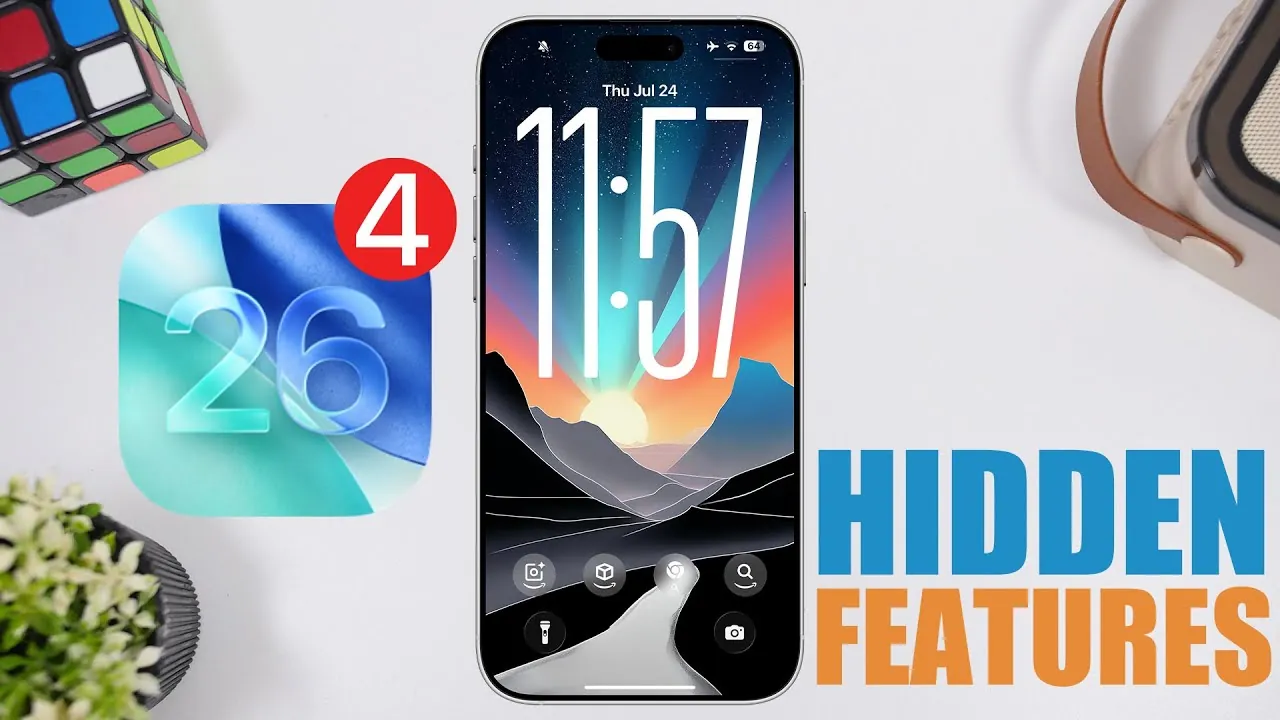
Apple’s iOS 26 Beta 4 introduces a range of updates aimed at improving usability, customization, and overall performance. With features like dynamic wallpapers, redesigned app interfaces, and enhanced system functionality, this beta version refines the operating system while preparing it for its final release. Below is an in-depth look at the standout features and improvements that make iOS 26 Beta 4 a significant update in a new video from iReviews.

Dynamic Wallpapers: A Personalized Visual Upgrade
Dynamic wallpapers in iOS 26 Beta 4 bring a new level of sophistication to device customization. These wallpapers now adapt seamlessly to both light and dark modes, transitioning colors throughout the day to reflect the time and ambiance. This feature not only enhances the aesthetic appeal of your device but also reinforces Apple’s commitment to personalization and user-centric design. By integrating this subtle yet impactful functionality, Apple ensures that your device feels more dynamic and responsive to your environment.
Redesigned App Icons: A Modernized Interface
Several app icons, including Camera, Maps, Mail, and FaceTime, have been refreshed with a sleek, modern design. For example, the Camera app icon now features a larger lens, hinting at its enhanced functionality and improved user experience. These updates, while subtle, contribute to a cohesive and contemporary interface that aligns with Apple’s broader design philosophy. The refreshed icons not only modernize the visual language of iOS but also make navigation more intuitive and visually engaging.
Control Center: Enhanced Depth and Interaction
The Control Center receives a significant visual upgrade with the introduction of a parallax effect on toggles. This enhancement creates a sense of depth and interactivity, making the interface more engaging and intuitive. The improved design ensures that navigating the Control Center feels smoother and more responsive, enhancing the overall user experience. This update underscores Apple’s focus on blending functionality with aesthetics, making sure that even routine interactions feel polished and refined.
Files App: Faster Media Access
The Files app now allows users to open images directly without being redirected to the Preview app. This seemingly small change has a big impact on workflows, particularly for users who frequently manage media files. By streamlining this process, Apple has made the Files app more efficient and user-friendly, catering to both casual users and professionals who rely on quick access to their files.
Camera App: Smoother Transitions and New Features
The Camera app introduces several updates designed to improve usability and performance. Mode transitions are now faster and smoother, aided by a liquid glass effect that enhances the visual experience. Additionally, a new splash screen greets users upon opening the app, signaling its refreshed design and functionality. These updates make capturing moments more seamless and enjoyable, reflecting Apple’s ongoing efforts to refine core applications.
Settings App: Simplified and Intuitive Navigation
The Settings app has been updated to improve navigation and usability. A persistent search bar now makes it easier to locate specific options, while the search functionality itself has been refined for greater accuracy. The passcode entry screen has also been redesigned for better clarity, making sure a smoother user experience. Furthermore, the “Late Night Mode” feature has been renamed “Reduce Loud Sounds” under Sounds & Haptics, making its purpose clearer and more accessible to users.
Weather App: Context-Aware Updates
The Weather app now uses significant locations to provide more relevant and location-specific updates. This enhancement ensures that weather data is tailored to your current context, offering a more personalized and accurate experience. By focusing on context-aware functionality, Apple continues to refine the utility of its native apps, making them more responsive to user needs.
Passwords App: Streamlined Management
A new feature in the Passwords app, “Allow to Contact Websites,” simplifies password management by allowing the retrieval of icons and names for saved passwords. This addition makes it easier to identify and organize your credentials, improving the overall user experience. By streamlining this process, Apple has made managing passwords more intuitive and efficient, catering to the growing need for secure and accessible digital tools.
News App: Summarized Notifications Return
Summarized notifications in the News app make a welcome return, offering concise updates on the latest headlines. This feature is particularly useful for users who want to stay informed without being overwhelmed by detailed notifications. By providing bite-sized updates, the News app ensures that users can quickly catch up on important stories without disrupting their workflow.
CarPlay Wallpapers: Light and Dark Mode Options
CarPlay now supports new light and dark mode wallpapers, aligning with the broader design language of iOS 26. These wallpapers enhance the visual experience for drivers, offering a more cohesive and polished interface. By extending customization options to CarPlay, Apple ensures that its design philosophy is consistent across all devices and platforms.
Performance and Battery: Optimized Efficiency
Early testing of iOS 26 Beta 4 reveals noticeable improvements in both performance and battery life. These optimizations are particularly beneficial for older devices, making sure a smoother and more efficient user experience. By focusing on system-wide enhancements, Apple demonstrates its commitment to maintaining high performance across its entire device ecosystem.
What’s Next? Release Schedule Insights
The next iteration, iOS 26 Beta 5, is expected to arrive in two weeks, continuing the refinement process. Meanwhile, iOS 18.6 is slated for public release soon, catering to devices no longer supported by iOS 26. These updates highlight Apple’s dedication to providing ongoing support and improvements for its diverse user base.
Dive deeper into iOS 26 Beta 4 Features with other articles and guides we have written below.
Source & Image Credit: iReviews
Filed Under: Apple, Apple iPhone, Top News
Latest Geeky Gadgets Deals
Disclosure: Some of our articles include affiliate links. If you buy something through one of these links, Geeky Gadgets may earn an affiliate commission. Learn about our Disclosure Policy.
Credit: Source link