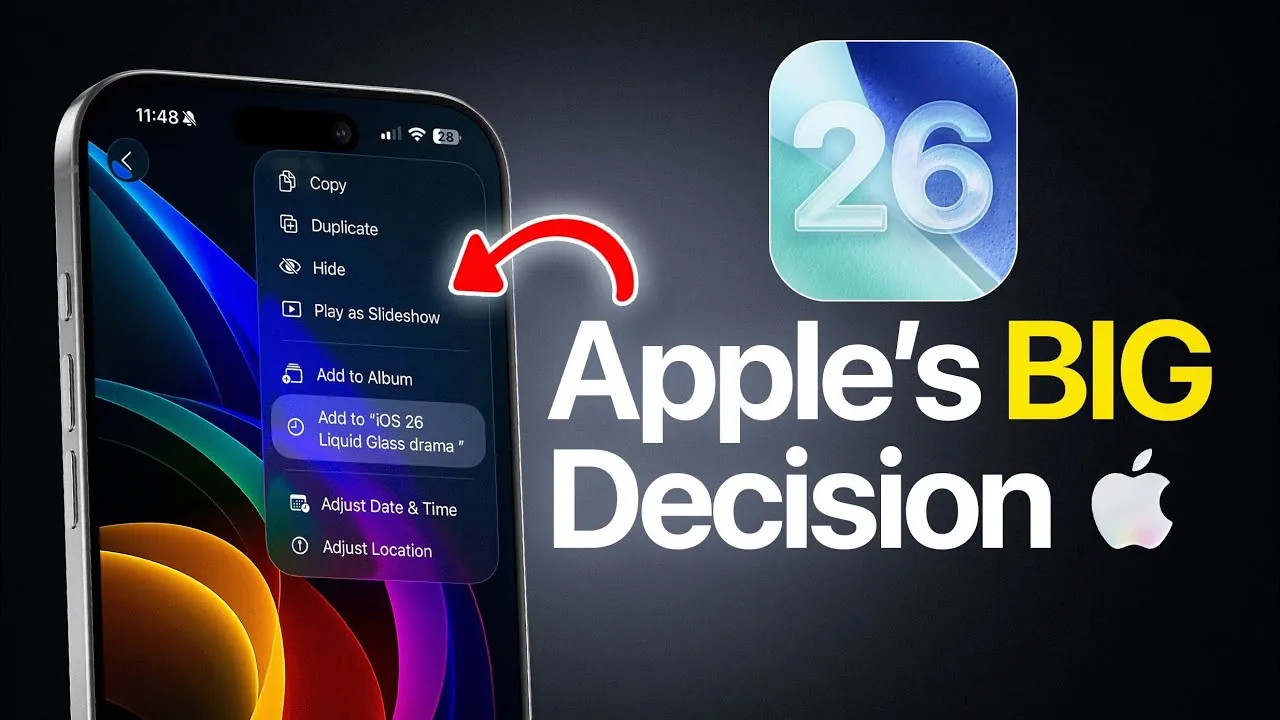
Apple’s iOS 26 stands at a critical juncture, undergoing a significant design transformation with the introduction of the “Liquid Glass” aesthetic. This bold visual overhaul has sparked widespread debate as the operating system progresses through its beta stages. The company now faces a pivotal decision: should it continue with the Liquid Glass design, pivot to a frosted glass alternative, or empower users with greater customization options? These choices will not only shape the overall user experience but also determine the reception of iOS 26 upon its official release. The stakes are high, as the outcome will influence Apple’s design philosophy for years to come. In the video below from iDeviceHelp we get more details on what to expect on your iPhone with this year’s iOS 26 software update.

Control Center: A Transparent Evolution
The Control Center has emerged as a centerpiece of change in iOS 26, reflecting Apple’s ambition to modernize its interface. Early in the beta cycle, the Liquid Glass design was introduced, featuring a sleek, reflective surface that aimed to redefine modern aesthetics. While visually striking, this design quickly revealed a critical flaw: readability. Users reported that icons and labels often blended into the reflective background, making navigation unnecessarily challenging.
By beta 4, Apple responded to this feedback by introducing a frosted glass alternative. This adjustment softened the reflective effect, improving contrast and making the interface more legible. The frosted glass design not only enhanced usability but also struck a balance between modernity and practicality. However, questions remain about whether Apple will refine this design further in future updates or explore additional solutions to address lingering concerns.
Lock Screen: Striking a Balance Between Form and Function
The lock screen has undergone some of the most significant revisions in iOS 26, as Apple seeks to balance aesthetic appeal with functional usability. In beta 1, the Liquid Glass design was applied to key elements such as notifications and the music player. While this created a visually dynamic interface, it also introduced practical challenges. Users reported difficulty distinguishing notifications due to the low contrast between text and the reflective background.
By beta 4, Apple had shifted to a frosted glass design for these elements, prioritizing visibility and ease of use. The animated artwork feature, a standout addition to the lock screen, has been retained but now integrates more seamlessly with the frosted glass aesthetic. These changes suggest that Apple is actively listening to user feedback while striving to maintain a visually compelling design. The lock screen updates highlight the company’s efforts to create an interface that is both beautiful and functional.
Home Screen: Enhancing Everyday Interactions
The home screen has seen more subtle yet impactful updates in iOS 26. Elements such as submenus, the keyboard, the search bar, and folder backgrounds have all been redesigned to align with the evolving aesthetic. Initially, the Liquid Glass design extended across these components, creating a unified but occasionally overwhelming visual experience. The reflective surfaces, while cohesive, sometimes made text and icons harder to discern.
By beta 4, Apple introduced frosted glass to these areas, adding contrast and improving the clarity of key elements. This change aims to make daily interactions smoother and more intuitive while preserving the cohesive design language of iOS 26. These refinements demonstrate Apple’s commitment to enhancing usability without sacrificing the visual identity of the operating system.
Customization Options: Putting Users in Control
One of the most intriguing possibilities for iOS 26 lies in its potential for customization. Apple is reportedly exploring a toggle feature that would allow users to adjust the opacity of the Liquid Glass effect. This would enable users to choose between a bold, reflective aesthetic or a more subdued, frosted appearance, catering to a wide range of preferences.
Such flexibility could significantly enhance user satisfaction and broaden the appeal of iOS 26. By empowering users to tailor their experience, Apple has the opportunity to set a new standard for personalization in operating systems. This approach would not only address the diverse needs of its user base but also position iOS 26 as a forward-thinking platform that prioritizes individual choice.
Future Updates: What’s Next for iOS 26?
As iOS 26 moves closer to its final release, anticipation continues to build for beta 5 and beyond. Each iteration has introduced meaningful changes, and further refinements are expected as Apple fine-tunes the operating system. The central question remains: will Apple fully commit to the frosted glass aesthetic, return to the Liquid Glass design, or adopt a hybrid approach that incorporates elements of both?
Whatever the decision, it will have a lasting impact on the usability and overall appeal of iOS 26. Apple’s ability to balance innovation with practicality will be critical to the success of this operating system. The design choices made now will not only define iOS 26 but also shape the future direction of Apple’s software design philosophy. Whether through bold aesthetics, enhanced usability, or user-driven customization, iOS 26 represents a pivotal moment in the evolution of Apple’s operating systems.
Dive deeper into Liquid Glass with other articles and guides we have written below.
Source & Image Credit: iDeviceHelp
Filed Under: Apple, Apple iPhone, Top News
Latest Geeky Gadgets Deals
Disclosure: Some of our articles include affiliate links. If you buy something through one of these links, Geeky Gadgets may earn an affiliate commission. Learn about our Disclosure Policy.
Credit: Source link