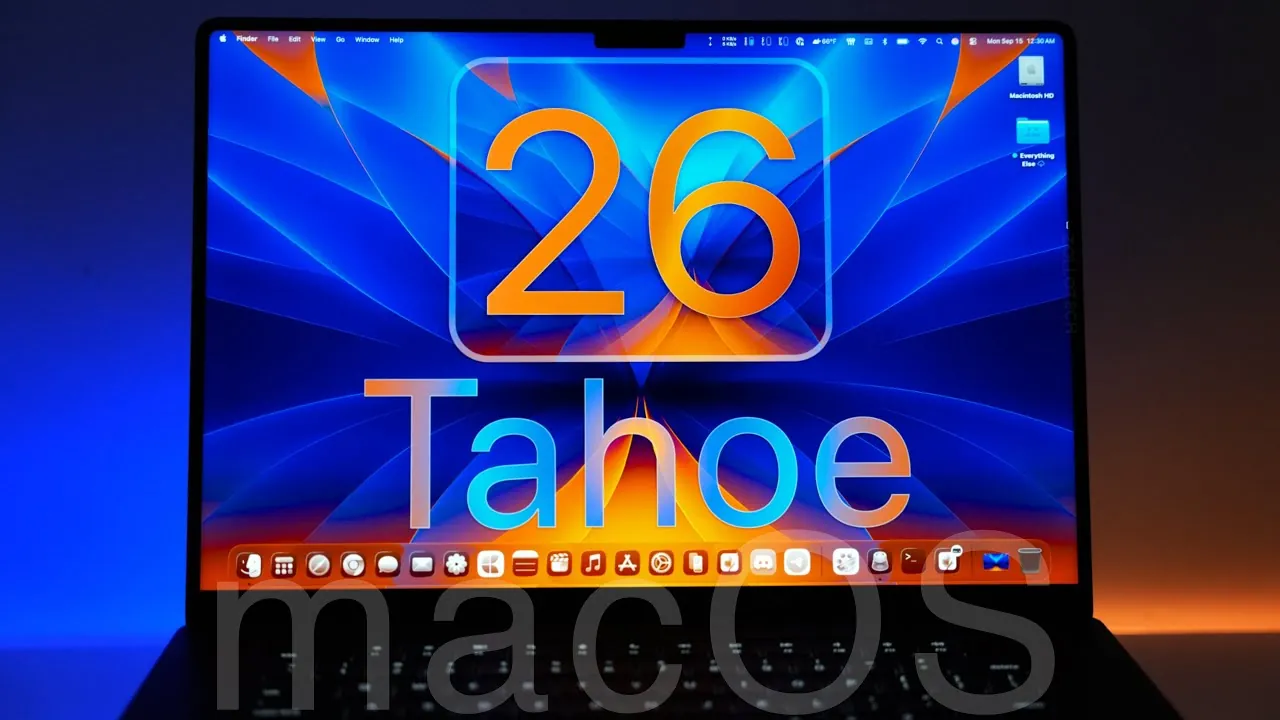
Apple has officially launched macOS 26 Tahoe, a significant update that brings a refined blend of design, functionality, and customization to the macOS ecosystem. Tailored for Apple Silicon Macs starting from the M1 series and select Intel-based Macs, this release introduces a host of new features aimed at enhancing user experience. In the video below, Zollotech delves into the key updates and improvements that define macOS 26 Tahoe.

Compatibility and Upgrade Information
macOS 26 Tahoe is compatible with Apple Silicon Macs, including the M1, M2, and newer series, as well as select Intel-based models such as the 2019 Mac Pro and the 2020 iMac 27-inch. The update size ranges between 10 GB and 15 GB, depending on your device, making sure that the new features are optimized for your hardware. This compatibility ensures a seamless upgrade process, allowing users to experience the latest advancements without compromising performance.
Liquid Glass Design and Enhanced Personalization
One of the standout features of macOS 26 Tahoe is the introduction of the “Liquid Glass” design language, which redefines the visual identity of macOS. This system-wide aesthetic update includes:
- Unified Iconography: A consistent design approach that creates a cohesive visual experience across the system.
- Dynamic Reflections: Subtle refractions and reflections that add depth and modernity to the interface.
The personalization options have also been significantly expanded, allowing users to tailor their macOS experience to their preferences. Key customization features include:
- Dock Themes: Choose from light, dark, tinted, or clear themes to match your style.
- Menu Bar Adjustments: Modify transparency levels or restore a solid background for improved visibility.
- Lock Screen Customization: Add animated wallpapers and select from various clock styles for a personalized touch.
These updates strike a balance between aesthetics and usability, making sure that macOS 26 Tahoe feels both innovative and intuitive.
Streamlined System Features for Improved Productivity
macOS 26 Tahoe introduces several system-level enhancements designed to streamline workflows and improve daily productivity. Notable updates include:
- New “Apps” Icon: A simplified app launcher that replaces the traditional Launchpad, making navigation more intuitive.
- Enhanced Spotlight Search: Features clipboard integration, web search shortcuts, and contextual awareness for faster, more accurate searches.
- Shortcuts App: Expanded with smarter automation capabilities powered by Apple Intelligence, allowing users to create and manage workflows with ease.
- Live Translations: Integrated into apps like Messages, FaceTime, and Phone, this feature supports seamless multilingual communication.
These enhancements are designed to save time and effort, making macOS 26 Tahoe a more efficient platform for both personal and professional use.
New and Updated Applications
macOS 26 Tahoe introduces several new applications and updates to existing ones, catering to a wide range of user needs. Key additions and improvements include:
- Phone App: Manage calls directly from your Mac, complete with integrated two-factor authentication for added security.
- Journal App: A versatile digital journaling tool with customizable folders and entry options, ideal for organizing thoughts and memories.
- Games App: A centralized hub for discovering games, tracking friend activity, and accessing game overlays for an enhanced gaming experience.
- Magnifier App: Uses external cameras to provide advanced zoom and contrast adjustments, supporting users with visual impairments.
These applications reflect Apple’s commitment to creating a versatile and inclusive operating system that meets the diverse needs of its users.
Safari Enhancements and Privacy Improvements
Safari has received a significant upgrade in macOS 26 Tahoe, with improvements that enhance both performance and security. Key updates include:
- Performance Boost: Faster browsing speeds for a smoother and more responsive experience.
- Advanced Fingerprinting Protection: Enhanced privacy measures to safeguard user data during online activities.
- Updated Design: Tabs and sidebars now align with the Liquid Glass aesthetic, creating a visually cohesive browsing experience.
These updates make Safari a more powerful and secure browser, aligning with Apple’s focus on user privacy and performance.
Accessibility and Inclusivity Features
Accessibility remains a cornerstone of macOS 26 Tahoe, with several new features aimed at making the operating system more inclusive. Highlights include:
- Magnifier App: Offers customizable filters and camera integration for enhanced usability.
- Accessibility Reader: Simplifies text readability and playback for users with visual impairments.
- Enhanced Braille Support: Improved compatibility with Braille displays for tactile feedback.
- Vehicle Motion Cues: Provides dynamic environmental awareness for users on the move.
These features ensure that macOS 26 Tahoe is accessible to a broader audience, reinforcing Apple’s commitment to inclusivity.
AI and Creative Tools
macOS 26 Tahoe uses artificial intelligence to enhance creativity and productivity. Key tools include:
- Image Playground App: A creative suite for sketches, animations, and Genmoji creation, empowering users to explore their artistic potential.
- Updated Terminal App: Features 24-bit color, powerline fonts, and Liquid Glass design elements, combining functionality with visual appeal.
These tools provide users with the resources they need to express their creativity while maintaining technical precision.
Gaming and Performance Enhancements
Gaming on macOS 26 Tahoe has been optimized with several new features aimed at improving performance and user experience. Key updates include:
- Metal Effects Interpolation: Delivers smoother graphics for a more immersive gaming experience.
- Low-Power Gaming Mode: Balances energy efficiency with performance, extending battery life during gameplay.
- Simplified Controller Pairing: Makes connecting game controllers quick and hassle-free.
These enhancements position macOS as a more competitive platform for gaming enthusiasts.
Privacy and Security Enhancements
Privacy and security are central to macOS 26 Tahoe, with several new features designed to protect user data. Key updates include:
- Two-Factor Authentication Autofill: Now works seamlessly across third-party apps, enhancing convenience and security.
- Enhanced Safari Privacy Protections: Strengthened measures to safeguard personal information during browsing.
These updates ensure that macOS 26 Tahoe continues to prioritize user privacy and data security, maintaining Apple’s reputation for robust security measures.
Gain further expertise in Apple Silicon Compatibility by checking out these recommendations.
Source & Image Credit: zollotech
Filed Under: Apple, Guides, Laptops
Latest Geeky Gadgets Deals
Disclosure: Some of our articles include affiliate links. If you buy something through one of these links, Geeky Gadgets may earn an affiliate commission. Learn about our Disclosure Policy.
Credit: Source link