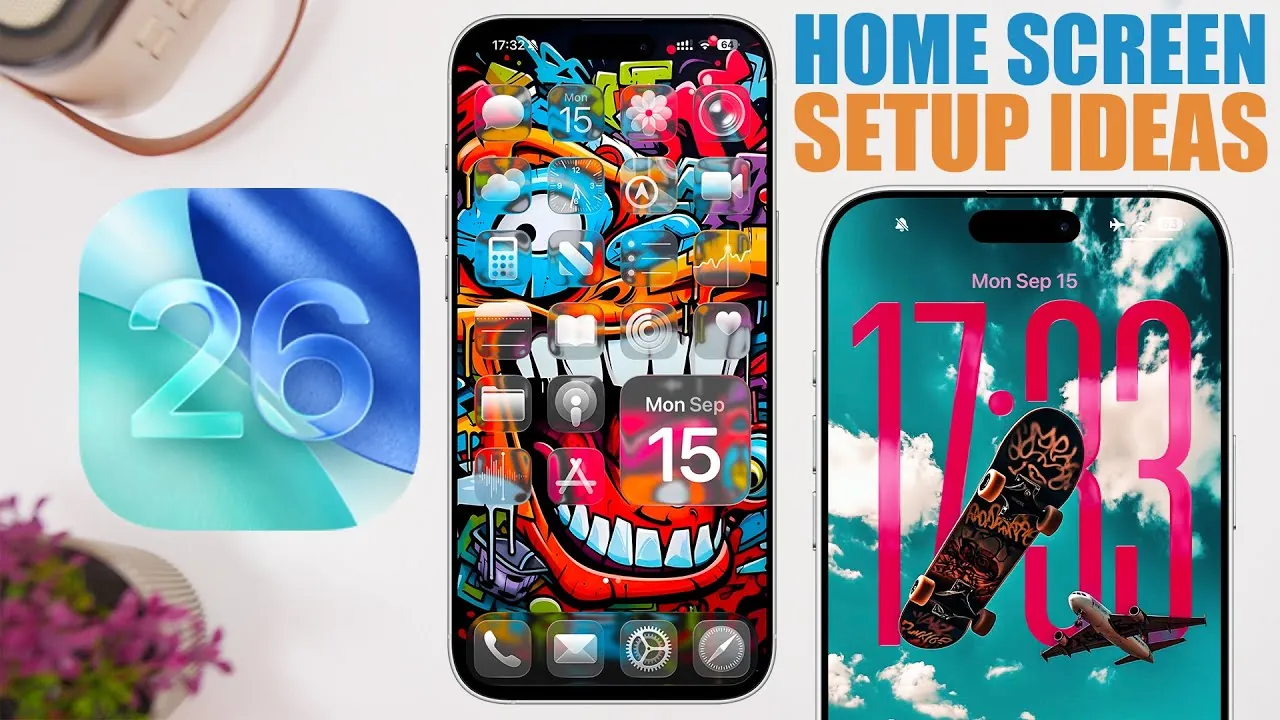
iOS 26 ushers in a new level of customization, allowing you to craft a home screen that seamlessly blends functionality with aesthetics. With features such as liquid glass design, depth effect wallpapers, and advanced icon customization, this update enables you to create a layout that mirrors your personal style while enhancing usability. The video below from iReviews explores the standout features and provides practical setup ideas to help you maximize these enhancements.
Lock Screen Customization
The lock screen serves as the gateway to your device, and iOS 26 introduces innovative ways to make it uniquely yours. Depth effect wallpapers add a dynamic sense of dimension, creating a layered visual effect that interacts harmoniously with the time and notifications displayed. This feature not only improves the visual appeal but also introduces a refined touch of sophistication.
Another standout feature is the adjustable big clock, which allows you to modify the size and style of the clock to complement your chosen wallpaper. Whether you prefer a bold, attention-grabbing display or a subtle, minimalist design, iOS 26 ensures your lock screen aligns with your overall aesthetic. This cohesive approach bridges the design of your lock screen and home screen, delivering a unified and polished user experience.
Home Screen Setup Ideas
The home screen is where creativity meets practicality, and iOS 26 provides the tools to strike the perfect balance. Here are some inspiring ideas to help you design a home screen that reflects your style while maintaining functionality:
- Colorful Wallpaper with Clear Icons:
Choose vibrant wallpapers to infuse energy into your home screen. Pair these with clear, uncluttered icons for a sleek and organized appearance. You can further enhance readability by adjusting icon size and labels to suit your preferences. - Split Wallpapers:
Experiment with split wallpapers featuring two distinct sections of color or design. This dual-tone effect can be enhanced by tinting your icons to complement the dominant colors, creating a cohesive and polished look. - Solid Color Backgrounds:
Opt for a minimalist approach with solid color wallpapers. This clean and simple backdrop allows your icons to stand out. Add a modern touch by allowing icon shine effects or adjusting transparency levels for a sleek, understated design. - Two-Tone Wallpapers:
Wallpapers with two primary colors offer a balanced and visually appealing design. Tint your icons to match the dominant color, making sure a harmonious and professional appearance.
Key Customization Features in iOS 26
iOS 26 introduces a comprehensive suite of tools designed to help you personalize your device with precision. These features make it easier than ever to create a home screen that is uniquely yours:
- Wallpaper Editing:
Edit wallpapers directly from the home screen. This intuitive feature allows you to experiment with different designs and effects without navigating through multiple menus, streamlining the customization process. - Icon Customization:
Adjust the size, labels, and transparency of your icons to suit your preferences. These options ensure you can balance aesthetics with functionality, tailoring the layout to your specific needs. - Color Picker Tool:
Use the color picker tool to match your icons to your wallpaper tones. This feature ensures your home screen maintains a cohesive and polished look, seamlessly tying all design elements together. - Dynamic Widgets:
Incorporate dynamic widgets that adapt to your usage patterns. These widgets provide real-time updates and relevant information, enhancing both the functionality and visual appeal of your home screen. - Interactive Folders:
Organize your apps with interactive folders that allow you to preview and access content without opening the folder fully. This feature streamlines navigation and keeps your home screen tidy.
Elevate Your iOS 26 Experience
iOS 26 redefines home screen customization, offering a versatile array of tools that empower you to design layouts that are both visually stunning and highly functional. Whether you gravitate toward vibrant wallpapers, minimalist designs, or innovative features like split wallpapers and depth effects, this update provides the flexibility to bring your vision to life. By exploring these setup ideas and using the new customization features, you can transform your device into a true reflection of your personal style while optimizing usability.
Here are more guides from our previous articles and guides related to iOS 26 Customization that you may find helpful.
Source & Image Credit: iReviews
Filed Under: Apple, Apple iPhone, Guides, Top News
Latest Geeky Gadgets Deals
Disclosure: Some of our articles include affiliate links. If you buy something through one of these links, Geeky Gadgets may earn an affiliate commission. Learn about our Disclosure Policy.
Credit: Source link