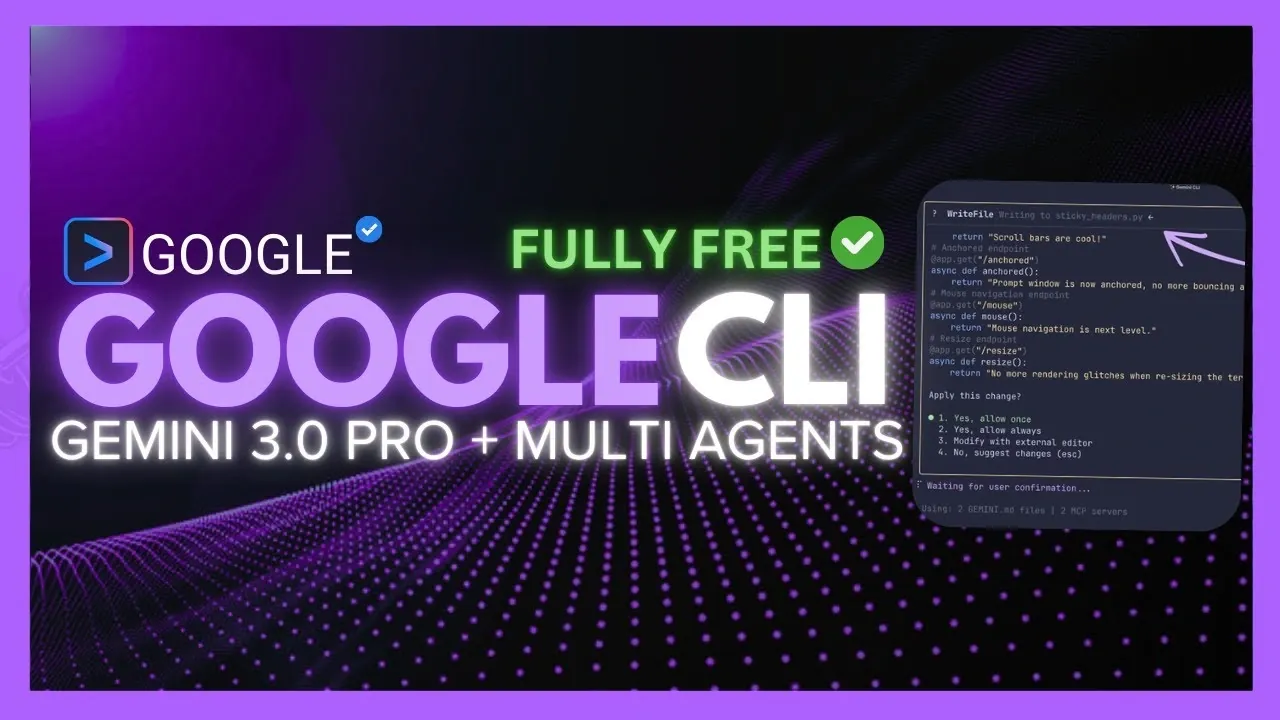
What if your command line could think ahead, anticipate your needs, and transform your coding process into a seamless, almost magical experience? With the latest update to the Gemini CLI, that vision is no longer a distant dream. The integration of the Gemini 3.0 Pro model, coupled with a suite of new features like a Multi-AI Coding Agent, is redefining how developers interact with their tools. Imagine generating entire project architectures with a single prompt, debugging complex workflows in real-time, or even turning visual concepts into fully functional applications, all from your terminal. This isn’t just an update; it’s a leap forward in AI-driven development.
In this report, World of AI explore how the Gemini CLI’s newest features empower developers to work smarter, faster, and with greater precision. From advanced multifile reasoning to intuitive UI enhancements, every aspect of this update has been designed to simplify and supercharge your workflow. You’ll discover how the Multi-AI Coding Agent brings a new level of interactivity to coding, and how the refined debugging tools ensure even the trickiest issues are resolved with ease. Whether you’re managing live cloud services or crafting scalable web applications, this update promises to transform the way you build and innovate. So, what does the future of development look like? Let’s find out.
Gemini CLI Update Overview
TL;DR Key Takeaways :
- The Gemini CLI now integrates the advanced Gemini 3.0 Pro model, allowing developers to generate fully functional projects with optimized workflows and architecture from concise descriptions.
- Enhanced coding tools streamline the transition from concepts to implementation, offering features like visual-to-code transformation, shell command generation, and automatic documentation creation.
- Debugging and workflow management have been improved with tools like asynchronous task handling, efficient issue resolution, and seamless integration with cloud services.
- User interface upgrades include mouse navigation, sticky headers, and improved input handling, creating a more intuitive and stable terminal experience.
- Expanded tool integration and customization options, such as database tools, code review features, and real-time documentation, make the Gemini CLI a versatile and indispensable development tool.
By combining advanced AI capabilities with practical usability improvements, the Gemini CLI enables developers to work smarter and faster, making sure that even the most intricate tasks are handled with precision and ease.
Gemini 3.0 Pro Model: Transforming Project Development
At the heart of this update is the Gemini 3.0 Pro model, a sophisticated AI designed to simplify and accelerate project creation. By providing a concise project description, developers can now generate fully functional projects that include architecture, assets, and optimized workflows. This feature eliminates many of the traditional bottlenecks in project initiation, allowing you to focus on refining your ideas rather than starting from scratch.
Key features of the Gemini 3.0 Pro model include:
- Advanced multifile reasoning for managing interconnected files and dependencies seamlessly.
- Support for diverse project types, ranging from 3D visualizations to scalable web applications.
- Precision in workflow generation, making sure that processes align with your specific requirements.
This model bridges the gap between concept and execution, allowing developers to bring their ideas to life with unprecedented speed and accuracy.
Enhanced Coding Tools: From Concepts to Functional Code
The Gemini CLI’s coding tools have been significantly upgraded to streamline the transition from ideas to implementation. These enhancements are designed to reduce complexity and improve efficiency, allowing developers to focus on innovation rather than repetitive tasks.
With these tools, you can:
- Transform visual concepts into fully functional applications using HTML, CSS, and JavaScript.
- Generate shell commands and interpret terminal outputs in clear, actionable language.
- Create user-facing documentation directly from your code, making sure consistent and clear communication.
These features simplify the development process, making it easier to translate creative ideas into tangible results.
Gemini CLI Update & Gemini 3.0 Integration

Unlock more potential in Gemini 3 Pro Model by reading previous articles we have written.
Smarter Debugging and Workflow Optimization
Debugging and workflow management have been enhanced with tools designed to handle complex, multi-step processes. The Gemini CLI now integrates seamlessly with cloud services like Cloud Run and Sync, allowing smooth coordination across various workflows. These improvements are particularly beneficial for developers managing live cloud services or intricate project dependencies.
Notable debugging and automation features include:
- Asynchronous task management through the Jules extension, streamlining bug fixes and dependency updates.
- Efficient issue identification and resolution processes for faster problem-solving.
- Improved workflow automation to handle complex tasks with minimal manual intervention.
These tools not only save time but also enhance the accuracy and reliability of your development processes.
Refined User Interface: A More Intuitive Experience
The latest update introduces a range of user interface improvements, designed to make the terminal experience more intuitive and visually engaging. These changes ensure that developers can navigate the CLI with ease, reducing distractions and improving overall productivity.
Key interface enhancements include:
- Mouse navigation for smoother interaction with terminal prompts and commands.
- Sticky headers that keep critical context visible during scrolling.
- Improved input handling for multi-line prompts and reduced display flickering.
These updates create a more fluid and stable user experience, allowing you to focus on your work without unnecessary interruptions.
Expanded Tool Integration and Customization
The Gemini CLI now supports a broader range of integrations and extensions, allowing developers to tailor their workflows to specific needs. These additions provide a comprehensive toolkit for managing every aspect of a project directly from the terminal.
New integrations and extensions include:
- Database tools for efficient data management and querying.
- Code review features to streamline collaborative development and ensure quality control.
- The Code Wiki CLI for real-time documentation and insights into your codebase.
These enhancements ensure that the Gemini CLI remains a versatile and indispensable tool for developers working on diverse projects.
Practical Usability Enhancements for Developers
The latest update also focuses on improving the practical usability of the Gemini CLI, making sure that developers can work in a polished and efficient environment. These updates address common pain points, making the development process smoother and more reliable.
Usability improvements include:
- Refined copy-paste functionality for clearer and more reliable operations.
- Resizing options to provide better control over terminal layout and visibility.
- Enhanced display stability to minimize glitches and distractions during use.
These changes contribute to a more seamless development experience, helping you maintain focus and productivity throughout your projects.
Empowering Developers with Advanced Tools
The Gemini CLI’s latest update solidifies its role as a powerful and versatile tool for modern developers. By integrating the advanced Gemini 3.0 Pro model and introducing a host of AI-driven features, the CLI simplifies coding, debugging, and project management. With its intuitive interface, robust toolset, and focus on usability, the Gemini CLI equips developers to tackle complex challenges with confidence and precision. Whether you are an experienced developer or just starting your journey, this update ensures you have the tools needed to thrive in today’s fast-paced development landscape.
Media Credit: WorldofAI
Filed Under: AI, Top News
Latest Geeky Gadgets Deals
Disclosure: Some of our articles include affiliate links. If you buy something through one of these links, Geeky Gadgets may earn an affiliate commission. Learn about our Disclosure Policy.
Credit: Source link