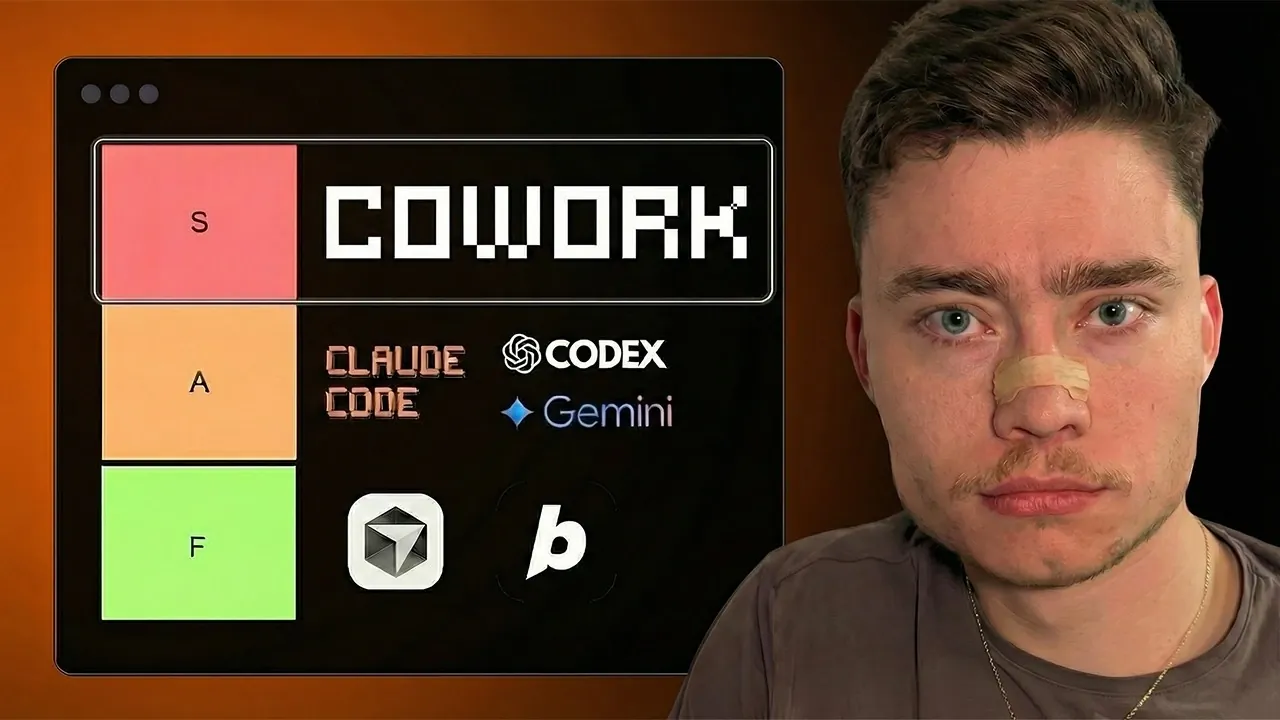
Wouldn’t it be incredible if your office tasks could practically manage themselves? David Ondrej explains how Claude Cowork, an AI-powered application by Anthropic, is designed to make that vision a reality. Imagine effortlessly organizing files, tracking invoices, and streamlining workflows, all without needing any technical expertise. But here’s the catch: while Claude Cowork promises simplicity and efficiency, its hefty price tag and certain limitations have sparked debate about whether it’s truly worth the investment. In his video, Ondrej provide more insights into the features, benefits, and challenges of this innovative software, offering a balanced take on its potential to transform how we approach everyday office tasks.
This guide will walk you through the key insights shared in the video, helping you decide if Claude Cowork aligns with your needs. You’ll discover how its user-friendly interface and pre-built templates aim to simplify repetitive tasks, as well as the trade-offs you’ll need to consider, like cost and performance. Whether you’re a small business owner looking to save time or an AI enthusiast curious about its capabilities, this breakdown will give you the clarity you need to make an informed decision. As you explore the possibilities, you might find yourself questioning not just how you work, but how much of it could be done smarter.
What Does Claude Cowork Do?
TL;DR Key Takeaways :
- Claude Cowork is an AI-powered desktop application designed for non-technical users, offering automation for tasks like file organization, invoice management, and workflow optimization.
- It features a user-friendly interface, seamless integration with platforms like Google Drive and Gmail, and pre-built templates for easy setup and use.
- The tool is tailored for office workers, small business owners, and AI enthusiasts, aiming to simplify repetitive tasks and enable experimentation with AI automation.
- Key limitations include its high cost ($100/month), potential data security concerns, and slower performance compared to alternatives like Agent Zero.
- Best practices for using Claude Cowork include backing up files, providing clear prompts, reviewing AI-generated plans, and avoiding processing sensitive data to mitigate risks.
Claude Cowork is built to help you manage office tasks more efficiently, even if you lack technical expertise. Its primary purpose is to automate time-consuming activities, including:
- Organizing files: It can clean up folders and arrange documents systematically, saving you hours of manual effort.
- Managing invoices: The tool simplifies administrative tasks like invoice tracking and payment reminders.
- Streamlining workflows: AI-generated plans help optimize your processes, making sure tasks are completed more effectively.
The application integrates seamlessly with popular platforms such as Google Drive, Gmail, and GitHub, making it a versatile option for diverse office environments. By automating routine tasks, Claude Cowork allows you to focus on higher-value responsibilities, such as strategic planning or creative problem-solving.
How it Differs from Claude Code
Claude Cowork represents a significant shift from its predecessor, Claude Code. While Claude Code required familiarity with a command-line interface (CLI) and basic programming knowledge, Claude Cowork is designed for non-technical users. Its clean desktop interface eliminates the need for coding expertise, focusing instead on office-related tasks. This makes it an ideal entry point for individuals who want to explore AI-powered automation without a steep learning curve.
By prioritizing simplicity and accessibility, Claude Cowork broadens the appeal of AI tools, allowing users with minimal technical skills to benefit from automation. This distinction makes it particularly valuable for office workers and small business owners who may lack the resources or time to learn complex software.
Claude Cowork Overview Guide 2026

Below are more guides on Claude Cowork from our extensive range of articles.
Who Should Use Claude Cowork?
Claude Cowork is tailored for specific user groups, making it a targeted solution for those who can benefit most from its features:
- Office Workers: If your daily responsibilities involve repetitive tasks like file cleanup, invoice management, or workflow coordination, Claude Cowork can save you significant time and effort.
- Non-Technical Business Owners: Small business owners who need to handle essential administrative tasks without hiring external help or learning complex software will find this tool particularly useful.
- AI Enthusiasts: For individuals interested in exploring the capabilities of AI, Claude Cowork offers a practical way to experiment with automation and stay competitive in a tech-driven landscape.
These user groups highlight the tool’s versatility and its potential to address a wide range of needs, from simplifying routine tasks to allowing experimentation with AI technologies.
Key Strengths
Claude Cowork’s strengths lie in its simplicity, integration capabilities, and accessibility:
- User-Friendly Interface: Its intuitive desktop design requires minimal setup, allowing you to start automating tasks quickly and efficiently.
- Seamless Integration: The tool works well with widely used platforms like Google Drive, Gmail, and GitHub, enhancing its versatility across different workflows.
- Pre-Built Templates: These templates reduce the time and effort needed to configure tasks, making the tool accessible even for first-time users.
These features make Claude Cowork a strong contender for users seeking straightforward automation solutions without the complexity of traditional software.
Notable Limitations
Despite its advantages, Claude Cowork has several limitations that may affect its appeal:
- High Cost: With a subscription starting at $100 per month, it may be too expensive for casual users or small businesses operating on tight budgets.
- Limited Accessibility: The pricing model and potential technical risks, such as prompt injection vulnerabilities, could deter broader adoption.
- Performance Issues: Compared to alternatives like Agent Zero, Claude Cowork can be slower and less efficient for handling complex tasks.
- Data Security Concerns: The reliance on AI raises questions about the safety of sensitive or confidential information, particularly for industries with strict data protection requirements.
These drawbacks emphasize the importance of evaluating whether the tool aligns with your specific requirements, budget, and security needs before committing to its use.
Best Practices for Using Claude Cowork
To maximize the benefits of Claude Cowork while minimizing potential risks, consider the following best practices:
- Back Up Files: Always back up important files before granting the tool access to your folders to avoid accidental data loss.
- Provide Clear Prompts: Ensure that your instructions to the AI are specific and detailed to achieve accurate task execution.
- Review AI-Generated Plans: Carefully examine any plans or workflows generated by the tool before implementing them to avoid errors or inefficiencies.
- Protect Sensitive Data: Avoid processing confidential or sensitive information to mitigate potential security risks associated with AI tools.
By following these guidelines, you can enhance your experience with Claude Cowork while safeguarding your data and workflows.
Criticism and Alternatives
Claude Cowork has faced criticism for its high cost and limited efficiency compared to competitors. For example, tools like Agent Zero, an open source alternative, offer similar capabilities at no cost, making them attractive to budget-conscious users. Additionally, Claude Cowork lacks some advanced features found in other AI-powered office tools, which may limit its appeal to power users seeking more robust functionality.
These criticisms highlight the competitive landscape of AI tools, where users must weigh the trade-offs between cost, features, and performance to find the best solution for their needs.
Looking Ahead: The Future of Claude Cowork
Despite its limitations, Claude Cowork represents a step forward in the development of autonomous AI tools for managing complex workflows. Its creation underscores the growing competition in the AI space, with Anthropic positioning itself as a challenger to established players like OpenAI.
As AI technologies continue to evolve, tools like Claude Cowork could pave the way for more accessible and efficient automation solutions, particularly for non-technical users. Whether Claude Cowork is the right tool for you depends on your specific needs, budget, and willingness to navigate its limitations. However, its development signals a broader trend toward making AI more user-friendly and widely applicable in everyday office environments.
Media Credit: David Ondrej
Filed Under: AI, Guides
Latest Geeky Gadgets Deals
Disclosure: Some of our articles include affiliate links. If you buy something through one of these links, Geeky Gadgets may earn an affiliate commission. Learn about our Disclosure Policy.
Credit: Source link