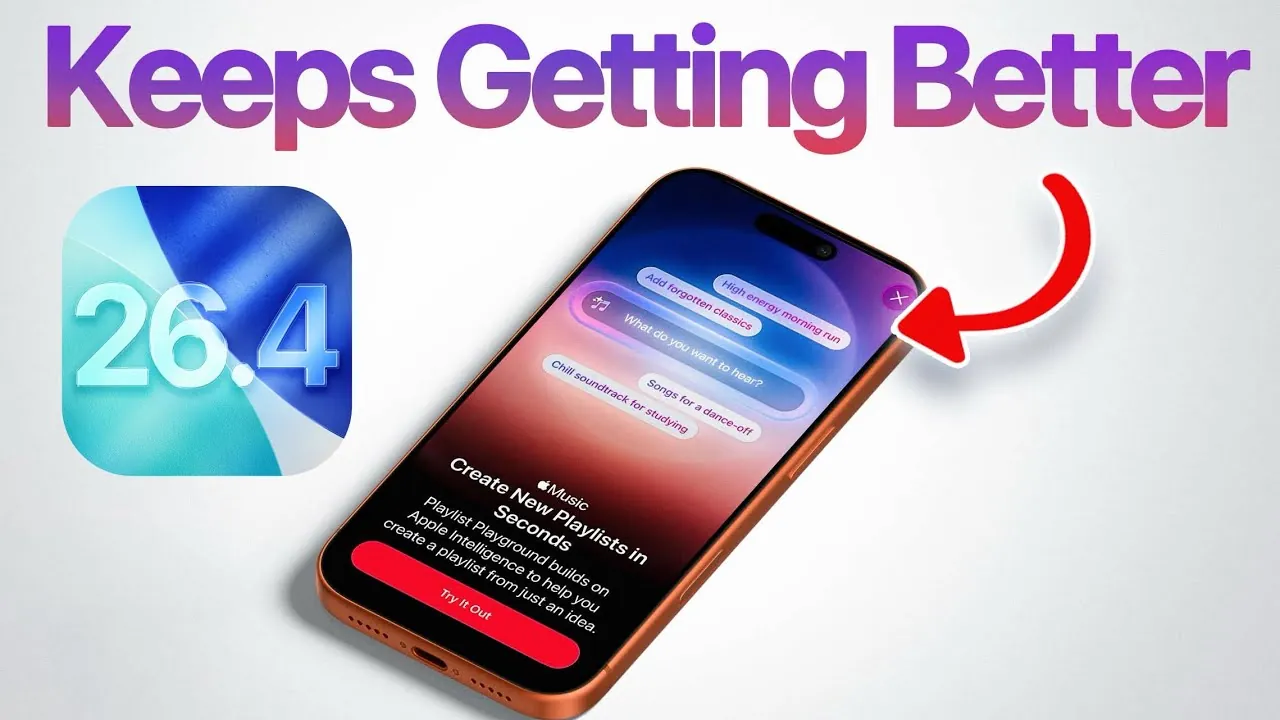
Apple’s iOS 26.4 update introduces a suite of features aimed at enhancing customization, bolstering privacy, and improving usability across its devices. With updates ranging from personalized wallpapers to advanced encryption for messaging, this release reflects Apple’s ongoing commitment to refining the user experience. Below is a detailed look at the most impactful updates and how they can transform your interaction with Apple devices in a new video from iDeviceHelp.

Expanded Customization: Wallpapers and Watch Faces
iOS 26.4 offers users greater control over the appearance of their devices, making personalization more accessible and intuitive. You can now manage wallpaper collections directly on your iPhone or iPad, with the ability to download or remove specific options such as Weather, Astronomy, or Emoji themes. This feature not only allows you to tailor your device to your preferences but also helps optimize storage by eliminating unused wallpapers.
For Apple Watch users, customization extends to watch faces. Through the Apple Watch app, you can seamlessly add, remove, or rearrange watch faces to suit your style or daily needs. This streamlined approach ensures that your devices reflect your personality while maintaining functionality. Whether you prefer a minimalist design or a vibrant display, iOS 26.4 makes it easier than ever to personalize your Apple ecosystem.
RCS Messaging Encryption: Strengthening Privacy
Privacy remains a cornerstone of Apple’s philosophy, and iOS 26.4 reinforces this with the introduction of end-to-end encryption for RCS (Rich Communication Services) messaging. This feature, currently in testing, ensures that your conversations remain secure and inaccessible to unauthorized parties. You can enable RCS encryption via a toggle in the Messages settings, although availability may depend on your carrier.
This enhancement reflects Apple’s broader commitment to protecting user data in an increasingly interconnected world. By securing your messages with robust encryption, iOS 26.4 provides peace of mind, whether you’re communicating with friends, family, or colleagues.
Improved iCloud Features for Seamless Organization
Managing cloud storage becomes more intuitive with iOS 26.4, thanks to updates that enhance iCloud Drive and iCloud Photos functionality. New toggles on iCloud.com allow you to enable search capabilities, making it easier to locate specific files or photos. This improvement saves time and effort, particularly for users with extensive cloud libraries.
Additionally, advanced settings now let you clear recent searches or export search data, giving you greater control over your cloud organization. These features are designed to simplify your workflow, making sure that your digital assets are always accessible and well-organized.
Hotspot Data Usage: Greater Transparency and Control
For users who rely on their device’s hotspot, iOS 26.4 introduces a data usage breakdown feature that provides detailed insights into how much data each connected device is consuming. This transparency allows you to monitor your usage in real time, helping you stay within your data plan’s limits and avoid unexpected charges.
By offering a clear view of your hotspot activity, this update enables you to manage your data more effectively. Whether you’re sharing your connection with a laptop, tablet, or another smartphone, you’ll have the tools to ensure efficient usage.
Freeform App Updates: Enhanced Collaboration and Creativity
The Freeform app, Apple’s versatile tool for brainstorming and collaboration, receives several functional and visual updates in iOS 26.4. A refreshed app icon and splash screens provide a cleaner, more modern aesthetic, while usability improvements make it easier to collaborate with others.
Whether you’re sketching ideas, organizing a project, or sharing concepts with a team, these updates enhance the app’s versatility. Freeform continues to be a valuable resource for creative professionals, students, and anyone seeking a flexible platform for collaboration.
Apple Music: Smarter Playlists and Immersive Visuals
Music enthusiasts will appreciate the enhancements to Apple Music in iOS 26.4. The update introduces full-screen album artwork, creating a more visually engaging listening experience. This feature transforms the way you interact with your music library, adding a layer of immersion to your favorite tracks.
Additionally, playlist management becomes more efficient with the ability to add songs to multiple playlists simultaneously. Apple’s AI-powered playlist creation further simplifies the process, allowing you to generate playlists based on phrases or commands. Whether you’re curating a workout mix or setting the mood for a relaxing evening, these tools make it easier to customize your listening experience.
A Comprehensive Update for All Users
iOS 26.4 exemplifies Apple’s dedication to delivering meaningful improvements that cater to diverse user needs. From expanded customization options and enhanced privacy measures to smarter cloud tools and innovative music features, this update offers something for everyone. Whether you prioritize personalization, data security, or seamless functionality, iOS 26.4 enhances your interaction with Apple devices, making everyday tasks more intuitive and enjoyable.
Below are more guides on iOS 26.4 features from our extensive range of articles.
Source & Image Credit: iDeviceHelp
Filed Under: Apple, Apple iPhone, Top News
Disclosure: Some of our articles include affiliate links. If you buy something through one of these links, Geeky Gadgets may earn an affiliate commission. Learn about our Disclosure Policy.
Credit: Source link