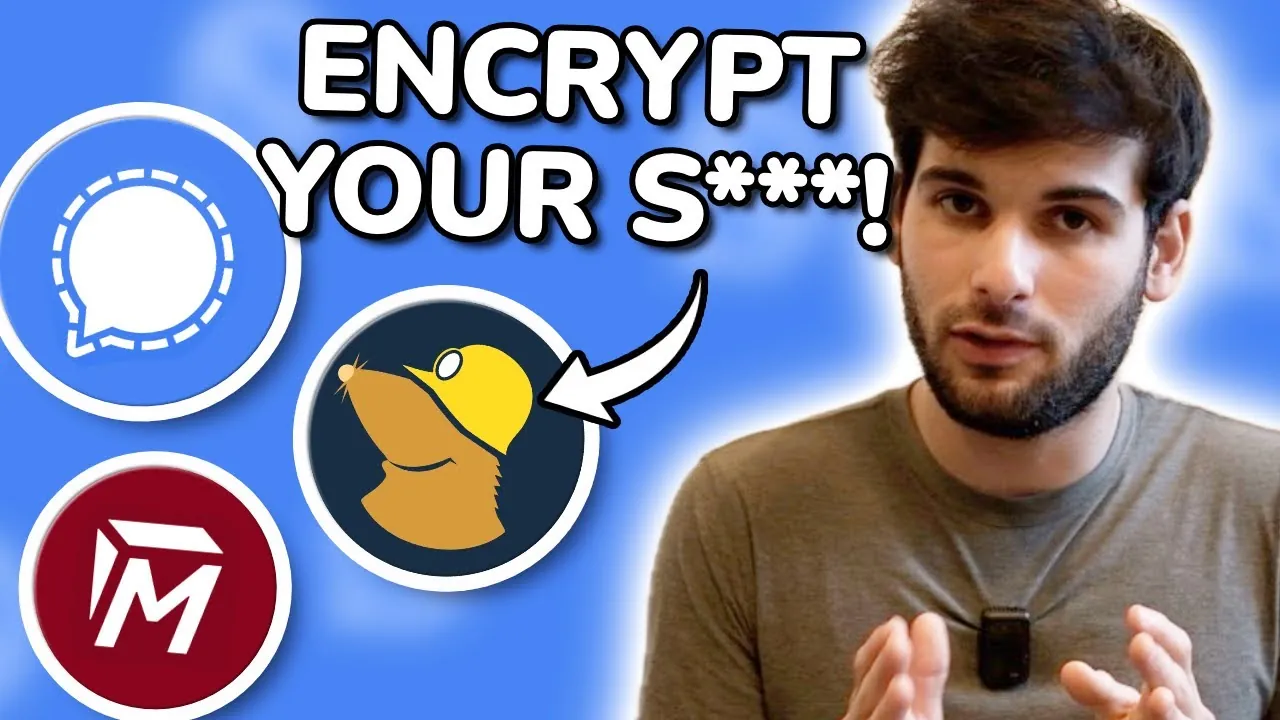
What if every email you sent, every message you typed, and every file you stored online could be intercepted, read, or stolen? It’s not just a hypothetical, it’s a reality for millions of people who rely on unprotected digital services every day. In a world where data breaches and invasive surveillance have become disturbingly common, protecting your privacy isn’t just a luxury; it’s a necessity. Fortunately, encryption offers a powerful solution. By transforming your sensitive information into unreadable code, encrypted services ensure that only you and your intended recipients can access your data. But with so many tools out there, how do you know which ones truly safeguard your privacy?
Techlore cuts through the noise to highlight seven essential encrypted services that can transform the way you protect your digital life. From password managers that secure your accounts to private email providers that shield your inbox, these tools empower you to take control of your personal information. You’ll also discover secure messaging apps, encrypted cloud storage, and even ways to protect your notes and photos, all designed to keep prying eyes out of your business. Whether you’re a privacy novice or a seasoned advocate, these services offer practical, actionable steps to reclaim your digital security. After all, in an age of constant connectivity, isn’t your privacy worth protecting?
Essential Encrypted Privacy Tools
TL;DR Key Takeaways :
- Encryption is essential for protecting personal data and making sure privacy in the digital age, serving as the foundation for secure online interactions.
- Key tools for enhancing digital security include password managers, secure messaging apps, private email providers, VPNs, encrypted cloud storage, and file encryption solutions.
- Popular services for privacy include Proton Mail, Signal, Bitwarden, Proton VPN, and Cryptomator, among others, offering robust encryption and user-friendly features.
- Comprehensive privacy ecosystems like the Proton and Apple ecosystems provide integrated solutions for managing passwords, emails, files, and more securely.
- Adopting encrypted services across various categories enables users to take control of their digital privacy and protect sensitive information from unauthorized access.
Password Managers: Your First Line of Defense
Passwords are the gateway to your online accounts, making their security a top priority. Password managers simplify this process by securely storing and generating strong, unique passwords for every account. By eliminating the risks associated with weak or reused passwords, they serve as an indispensable tool for anyone serious about online security.
- KeePass: A robust, open source, and offline solution offering maximum control over your credentials.
- Proton Pass: A user-friendly, open source manager integrated into the Proton ecosystem for seamless privacy protection.
- Bitwarden: A trusted, open source option suitable for both personal and organizational use.
- 1Password: A reliable choice for families and enterprises, though not open source.
To further enhance security, always enable two-factor authentication (2FA) on your password manager. This additional layer of protection ensures that even if your password is compromised, your accounts remain secure.
Secure Messaging: Keeping Conversations Private
Everyday messaging apps often compromise privacy by collecting metadata or lacking robust encryption. In contrast, secure messaging apps use end-to-end encryption, making sure that only you and your intended recipient can access the content of your conversations.
- Signal: A widely trusted app offering strong encryption and an intuitive user experience.
- Session and SimpleX: Decentralized platforms designed for users with advanced privacy needs.
- Briar: A peer-to-peer messaging app ideal for high-security scenarios, even without internet access.
- Threema: A paid app that prioritizes privacy and does not require phone numbers for registration.
These tools are essential for maintaining the confidentiality of your communications, especially in a world where privacy is increasingly under threat.
7 Encrypted Services : Privacy Crash Course

Here are more guides from our previous articles and guides related to privacy & encryption that you may find helpful.
Private Email Providers: Securing Your Inbox
Email remains a critical communication tool, but traditional platforms often fall short in protecting user privacy. Private email providers enhance security by offering encryption and adhering to strict data protection policies, reducing the risks associated with conventional email services.
- Proton Mail: A popular service offering end-to-end encryption and a user-friendly interface.
- Tutanota: An open source provider with a strong focus on privacy and security.
- StartMail: A privacy-focused option that balances usability with enhanced security features.
Switching to a private email provider is a proactive step toward safeguarding your sensitive communications and reducing exposure to data breaches.
VPNs: Anonymize Your Online Activity
Your online activity can reveal a wealth of personal information, making it a target for surveillance and tracking. Virtual Private Networks (VPNs) encrypt your internet traffic and mask your IP address, making sure your browsing remains private and secure.
- Mullvad VPN and IVPN: Open source options with strict no-logs policies, designed for privacy-conscious users.
- Proton VPN: A seamless addition to the Proton ecosystem, offering strong encryption and privacy features.
- Windscribe: A user-friendly VPN suitable for mainstream users seeking enhanced security.
When selecting a VPN, prioritize providers with transparent policies and a proven commitment to user privacy.
Encrypted Cloud Storage: Protecting Your Files
Mainstream cloud storage services often lack adequate privacy protections, leaving your files vulnerable to unauthorized access. Encrypted cloud storage solutions ensure that your data remains secure and accessible only to you.
- NextCloud: A self-hosted, open source platform that gives you complete control over your data.
- Proton Drive: A secure, end-to-end encrypted storage solution within the Proton ecosystem.
- Filen: A dedicated encrypted cloud storage service designed for privacy-conscious users.
- Mega: A source-available platform offering user-friendly encryption features.
These services provide a secure alternative to popular platforms like Google Drive, making sure your files remain private.
File Encryption: Adding an Extra Layer of Security
Encrypting files before storing them locally or uploading them to the cloud adds an additional layer of security. Even if your data is accessed, encryption ensures it remains unreadable without the decryption key.
- Cryptomator: A tool designed to encrypt files for secure cloud storage.
- Veracrypt: A trusted solution for encrypting local storage, ideal for sensitive data.
- FileVault and BitLocker: Built-in encryption tools for macOS and Windows, respectively.
These tools are essential for protecting your most sensitive files from unauthorized access.
Encrypted Notes, Documents, and Photos
Managing personal data securely requires tools that encrypt notes, documents, and photos. These solutions ensure that your private information remains protected from unauthorized access.
- Cryptee: A minimalist, open source platform for encrypted notes and photos.
- Ente: A secure alternative for managing your photo library with privacy in mind.
- Notesnook: A dedicated app for encrypted note-taking, ideal for personal and professional use.
- Proton Docs: A basic document editing tool within the Proton ecosystem.
- CryptPad: A collaborative platform offering strong encryption for shared documents.
These tools cater to a variety of needs, making sure your personal and professional data remains private.
Honorable Mentions: Comprehensive Privacy Ecosystems
For users seeking an integrated approach to privacy, two ecosystems stand out for their comprehensive offerings:
- Proton Ecosystem: A versatile suite covering passwords, email, VPN, cloud storage, and basic document/photo management, designed for seamless privacy protection.
- Apple Ecosystem: Advanced data protection for iCloud users, though limited to Apple hardware and software.
These ecosystems provide holistic solutions for users looking to enhance their privacy across multiple services.
Take Control of Your Digital Privacy
Encryption is a powerful tool that enables you to protect your personal data and assert control over your digital life. By adopting these seven categories of encrypted services, you can significantly enhance your security and privacy in an increasingly connected world. Start implementing these tools today to safeguard your online presence and ensure your information remains yours alone.
Media Credit: Techlore
Filed Under: Guides
Latest Geeky Gadgets Deals
Disclosure: Some of our articles include affiliate links. If you buy something through one of these links, Geeky Gadgets may earn an affiliate commission. Learn about our Disclosure Policy.
Credit: Source link