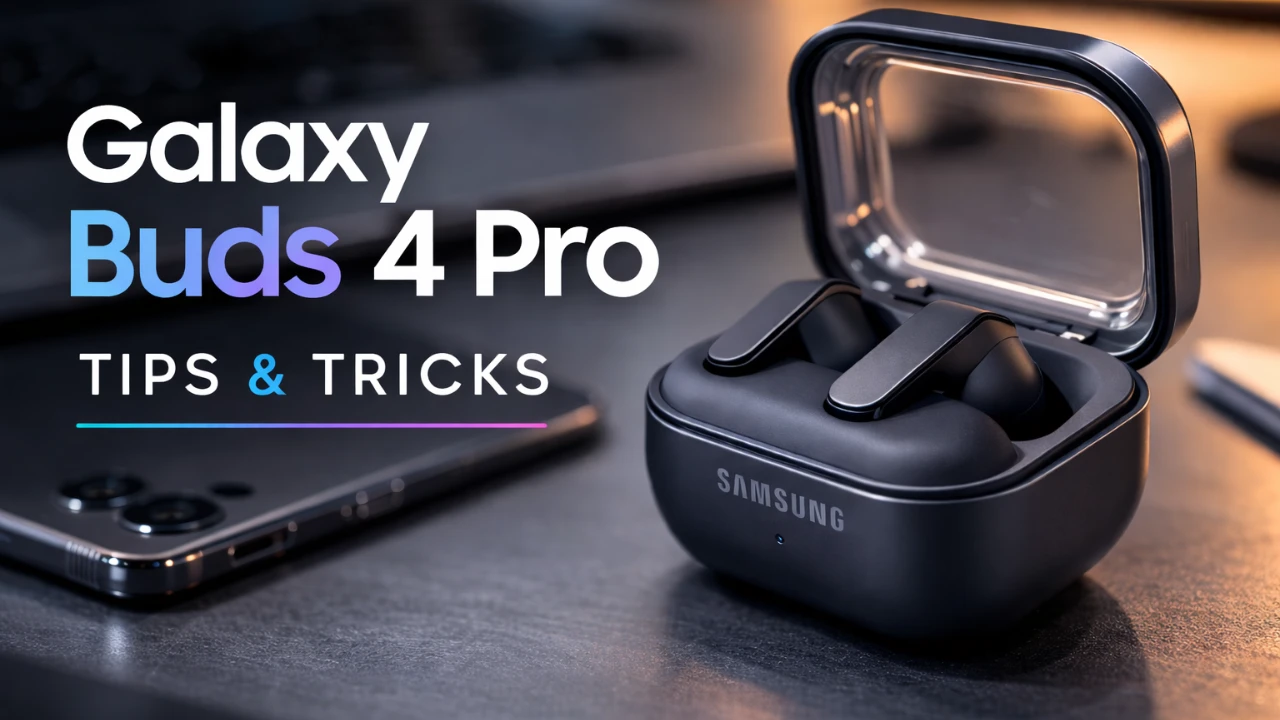
The Samsung Galaxy Buds 4 Pro are more than just earbuds; they are a gateway to a premium audio experience. Whether you are an audiophile or someone who simply enjoys high-quality sound, these earbuds offer a wide range of features designed to customize, optimize, and enhance your listening. By understanding and using these features, you can unlock their full potential and elevate your audio experience to new heights. The video below from GregglesTV shows us a range of tips and tricks for the new Galaxy Buds 4 Pro.

Quick Controls and Customizable Settings
The Galaxy Buds 4 Pro are equipped with intuitive controls that make managing your audio experience seamless. Through the Galaxy Buds app, you can access a variety of settings to tailor your earbuds to your preferences. Key features include:
- Sound Modes: Effortlessly switch between Active Noise Cancellation (ANC), ambient sound and adaptive sound modes to suit your environment.
- Equalizer Customization: Adjust equalizer settings for specific media apps to achieve the perfect sound balance.
- 360° Audio: Enable this feature for a more immersive and spatial listening experience.
These customizable settings ensure that your earbuds adapt to your lifestyle, whether you are commuting, working, or relaxing at home.
Enhancing Sound Quality
The Galaxy Buds 4 Pro are engineered to deliver exceptional sound clarity and depth. Their advanced audio features include:
- Ultra-High-Quality Audio: Experience rich, detailed sound that enhances both music and calls.
- Super Wideband Speech: Enjoy crystal-clear call quality, making sure your voice is heard with precision.
- Adapt Sound: Personalize the audio output based on your unique hearing profile, tailored to your age and preferences.
These features work together to ensure that every note, beat and word is delivered with remarkable precision, providing a listening experience that feels both natural and immersive.
360° Audio Recording for Immersive Soundscapes
One of the standout features of the Galaxy Buds 4 Pro is their ability to record 360° audio. This feature integrates seamlessly with the camera app on Samsung devices, allowing you to capture immersive, spatial audio that mirrors your surroundings. Whether you are a content creator looking to add depth to your videos or someone who wants to preserve the ambiance of a special moment, this feature provides a unique way to enhance your recordings.
Effortless Device Management
Managing your Galaxy Buds 4 Pro is simple and efficient, thanks to the Galaxy Buds app and SmartThings app. These tools provide a range of functionalities to keep you connected and in control:
- Battery Monitoring: Check the battery life of your earbuds and charging case at a glance.
- Find My Earbuds: Locate misplaced earbuds by emitting a sound through the SmartThings app.
- Auto-Switching: Seamlessly transition between Samsung devices logged into the same account, making sure uninterrupted connectivity.
These management tools make it easy to optimize your earbuds for daily use, making sure they are always ready when you need them.
Advanced Features for Smarter Listening
The Galaxy Buds 4 Pro are designed to adapt intelligently to your environment, offering a range of advanced features that enhance convenience and situational awareness. These include:
- Adaptive Sound Modes: Automatically switch between ANC and ambient sound based on environmental noise. For instance, the earbuds can detect voices or sirens and temporarily enable ambient sound for safety.
- Notification Reading: Have alerts read aloud, with the ability to customize which apps send notifications to your earbuds.
- In-Ear Detection: Pause media playback or transfer calls to your phone when you remove the earbuds.
These intelligent features ensure that your listening experience is both convenient and responsive to your surroundings.
Personalization and Gesture Controls
The Galaxy Buds 4 Pro offer extensive customization options to suit your individual preferences. You can personalize your earbuds in the following ways:
- Rename Your Earbuds: Assign a unique name for easy identification, especially when connecting to multiple devices.
- Gesture Controls: Configure pinch gestures to toggle noise control modes, activate your digital assistant, or perform other functions.
- Media and Call Controls: Adjust controls to match your specific needs, making sure a seamless user experience.
This level of personalization allows you to tailor the earbuds to your exact requirements, making them an extension of your personal style and preferences.
Additional Tools for Convenience
The Galaxy Buds 4 Pro include several tools designed to enhance usability and ensure a hassle-free experience. These tools include:
- Find My Earbuds: Quickly locate misplaced earbuds using the SmartThings app, which emits a sound to help you find them.
- Auto-Updates: Keep your earbuds updated with the latest software improvements and features for optimal performance.
- Gaming Mode: Activate this feature in the Labs section to improve audio-video sync during gameplay, especially when ultra-high-quality audio is disabled.
These tools ensure that your earbuds remain functional, up-to-date and ready to meet your needs.
Charging Made Simple
Charging your Galaxy Buds 4 Pro is straightforward and convenient. While the earbuds do not magnetically attach to chargers, they are compatible with magnetic charging pads. This ensures a hassle-free charging experience, allowing you to keep your earbuds powered and ready for use at all times.
Maximizing Your Galaxy Buds 4 Pro Experience
The Samsung Galaxy Buds 4 Pro are packed with features that elevate them beyond standard earbuds. By exploring and customizing their capabilities, you can tailor your listening experience to your preferences. From sound quality enhancements to advanced connectivity options, these tips and tricks will help you make the most of your Galaxy Buds 4 Pro, making sure they become an indispensable part of your daily routine.
Enhance your knowledge on Samsung Galaxy Buds 4 Pro by exploring a selection of articles and guides on the subject.
Source: GregglesTV
Filed Under: Android News, Guides, Top News
Disclosure: Some of our articles include affiliate links. If you buy something through one of these links, Geeky Gadgets may earn an affiliate commission. Learn about our Disclosure Policy.
Credit: Source link