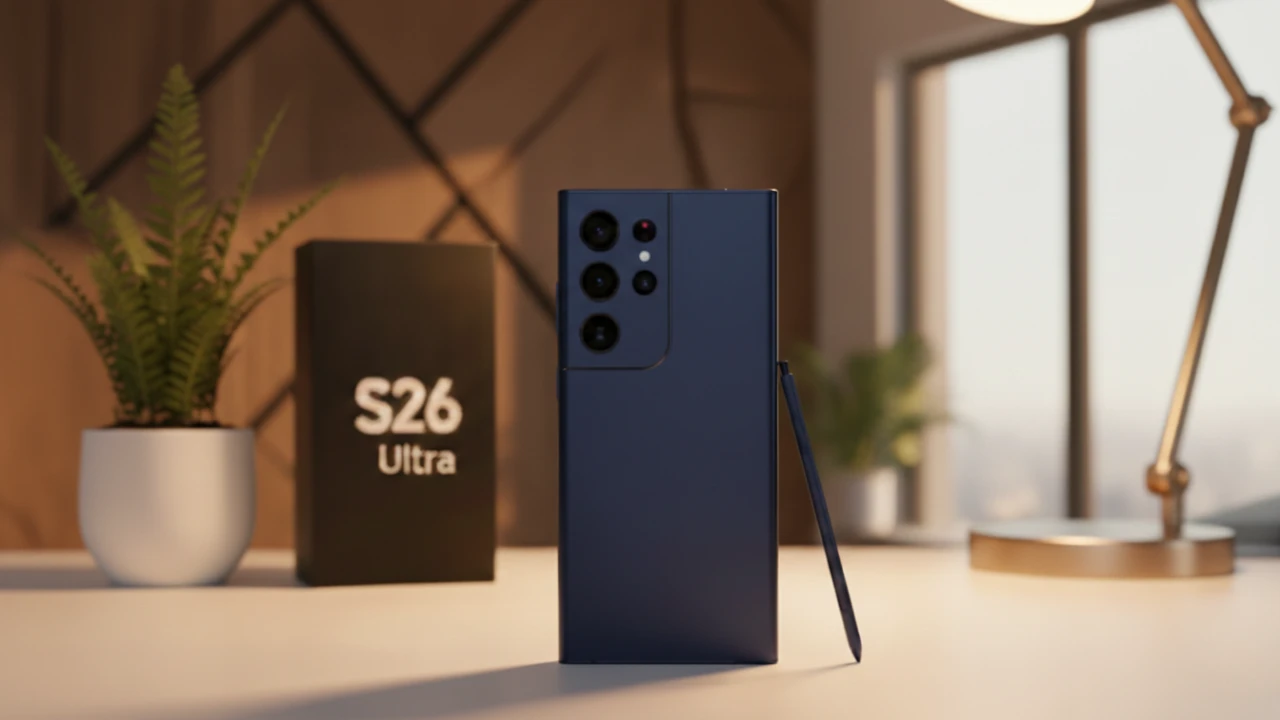
The Samsung Galaxy S26 Ultra introduces a suite of innovations that elevate privacy and design in mobile technology. At the heart of this device is its innovative privacy display, powered by Flex Magic Pixel technology, which ensures that sensitive information remains visible only to you, even in crowded environments. Complementing this is the integration of Android 17’s enhanced security features and a refreshed visual identity, creating a seamless blend of functionality and aesthetics. These advancements reflect a growing emphasis on user-centric design and robust data protection in an increasingly connected world. The video below from AppX gives us more details on what to expect from the new

Flex Magic Pixel: A Hardware-Driven Privacy Solution
Flex Magic Pixel technology sets a new standard for privacy by addressing real-world concerns in public spaces. Unlike traditional software-based solutions, this hardware innovation ensures that specific areas of your screen—such as notifications, passwords, or sensitive app content—are masked from side views while remaining clear to the user directly in front of the device.
Key features of Flex Magic Pixel include:
- Automatic activation for sensitive applications like banking, messaging, and email.
- Seamless integration into the display for an intuitive and distraction-free experience.
- Enhanced security without compromising usability or screen clarity.
This approach not only protects your personal data but also highlights Samsung’s commitment to delivering practical, user-friendly solutions to modern privacy challenges. By embedding privacy at the hardware level, the Galaxy S26 Ultra ensures that your information remains secure, even in the busiest environments.
Android 17: Empowering Users with Enhanced Security
The Galaxy S26 Ultra uses the capabilities of Android 17 to further enhance security. One of the standout features is the native app lock, which allows you to secure individual apps directly from the home screen using biometric authentication or a PIN. This feature offers a faster and more accessible alternative to Samsung’s Secure Folder, making it easier to protect sensitive apps such as email, social media, or financial tools.
By integrating this functionality into One UI 9.0, Samsung ensures that security enhancements are seamlessly woven into the user experience. The native app lock reflects a broader trend in Android’s evolution, focusing on empowering users with greater control over their personal data. This feature not only simplifies app security but also underscores the importance of safeguarding sensitive information in today’s digital landscape.
Visual Enhancements: Liquid Glass Effects and Modern Aesthetics
Android 17 introduces a refreshed visual identity that emphasizes fluidity and modernity. The inclusion of liquid glass effects and blurred UI elements aligns with the Material 3 design language, creating a polished and cohesive aesthetic. These updates enhance the overall user experience by making interactions feel smoother and more intuitive.
However, the visual changes have sparked debate among Android enthusiasts. While many users appreciate the sleek and modern look, others express concerns about a perceived shift toward an iOS-like appearance. This tension underscores the challenge of modernizing design while preserving Android’s unique character. Samsung’s implementation of these visual updates in One UI 9.0 strikes a balance by blending advanced functionality with a distinct design identity.
One UI 9.0: Integrating Security and Design
Samsung’s One UI 9.0 builds on the foundation of Android 17, offering a cohesive and user-friendly interface that integrates both security and design enhancements. The inclusion of the privacy display and native app lock ensures that security features are seamlessly incorporated into the user experience, making them accessible and intuitive.
Additionally, the adoption of liquid glass effects and blurred UI elements aligns Samsung’s design language with Android’s broader visual updates. This creates a unified experience across the platform, blending innovative functionality with modern aesthetics. By prioritizing both security and design, One UI 9.0 demonstrates Samsung’s commitment to delivering a device that meets the needs of today’s users while anticipating future challenges.
Privacy and Security: Meeting the Demands of the Digital Age
The innovations introduced with the Galaxy S26 Ultra reflect a broader shift toward prioritizing privacy and security in mobile technology. Features like the privacy display and native app lock address growing concerns about data protection, particularly in public spaces where sensitive information is often at risk. These advancements demonstrate Samsung’s dedication to staying ahead of emerging threats while delivering a device that is both secure and user-friendly.
As privacy and security become increasingly important in the digital age, the Galaxy S26 Ultra sets a new benchmark for what users can expect from their devices. By combining hardware-driven privacy solutions with intuitive software features, Samsung ensures that your data remains protected without sacrificing usability or convenience.
Balancing Innovation with Identity
As Android continues to evolve, maintaining a balance between innovation and individuality remains a critical challenge. The Material 3 design philosophy, with its emphasis on simplicity and elegance, represents a step forward in modernizing the platform. However, some users worry that these changes risk diluting Android’s playful and customizable essence.
Samsung’s approach with the Galaxy S26 Ultra and One UI 9.0 demonstrates how innovation can coexist with individuality. By integrating advanced features like Flex Magic Pixel technology and native app lock into a cohesive design framework, Samsung ensures that the Galaxy S26 Ultra stands out as a device that prioritizes both functionality and user experience. This balance is essential to preserving Android’s identity while embracing new technologies and design trends.
Shaping the Future of Mobile Technology
The Samsung Galaxy S26 Ultra represents a significant step forward in mobile innovation, combining advanced privacy features with a modernized design language. By addressing real-world concerns such as data protection in public spaces and integrating these solutions into a seamless user experience, Samsung reaffirms its commitment to meeting the evolving needs of its users.
As Android’s visual identity continues to evolve, the challenge of balancing modernization with individuality will remain a key focus. The Galaxy S26 Ultra exemplifies how thoughtful design and innovative technology can work together to create a device that is both secure and intuitive. In doing so, it sets a new standard for what users can expect from their smartphones, paving the way for a future where privacy, security, and design are seamlessly intertwined.
Here are more guides from our previous articles and guides related to the Samsung Galaxy S26 Ultra that you may find helpful.
Source & Image Credit: AppX
Filed Under: Android News, Mobile Phone News, Top News
Latest Geeky Gadgets Deals
Disclosure: Some of our articles include affiliate links. If you buy something through one of these links, Geeky Gadgets may earn an affiliate commission. Learn about our Disclosure Policy.
Credit: Source link