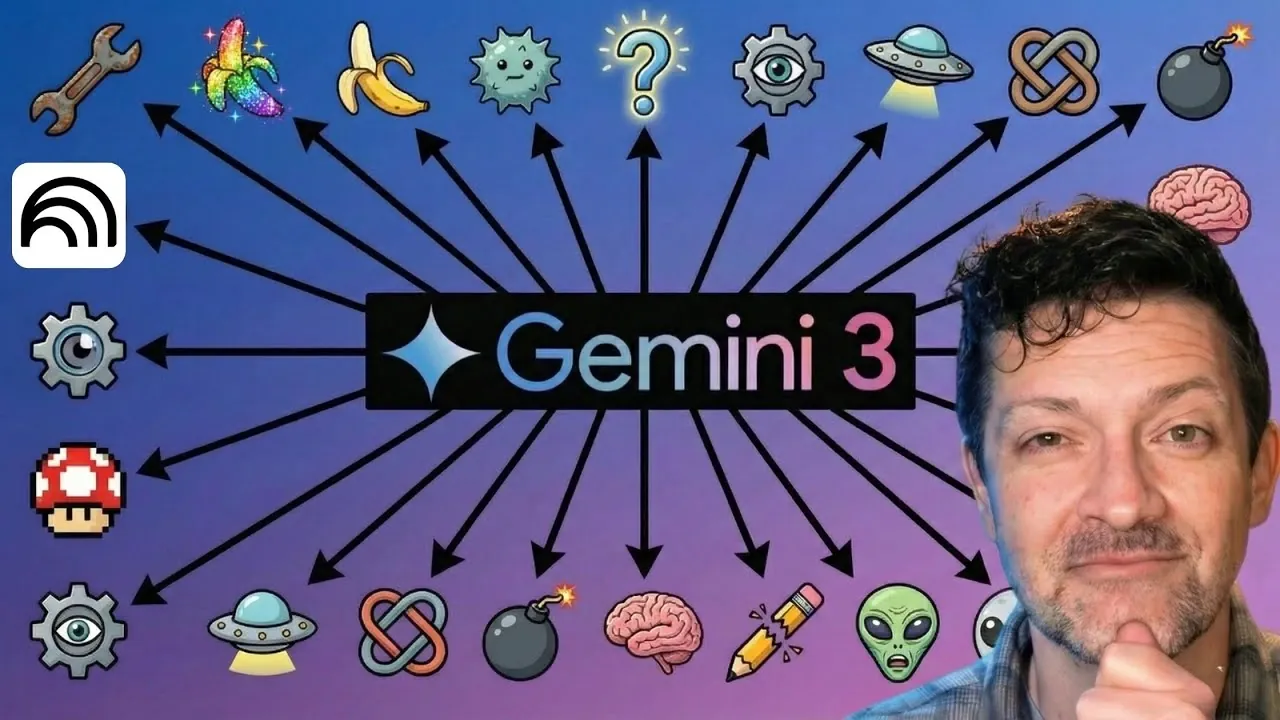
What if you could harness the power of over 30 innovative AI innovations to transform the way you work, create, and solve problems? Blazing Zebra explores how Google’s expansive AI ecosystem is reshaping industries, from content creation to software development, offering solutions that feel almost futuristic in their capabilities. Imagine using an AI that processes a million tokens of information at once or crafts podcasts and infographics with pinpoint accuracy, all while seamlessly integrating into your daily workflow. These aren’t just ideas, they’re real, accessible technologies redefining productivity and creativity.
This guide highlights the most impactful offerings in Google’s AI lineup, including the innovative Gemini Advanced and lesser-known gems like Nano Banana and Pimelli. Whether you’re a developer streamlining coding tasks, a creative professional seeking inspiration, or simply curious about the future of AI, you’ll discover innovations that can transform how you approach work and problem-solving. From experimental features in Google Labs to lightweight AI models embedded in everyday apps, these advancements might just inspire you to rethink what’s possible in your own projects.
Overview of Google AI Tools
TL;DR Key Takeaways :
- Google’s AI ecosystem includes over 30 tools categorized into seven groups, addressing needs like deep learning, content creation, and workflow automation.
- Gemini, Google’s core AI tool, features a 1-million-token context window for advanced tasks like research, planning, and content generation, integrated into Google Search and mobile platforms.
- Multi-functional tools like Notebook LM, Gemini Gems, and Opel enhance productivity, creativity, and workflow automation for individuals and businesses.
- Developer-focused tools, including Google AI Studio, Firebase Studio, and Gemini Code Assistant, simplify software development, prototyping, and coding tasks.
- Creative tools like Nano Banana, V3, and Music AI Sandbox empower professionals in media production, design, and artistic projects, while experimental tools in Google Labs showcase future AI innovations.
Google’s Core AI : Gemini 3
At the heart of Google’s AI offerings is Gemini, a sophisticated tool for text-based AI applications. Gemini is engineered for advanced deep learning research and is positioned as a competitor to tools like ChatGPT and Claude. Its standout feature, the Gemini Advanced version, includes a 1-million-token context window, allowing it to process and recall extensive amounts of information. This capability makes it particularly well-suited for handling complex tasks such as in-depth research, strategic planning, and detailed content generation. Integrated into Google Search and accessible on mobile platforms, Gemini serves as a cornerstone for users seeking robust, AI-driven solutions that enhance both efficiency and accuracy.
Multi-Functional Tools: The Swiss Army Knives of AI
Google’s multi-functional AI tools are designed to boost productivity and creativity across various domains. These tools are versatile, offering solutions that cater to both individual users and businesses. Key tools in this category include:
- Notebook LM: A content creation tool capable of generating podcasts, infographics, and videos. By relying exclusively on user-provided sources, it reduces the risk of inaccuracies or hallucinations, making sure reliable outputs.
- Gemini Gems: Intelligent assistants that simplify tasks such as proposal writing, project planning, and data analysis, significantly improving efficiency.
- Opel: A workflow automation tool that seamlessly connects processes, functioning similarly to Zapier but with deeper integration into Google’s ecosystem.
These tools are designed to streamline workflows, enhance creativity, and provide practical solutions for everyday challenges.
Every Google AI Tool Explained
Dive deeper into Google AI tools with other articles and guides we have written below.
Developer-Focused Tools
For developers, Google offers a comprehensive suite of tools aimed at simplifying software development, prototyping, and coding. These tools are tailored to meet the needs of both novice and experienced developers, allowing them to create innovative solutions efficiently. The key tools include:
- Google AI Studio: A platform for experimenting with AI tools and building prototypes, allowing developers to test and refine their ideas in a controlled environment.
- Firebase Studio: A robust tool for creating complex software solutions with ease, offering features that simplify backend development and deployment.
- Antigravity: A coding assistant designed to enhance programming efficiency by providing intelligent suggestions and error detection.
- Jules: A task delegation and management tool that helps developers organize and prioritize their workloads effectively.
- Stitch: A UI design assistant that streamlines the creation of user interfaces, making sure consistency and usability.
- Gemini Code Assistant and Gemini CLI: Tools that provide coding support and command-line integration, allowing developers to work more efficiently.
These tools empower developers to focus on innovation while reducing the time and effort required for routine tasks.
Creative and Media Tools
Google’s AI tools also cater to creative professionals, offering advanced solutions for media production, design, and artistic projects. These tools are designed to inspire creativity while maintaining high standards of quality and consistency. Notable tools in this category include:
- Nano Banana: An image generation tool that ensures character consistency across edits, making it ideal for branding, marketing, and design projects.
- V3: A video production tool capable of generating high-quality videos with synchronized audio and dialogue, streamlining the video creation process.
- Flow and Imagine 4: Tools that assist creative exploration and brainstorming, helping users generate innovative ideas and concepts.
- Whisk and Whisk Animate: Animation tools designed for creating dynamic visual projects, from simple animations to complex motion graphics.
- Music AI Sandbox: A platform for musicians to experiment with AI-generated compositions, offering new possibilities for music creation and production.
These tools provide creative professionals with the resources they need to bring their visions to life, whether they are working on branding, media production, or artistic endeavors.
Experimental Tools in Google Labs
Google Labs serves as an incubator for innovative AI tools, offering users early access to innovative technologies. These experimental tools provide a glimpse into the future of AI and its potential applications. Key tools currently available in Google Labs include:
- Pimelli: An AI tool that scans websites to create brand voice guidelines and generate social media content, helping businesses maintain a consistent online presence.
- Mixboard: A tool for assembling mood boards, ideal for creative planning, visualization, and project ideation.
- Gen Tabs: A productivity tool that converts browser tabs into interactive applications, enhancing organization and efficiency.
These experimental tools allow users to explore new possibilities and stay ahead of emerging trends in AI technology.
Lightweight AI Models for Local Use
Google also offers lightweight AI models designed for efficiency and portability, making them suitable for use on smaller devices. These models are seamlessly integrated into Google Workspace applications and consumer apps, providing users with powerful AI capabilities without requiring extensive computational resources. Examples include:
- Gemini Nano, Project Astra, and Gemma: Compact models embedded in applications like Gmail, Docs, Sheets, Slides, Maps, Photos, and YouTube, allowing users to access AI-driven features directly within their favorite tools.
These lightweight models ensure that AI technology is accessible to a broader audience, regardless of device limitations.
System-Level AI Integration
Google is advancing system-level AI integration by embedding Gemini into Android, replacing Google Assistant. This transition enhances functionality and provides a more seamless user experience, demonstrating Google’s commitment to making AI an integral part of everyday workflows. By integrating AI at the system level, Google aims to simplify tasks, improve efficiency, and deliver a more intuitive user experience.
How to Maximize Google’s AI Tools
To fully use Google’s AI ecosystem, consider the following strategies:
- Explore experimental tools on labs.google to gain early access to innovative technologies and stay ahead of the curve.
- Use Gemini’s Deep Research and Notebook LM for advanced content creation, data analysis, and strategic planning.
- For creative projects, take advantage of tools like Nano Banana and V3 to produce high-quality visuals and videos.
- Developers should experiment with Google AI Studio and related coding tools to streamline workflows and enhance productivity.
By understanding and applying these tools effectively, you can unlock the full potential of Google’s AI ecosystem, driving innovation, creativity, and efficiency in your projects.
Media Credit: Blazing Zebra
Filed Under: AI, Guides
Latest Geeky Gadgets Deals
Disclosure: Some of our articles include affiliate links. If you buy something through one of these links, Geeky Gadgets may earn an affiliate commission. Learn about our Disclosure Policy.
Credit: Source link