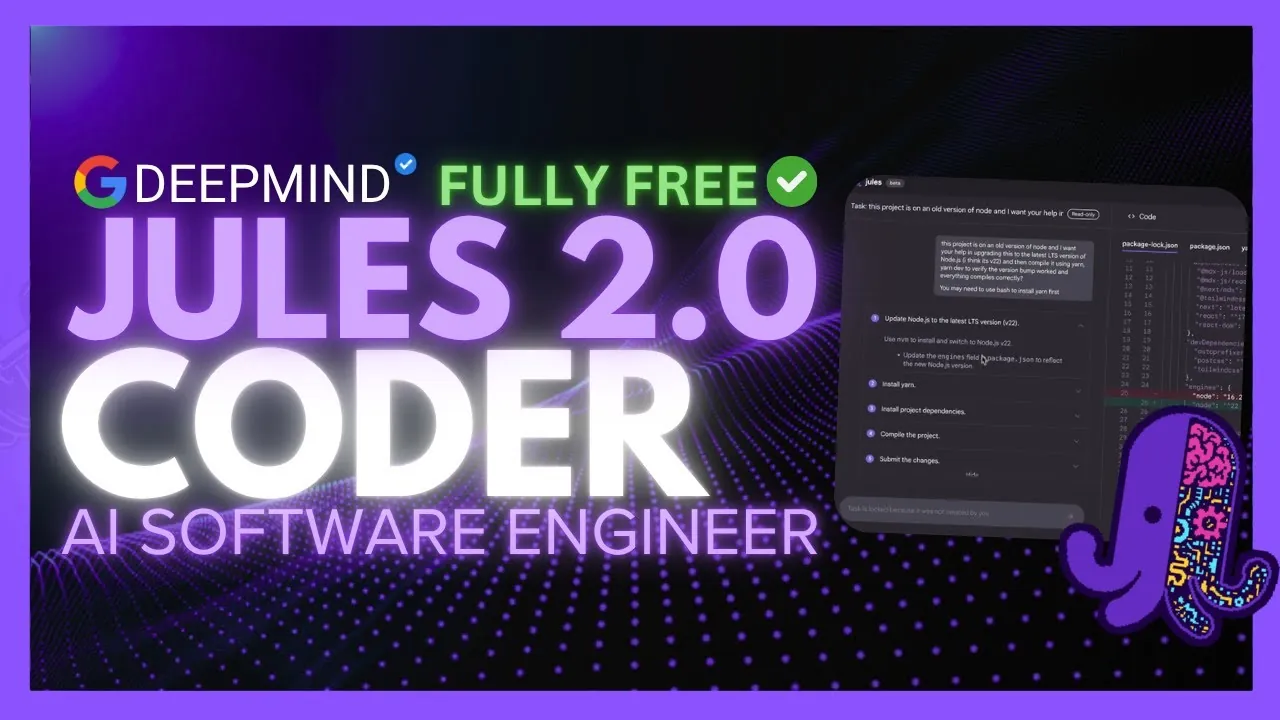
What if coding felt less like a chore and more like a seamless conversation with an expert collaborator? With the release of Google Jules 2.0, that vision inches closer to reality. Built on the innovative Gemini 2.5 Pro engine, this asynchronous AI coding tool doesn’t just assist—it transforms. From automating tedious debugging tasks to managing pull requests with surgical precision, Jules 2.0 is designed to tackle the bottlenecks that slow developers down. And here’s the kicker: while the tool features premium Pro and Ultra plans, its robust free tier remains fully accessible, making advanced AI coding support available to everyone. Whether you’re a seasoned coder or just starting out, this release promises to redefine your workflow.
But what exactly makes Jules 2.0 such a fantastic option? In this release summary, World of AI explore its most exciting features, from AI-powered code critique to seamless GitHub integration. You’ll discover how its natural language processing capabilities break down barriers for beginners while offering tools like environment snapshots and automated web app testing for seasoned pros. Whether you’re curious about its new Bun runtime support or intrigued by its interactive planning mode, Jules 2.0 has something to offer every developer. This isn’t just an upgrade—it’s a glimpse into the future of coding.
Jules 2.0 AI Coding Upgrade
TL;DR Key Takeaways :
- Google has launched Jules 2.0, an upgraded AI coding assistant transitioning from beta to a full platform, powered by the Gemini 2.5 Pro engine for faster and more reliable task execution.
- New subscription plans (Pro and Ultra) offer advanced features like extended task quotas and priority support, while a free tier remains available for casual users.
- Key features include Bun runtime support, pull request management, environment snapshots, and automated web app testing to streamline coding workflows and improve efficiency.
- AI-driven tools like the Critique Agent and Interactive Plan Mode enhance code quality, identify bugs, and refine task execution through collaborative planning.
- Natural language processing, web surfing capabilities, and GitHub integration make Jules 2.0 accessible and versatile, catering to developers of all skill levels.
Jules 2.0 introduces a range of updates aimed at improving productivity and reducing common development challenges. These enhancements cater to developers of all experience levels, making the tool a versatile addition to any coding environment.
- Transition Out of Beta: Now powered by the Gemini 2.5 Pro engine, Jules 2.0 delivers faster and more precise task execution with higher task limits and improved reliability, making sure a smoother user experience.
- Flexible Subscription Plans: The introduction of Pro and Ultra plans provides extended task quotas, priority support, and advanced features, while maintaining a robust free tier for casual users or those exploring its capabilities.
Enhanced Features for Developers
Jules 2.0 addresses critical pain points in software development, offering tools that save time, improve code quality, and integrate seamlessly into existing workflows. These features are designed to enhance efficiency and reduce the friction often associated with coding tasks.
- Bun Runtime Support: With support for the Bun runtime, Jules ensures smooth task execution without requiring additional setup. This is particularly advantageous for developers working with modern JavaScript frameworks, allowing faster project initialization.
- Pull Request Management: Developers can now open and manage pull requests directly within Jules, eliminating the need to switch between tools and streamlining the development process.
- Environment Snapshots: Save and reuse environment configurations to maintain consistency across tasks. This feature minimizes errors caused by setup changes and ensures reliable task execution.
- Automated Web App Testing: Perform front-end testing with visual feedback, including screenshots, to quickly identify and resolve issues. This feature simplifies the debugging process and enhances the overall quality of web applications.
Google Jules 2.0 Update Key Enhancements Overview

Here are additional guides from our expansive article library that you may find useful on no code app creation.
AI-Powered Code Review and Collaboration
Jules 2.0 introduces advanced AI-driven tools to elevate code quality and foster collaboration within development teams. These features are designed to assist developers in identifying potential issues and refining their code.
- Critique Agent: Acting as an internal peer reviewer, this feature analyzes your code for bugs, inefficiencies, and security vulnerabilities. It also identifies edge cases, making sure your software is robust and reliable.
- Interactive Plan Mode: Before executing tasks, Jules engages in a collaborative planning phase, asking clarifying questions and refining task details to align with your objectives. This ensures tasks are executed with precision and efficiency.
Web Surfing and GitHub Integration
To further enhance its utility, Jules 2.0 incorporates web surfing capabilities and seamless GitHub integration, making it a comprehensive tool for modern developers.
- Web Surfing: Jules can search the web for relevant documentation, code snippets, and updates, improving the accuracy and relevance of its outputs. This feature is particularly useful for developers seeking quick access to external resources.
- GitHub Integration: Manage repositories, track changes, and collaborate directly through Jules. This integration streamlines version control workflows, reducing the time spent navigating between platforms.
Natural Language Processing for Accessibility
One of the standout features of Jules 2.0 is its ability to interpret and execute tasks based on natural language prompts. This functionality makes the tool accessible to developers who may not be familiar with complex command-line interfaces. By allowing users to communicate with the tool in plain language, Jules 2.0 enables developers to focus on creativity and problem-solving rather than syntax, making it a valuable resource for both beginners and experienced professionals.
A Comprehensive Tool for Modern Developers
Jules 2.0 represents a significant step forward in AI-driven coding tools, combining advanced features like critique agents, automated testing, and environment snapshots with intuitive natural language processing. Whether you’re an experienced developer or just starting your coding journey, Jules 2.0 provides the tools you need to enhance your efficiency and effectiveness. With its blend of innovation, usability, and seamless integration into modern workflows, Jules 2.0 is poised to become an indispensable asset for developers worldwide.
Media Credit: WorldofAI
Filed Under: AI, Guides
Latest Geeky Gadgets Deals
Disclosure: Some of our articles include affiliate links. If you buy something through one of these links, Geeky Gadgets may earn an affiliate commission. Learn about our Disclosure Policy.
Credit: Source link