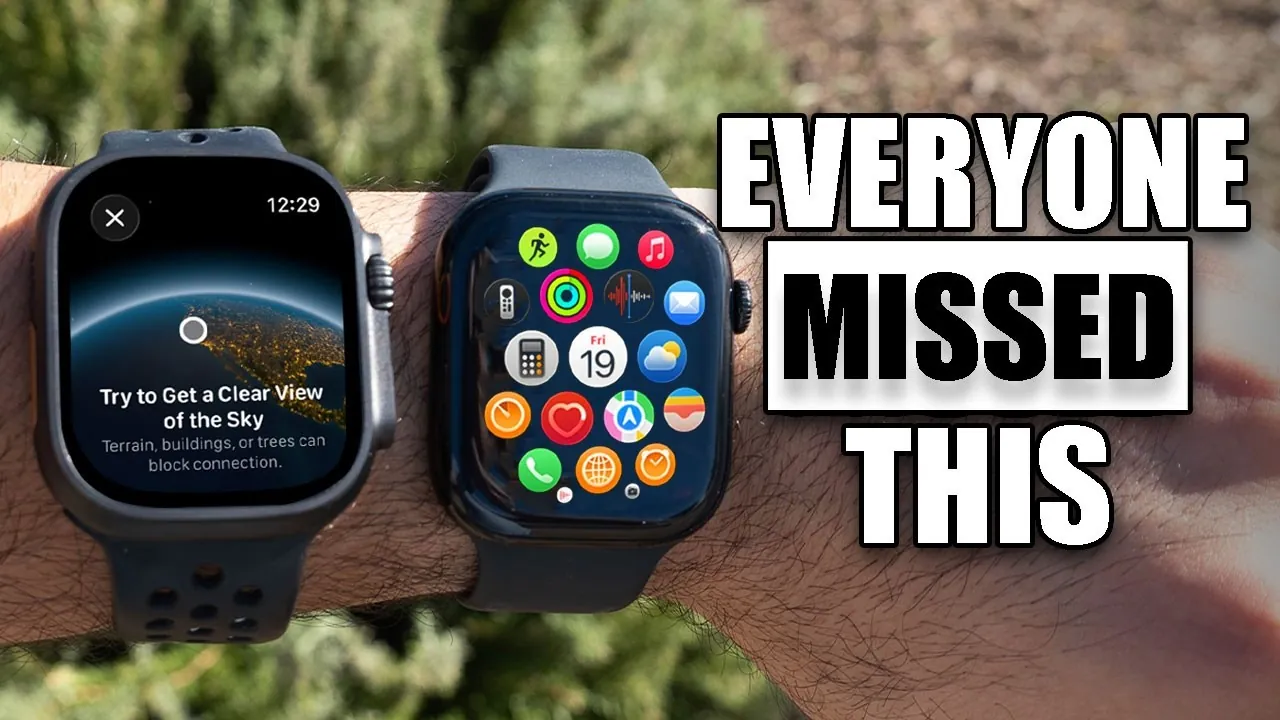
The Apple Watch is not just a smartwatch; it’s a multifunctional device brimming with features that often go unnoticed. Whether you are a seasoned user or new to the Apple Watch, exploring its lesser-known capabilities can significantly enhance your experience. From advanced customization options to innovative health tools, these features are designed to simplify your daily routines and make your interactions more efficient. The video below from HotshotTek gives us more details on a range of lesser-known Apple Watch features.

Customizing Your Watch Face
The watch face is more than a time-telling display—it’s a customizable interface that adapts to your needs. By allowing the swipe feature in settings, you can seamlessly switch between multiple watch faces to match your activities, whether it’s a workout, a meeting, or a casual outing. The iPhone Watch app allows you to share your personalized designs with friends and family, fostering a collaborative and creative experience. Additionally, you can integrate complications such as weather updates, calendar events, or fitness stats to keep essential information at your fingertips. These customization options ensure that your Apple Watch reflects your personality and lifestyle.
Hands-Free Gesture Controls
Gesture controls provide a hands-free way to interact with your Apple Watch, making it especially useful when multitasking. For example:
- A double-tap gesture can answer calls or dismiss notifications without needing to touch the screen.
- Flipping your wrist can adjust timers, interact with Siri, or activate specific features.
These intuitive controls are designed to enhance convenience, allowing you to manage tasks effortlessly even when your hands are occupied.
Health and Sleep Tracking
The Apple Watch is a powerful tool for monitoring your health and sleep patterns. Through the Health app, you can set up personalized notifications to receive insights into your sleep quality, including metrics like sleep duration and consistency. The watch also tracks your heart rate, blood oxygen levels, and activity trends, providing a comprehensive overview of your well-being. Moreover, it monitors the battery life of your connected Apple devices, making sure you stay prepared and informed throughout the day. These features make the Apple Watch an essential companion for maintaining a healthy lifestyle.
Music and Audio on the Go
Music lovers will appreciate the Apple Watch’s audio capabilities. The built-in speaker enables direct music playback, while Shazam integration within the Smart Stack allows you to identify songs playing nearby with a single tap. You can also sync playlists from Apple Music or other streaming services, making sure your favorite tunes are always accessible. Whether you’re discovering new music or enjoying a curated playlist during a workout, the Apple Watch delivers a seamless audio experience.
Control Center: Tools for Convenience and Safety
The Control Center serves as a hub for essential tools that enhance both convenience and safety. Key features include:
- The satellite communication option, which provides emergency connectivity in remote areas where cellular service is unavailable.
- Theater Mode, which silences notifications and activates a red flashlight for discreet use in dark environments.
These tools are designed to keep you prepared for various situations, making the Apple Watch a reliable companion in your daily life.
Navigation Made Simple
Navigating unfamiliar areas is effortless with the Apple Watch. The Compass app offers features such as:
- Backtracking your steps to help you retrace your path if you get lost.
- Marking specific locations, such as a parked car or a trailhead, for easy reference later.
Additionally, allowing Water Lock prevents accidental interactions when your watch is wet, making it ideal for swimming or rainy conditions. These navigation tools ensure that you stay oriented and confident during your adventures.
Creative Camera Controls
The Apple Watch doubles as a remote control for your iPhone camera, expanding your photography possibilities. This feature is particularly useful for:
- Taking group photos without needing to hold your phone.
- Capturing unique angles or inspecting hard-to-reach spaces.
By acting as a remote viewfinder, the Apple Watch allows you to frame shots perfectly and capture moments with ease.
Focus and Notification Management
Managing notifications is crucial for maintaining focus, and the Apple Watch offers several tools to help. Features like “Reduce Interruption” allow you to limit non-essential alerts, making sure that only the most important notifications reach you. Additionally, you can disable turn-by-turn navigation alerts when using CarPlay to minimize distractions while driving. These options give you greater control over your attention, helping you stay productive and focused.
Streamlined Transactions
Apple Pay on the Apple Watch makes transactions quick and secure. The “Tap to Cash” feature enables contactless payments without sharing personal information, providing a safer alternative to traditional payment methods. Whether you’re making a quick purchase at a store or paying for public transportation, this feature ensures a smooth and hassle-free experience.
Enhanced Workout and Activity Tracking
Fitness enthusiasts can take advantage of advanced workout tracking features on the Apple Watch. For example:
- Dismiss workout prompts using head gestures or earbud controls, allowing for uninterrupted exercise sessions.
- Customize app behavior to extend activity tracking before the watch face automatically returns to its default state.
These tools are designed to optimize your workouts, helping you stay focused on your fitness goals without unnecessary interruptions.
Time and Accessibility Innovations
The Apple Watch offers innovative ways to keep track of time, catering to users with diverse needs. Accessibility features include:
- Haptic feedback, which lets you feel the time through subtle vibrations on your wrist.
- Morse code functionality, which audibly communicates the time for users with visual impairments or in situations where looking at the screen is impractical.
These options make the Apple Watch more inclusive, making sure that it meets the needs of a wide range of users.
Maximizing Your Apple Watch Experience
The Apple Watch is a versatile device designed to enhance your convenience, health, and productivity. By exploring its hidden features, you can unlock its full potential and tailor it to suit your lifestyle. Whether you’re customizing your watch face, managing notifications, or tracking your fitness, these capabilities ensure that your Apple Watch works smarter and more efficiently for you.
Browse through more resources below from our in-depth content covering more areas on Apple Watch features.
Source & Image Credit: HotshotTek
Filed Under: Apple, Gadgets News, Guides
Latest Geeky Gadgets Deals
Disclosure: Some of our articles include affiliate links. If you buy something through one of these links, Geeky Gadgets may earn an affiliate commission. Learn about our Disclosure Policy.
Credit: Source link