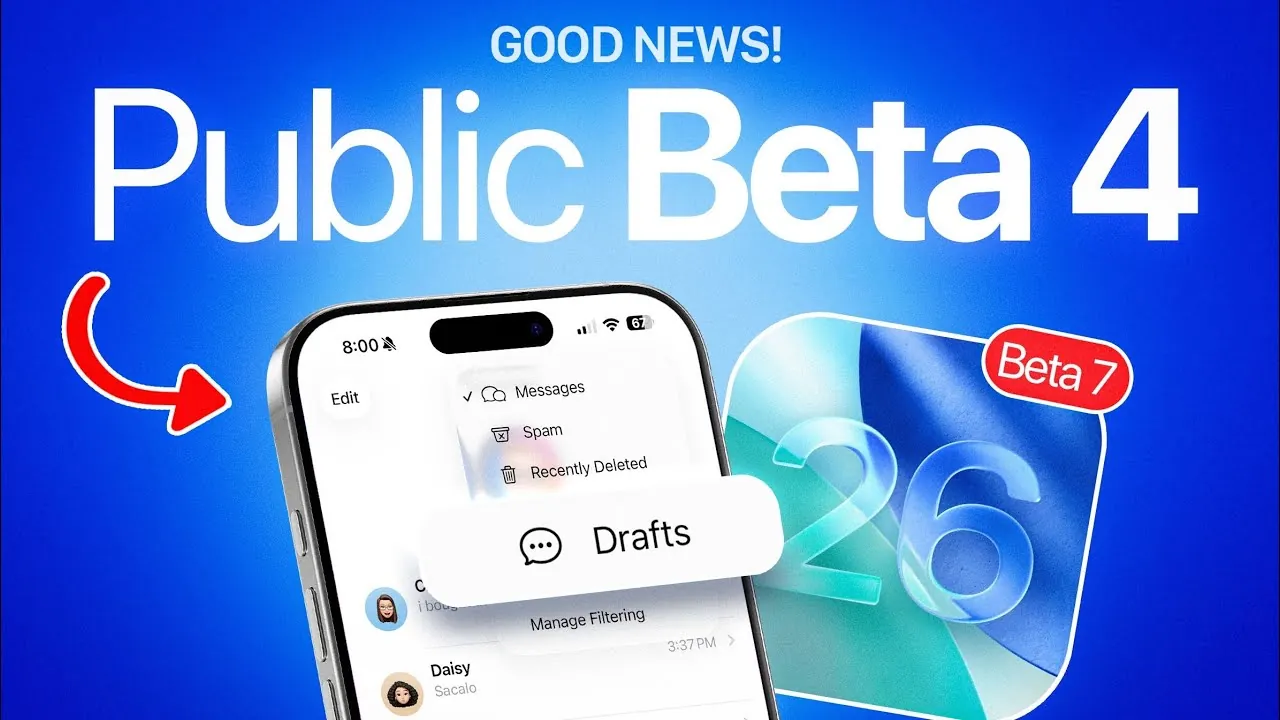
Apple’s iOS 26 is poised to redefine the mobile operating system experience with a comprehensive suite of enhancements. Currently in developer beta 7 and public beta 4, this update promises significant improvements in performance, battery management, and usability, alongside a range of new features designed to elevate your interaction with Apple devices. With the official release expected between September 15 and September 22, iOS 26 is shaping up to be one of Apple’s most polished and feature-rich updates yet. Here’s a detailed look at what you can expect in a new video from iDeviceHelp.

Enhanced Performance and Smarter Battery Management
iOS 26 introduces a series of performance optimizations that make your device feel faster and more responsive. App launches are noticeably quicker, animations are smoother, and navigation across the interface is seamless—even on older iPhone models. These improvements are particularly beneficial for users with aging devices, extending their usability and making sure they remain functional for years to come.
Battery management has also received a significant upgrade. The update includes refined power optimization tools that help your device last longer throughout the day. A standout feature is the new adaptive power notifications, which alert you when specific apps or settings are consuming excessive energy. This allows you to make real-time adjustments to conserve battery life. Additionally, the system introduces a charging limit feature that prevents overcharging, a common cause of long-term battery degradation. By occasionally allowing a full charge, this feature ensures your device maintains optimal battery health over time.
New Features Across the Apple Ecosystem
iOS 26 brings a host of new features designed to enhance usability and integration across Apple’s ecosystem, including the iPhone, Apple Watch, and AirPods.
- Apple Watch Enhancements: The blood oxygen sensor has been reenabled for developers and public beta testers in the U.S., allowing users to monitor their blood oxygen levels directly from their wrist. This feature provides valuable health insights and further solidifies the Apple Watch as a versatile health and fitness tool.
- Battery Health Improvements: The new charging limit feature not only prevents overcharging but also intelligently manages charging cycles to maintain long-term battery performance. This thoughtful addition ensures your device remains reliable and efficient, even after years of use.
These updates reflect Apple’s commitment to creating a seamless and interconnected experience across its devices, making everyday tasks more intuitive and efficient.
Digital IDs and Messaging Upgrades
The Wallet app now supports digital IDs, with Montana joining the growing list of states that allow residents to add driver’s licenses and identification cards to their devices. This feature simplifies daily life by allowing users to store and present their IDs digitally, reducing the need to carry physical cards. As more states adopt this functionality, the convenience and utility of digital IDs are expected to expand significantly.
In the Messages app, a new draft reminder feature has been introduced to ensure you never forget to send an important text. This feature highlights unsent messages, making it easier to keep track of incomplete conversations. By streamlining communication, this small but impactful addition reduces the risk of missed opportunities or forgotten replies.
AirPods Updates and Future Possibilities
AirPods users will benefit from improvements introduced in firmware beta 5 (version 8A5343A). While live translation capabilities remain unavailable, this update lays the groundwork for future enhancements. Speculation suggests that new AirPods could be on the horizon, potentially featuring exclusive functionalities designed to use the advancements of iOS 26. These updates highlight Apple’s ongoing efforts to innovate and expand the capabilities of its audio devices.
Refined Design and Unmatched Stability
The finalized “liquid glass” design of iOS 26 offers a sleek and modern aesthetic that enhances the overall user experience. This design choice creates a polished and cohesive interface, making navigation more visually appealing. Stability has also been a key focus during the beta testing phase. Each iteration has addressed bugs and improved reliability, resulting in one of Apple’s most stable releases to date. These refinements ensure that iOS 26 delivers a smooth and dependable experience for all users.
Release Timeline and What to Expect
Apple is expected to release developer beta 8 during the week of August 25, with public beta 5 following shortly after. The official launch of iOS 26 is anticipated between September 15 and September 22, aligning with a rumored Apple event in early September. This timeline provides a clear roadmap for users eager to explore the update’s new features and enhancements.
As the release date approaches, Apple’s focus on performance, usability, and innovation positions iOS 26 as a significant step forward in mobile operating systems. Whether you’re looking for improved battery life, enhanced device integration, or new tools like digital IDs, this update is designed to meet your needs and elevate your experience across the Apple ecosystem.
Discover other guides from our vast content that could be of interest on iOS 26 performance optimization.
Source & Image Credit: iDeviceHelp
Filed Under: Apple, Apple iPhone, Top News
Latest Geeky Gadgets Deals
Disclosure: Some of our articles include affiliate links. If you buy something through one of these links, Geeky Gadgets may earn an affiliate commission. Learn about our Disclosure Policy.
Credit: Source link