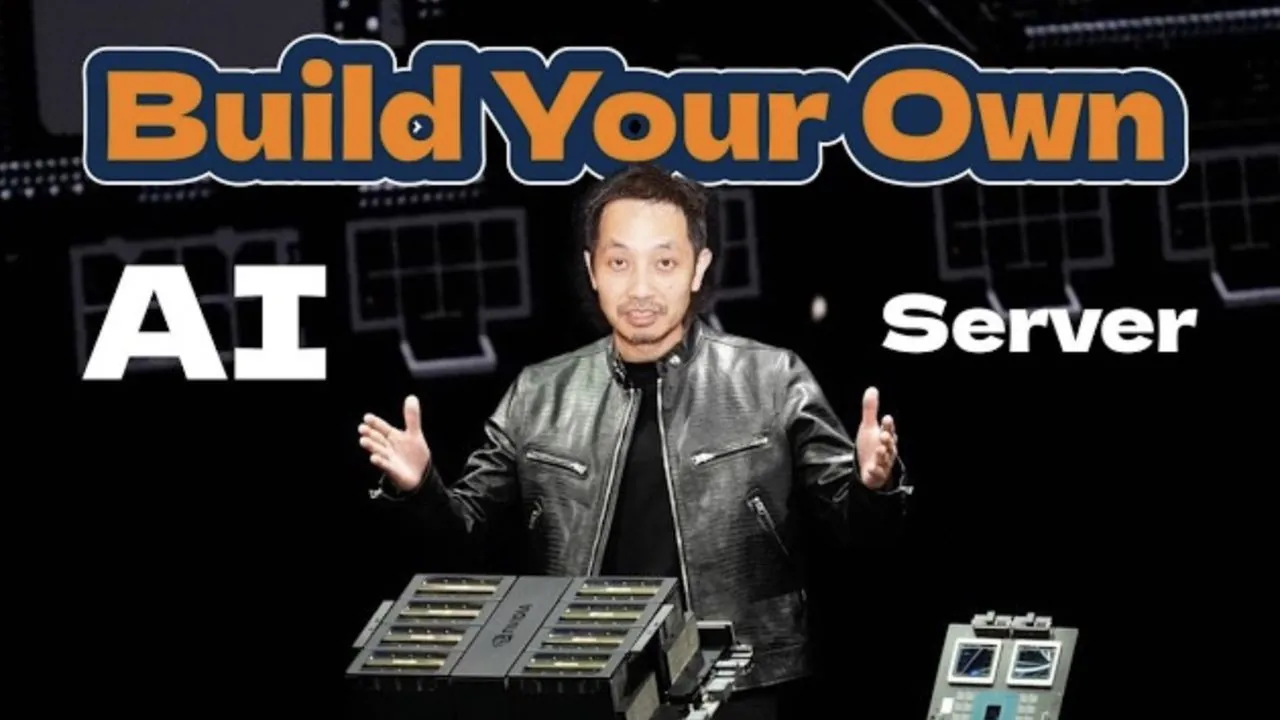
What if you could take control of your AI ambitions, bypass the sky-high costs of pre-built systems, and create a solution tailored to your exact needs? Building your own AI server isn’t just a technical project, it’s a bold step toward empowering yourself with flexibility and independence. Imagine running complex machine learning models, generating stunning AI-driven visuals, or training large language models, all from a server you’ve designed and optimized yourself. While cloud services and pre-built systems offer convenience, they often come with hidden limitations: escalating costs, restricted customization, and concerns over data privacy. A custom AI server flips the script, giving you ownership over your infrastructure and the freedom to innovate without compromise.
In this overview, Jun Yamog guides you through the essentials of building a high-performance AI server, from selecting the right GPUs to optimizing thermal management. You’ll uncover the critical hardware components that drive AI workloads, learn how to sidestep common bottlenecks like PCIe lane misconfigurations, and explore how to future-proof your setup for evolving AI demands. Whether you’re an AI enthusiast looking to deepen your technical expertise or a professional seeking a cost-efficient alternative to cloud platforms, this guide will demystify the process and help you unlock the full potential of custom AI infrastructure. After all, innovation thrives when you’re in control of the tools that power it.
Building a Custom AI Server
TL;DR Key Takeaways :
- Building a custom AI server offers flexibility, cost efficiency, and offline processing capabilities, making it ideal for private infrastructure and sensitive data handling.
- Key hardware components include a multi-GPU motherboard, high-performance CPU, at least 96GB RAM, effective cooling, a robust 2000W power supply, and cost-effective GPUs like the RTX 3090.
- Performance benchmarks such as LLM inference, image generation, and ML training highlight the importance of GPU VRAM, CUDA optimization, and batch size tuning.
- Challenges like PCIe lane configuration, power management, and thermal optimization require careful planning but provide opportunities to enhance technical skills.
- Custom AI servers are cost-effective compared to pre-built systems and cloud services, with upgrade potential for future demands, such as advanced GPUs and liquid cooling solutions.
Why Build an AI Server?
Deciding to build your own AI server requires careful consideration of your goals and resources. Here’s how it compares to other available options:
- Pre-Built Systems: High-performance solutions like NVIDIA DGX stations provide convenience and reliability but are expensive and offer limited customization.
- Cloud Services: Platforms such as AWS and Google Cloud offer scalability and ease of use but can become prohibitively expensive for long-term, high-volume workloads.
- Custom AI Server: Building your own server allows for greater control, offline capabilities, and substantial cost savings over time, particularly for those requiring private infrastructure or handling sensitive data.
If you prioritize hardware customization, cost efficiency, and offline processing, building a custom AI server is an excellent choice. It also provides an opportunity to learn more about the underlying infrastructure that powers AI applications.
Essential Hardware Components
The performance and efficiency of your AI server depend heavily on selecting the right hardware. Below are the key components and considerations to keep in mind:
- Motherboard: Choose a motherboard with multi-GPU support and sufficient PCIe lanes. The Asus ProArt Z890 is a versatile option that balances cost and functionality.
- CPU: A high-performance processor is essential for computational tasks. The Intel Core Ultra series is a reliable choice, offering excellent performance for AI workloads.
- Memory: At least 96GB of RAM is recommended to handle large datasets and complex models without performance bottlenecks.
- Cooling: Effective thermal management is critical. Air cooling solutions, such as Noctua fans, combined with custom configurations, ensure stable performance during extended workloads.
- Power Supply: A robust 2000W power supply is necessary to support multiple GPUs and prevent power-related issues.
- GPUs: Gaming GPUs like the RTX 3090 provide a cost-effective alternative to enterprise-grade options. While they may require additional configuration, they deliver sufficient VRAM and CUDA performance for most AI tasks.
Balancing these components ensures your server is both powerful and cost-efficient, capable of handling a wide range of AI applications.
DIY AI Servers: The Secret to Flexibility, Privacy, and Savings

Learn more about local AI with the help of our in-depth articles and helpful guides.
Performance Benchmarks
Testing your server’s performance is essential to evaluate its capabilities and identify areas for improvement. Here are some benchmarks to consider:
- LLM Inference: Multi-GPU setups excel at handling large language models (LLMs) using Tensor Parallel mode. GPUs like the RTX 3090, A100, and RTX 5080 differ in concurrency, VRAM utilization, and precision formats (e.g., FP4, FP8).
- Image Generation: Stable Diffusion benchmarks highlight the importance of VRAM capacity and native precision support. The RTX 3090 strikes a balance between cost and efficiency for image generation tasks.
- ML Training: Training models like ResNet-50 on datasets such as CIFAR-10 demonstrates the importance of CUDA optimization and batch size tuning for peak performance.
These benchmarks provide valuable insights into your server’s strengths and help guide future optimizations.
Overcoming Challenges
Building an AI server comes with its own set of challenges. Addressing these issues effectively ensures a smoother setup process and better performance:
- PCIe Lane Configuration: Verify that your motherboard and CPU support the required number of PCIe lanes for multi-GPU setups to avoid bottlenecks.
- Power Management: Distribute power effectively to prevent instability. A high-quality power supply with sufficient wattage is essential.
- Thermal Management: Use custom cooling solutions to maintain optimal temperatures during intensive workloads. Consider airflow optimization and thermal paste application for better results.
- Hardware Utilization: Techniques like model sharding and parallelization can maximize performance but may require additional expertise and configuration.
While these challenges may seem complex, they offer opportunities to deepen your understanding of AI infrastructure and improve your technical skills.
Cost Considerations
Building a custom AI server is a cost-effective alternative to pre-built systems and cloud services. Here’s a breakdown of typical costs:
- Custom Server: Approximately $4,500 for a fully customized setup tailored to your specific needs.
- Pre-Built Systems: High-end options like Bison workstations or A100 setups can cost upwards of $10,000.
- Cloud Services: Costs vary based on usage but can quickly escalate for high-volume workloads, making them less economical for long-term use.
For those willing to invest time and effort, a custom server offers significant savings and long-term value, especially for users with consistent AI workloads.
Future Upgrade Potential
As AI technology evolves, your server can be upgraded to meet new demands. Consider these potential enhancements to maintain peak performance:
- Expanding to a 4-GPU setup with higher-end GPUs for increased computational power.
- Exploring advanced cooling solutions, such as liquid cooling, for improved thermal management and quieter operation.
- Experimenting with new configurations and software optimizations to support emerging AI technologies and workloads.
Regular upgrades ensure your server remains adaptable and capable of handling future challenges, keeping you at the forefront of AI innovation.
Media Credit: Jun Yamog
Filed Under: AI, Guides
Latest Geeky Gadgets Deals
Disclosure: Some of our articles include affiliate links. If you buy something through one of these links, Geeky Gadgets may earn an affiliate commission. Learn about our Disclosure Policy.
Credit: Source link