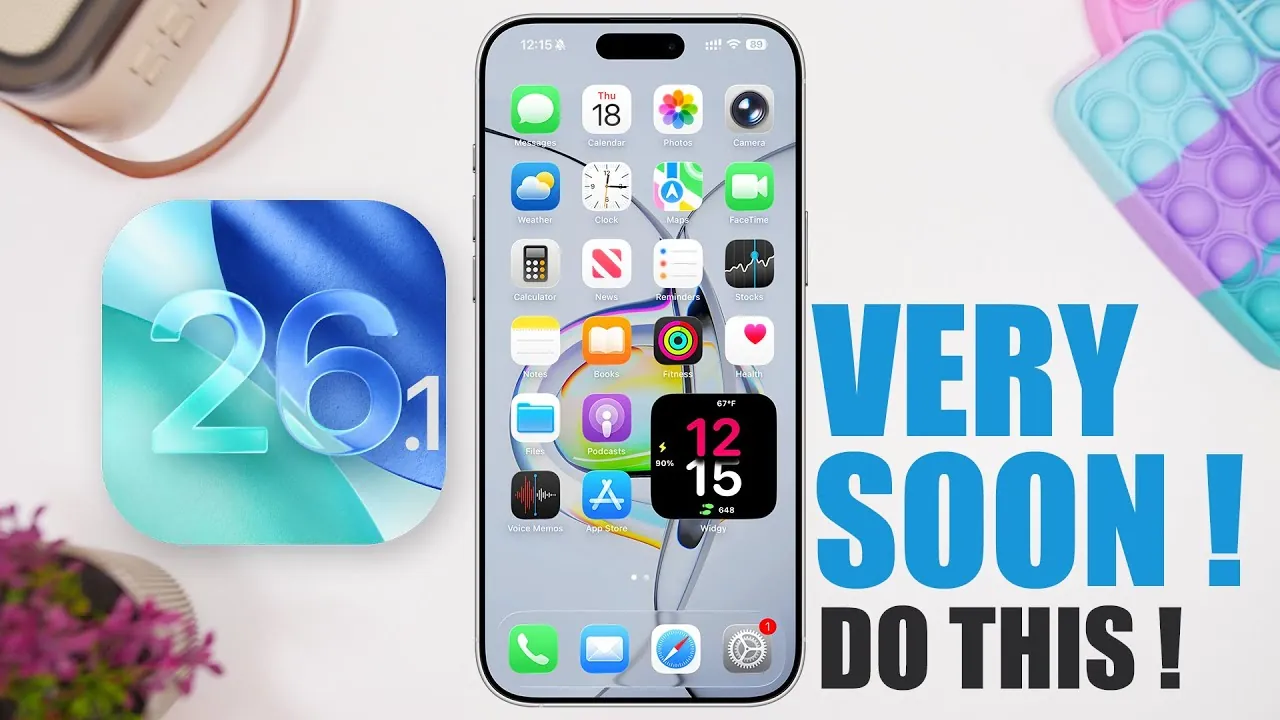
Apple is set to release iOS 26.1, an update designed to enhance your device’s performance while introducing practical new features. Whether you’re a casual user or a tech enthusiast, understanding the release timeline, new functionalities, and preparation steps can help you make the most of this update. Here’s a detailed look at what to expect and how to get ready in a new video from iReviews.

Release Timeline: When Will iOS 26.1 Be Available?
The rollout of iOS 26.1 follows Apple’s structured release strategy. The developer beta is expected to launch within a week of iOS 26’s public release, which occurred around September 22, 2025. For the general public, the update is anticipated to arrive by late October or early November. This phased approach allows Apple to gather feedback from beta testers, identify potential issues, and refine the update for a smoother experience.
By staggering the release, Apple ensures that the final version of iOS 26.1 is optimized for performance and reliability, offering users a more polished experience.
New Features in iOS 26.1
iOS 26.1 introduces several new features aimed at improving convenience, functionality, and accessibility. These updates reflect Apple’s ongoing commitment to enhancing the everyday usability of its devices. Key highlights include:
- Satellite-Based Weather Updates: This feature ensures you stay informed about weather conditions even in areas with limited or no cellular coverage. By using satellite connectivity, your device can provide offline weather updates, offering reliability wherever you are.
- Digital US Passports in Wallet App: Simplify travel and identification by storing your US passport digitally within the Wallet app. This integration represents a significant step toward consolidating essential documents on your device for easier access and convenience.
These additions are designed to make your device more versatile and user-friendly, catering to both everyday needs and specific scenarios like travel or remote connectivity.
Performance Enhancements and Bug Fixes
In addition to new features, iOS 26.1 addresses several performance issues and bugs reported in iOS 26. These improvements aim to enhance the overall user experience and ensure the operating system runs smoothly. Key updates include:
- Battery Life Optimization: Many users reported battery drain issues with iOS 26. The new update focuses on improving energy efficiency, helping to extend your device’s battery life during daily use.
- Thermal Management Improvements: Overheating has been a concern for some users, especially during resource-intensive tasks. iOS 26.1 introduces adjustments to thermal management, making sure your device remains cooler and performs reliably under heavy workloads.
- Visual Effects Refinement: Subtle tweaks to visual elements, such as the liquid glass effect, enhance the aesthetic appeal of the interface without compromising performance.
These refinements demonstrate Apple’s dedication to addressing user feedback and delivering a stable, polished operating system.
How to Prepare for iOS 26.1
To ensure a seamless transition to iOS 26.1, it’s important to take a few preparatory steps. Following these recommendations can help you avoid potential disruptions and make the most of the update:
- Update to the Latest Stable Version: Before installing iOS 26.1, ensure your device is running the most current and stable version of iOS 26. This minimizes compatibility issues and ensures a smoother update process.
- Hold Off on Beta Updates: Unless you’re a developer or advanced user, it’s advisable to wait for the public release of iOS 26.1. Beta versions often contain bugs and may not be stable enough for everyday use.
- Monitor Community Feedback: Keep an eye on reviews and feedback from early adopters of the beta version. This can provide valuable insights into the update’s reliability and potential issues before you install it on your primary device.
Taking these steps can help you avoid unnecessary disruptions, especially if your device is essential for work, communication, or other daily tasks.
Advice for Beta Testers
If you’re considering joining the iOS 26.1 beta program, proceed with caution. Beta versions are primarily intended for testing and may not be stable enough for regular use. To minimize risks and ensure a positive experience, consider the following:
- Use a Secondary Device: Install the beta on a secondary device rather than your primary one. This allows you to explore new features without compromising the functionality of your main device.
- Stay Informed: Follow community forums and Apple’s official updates to stay aware of known issues and fixes. This information can help you navigate potential challenges and make the most of the beta experience.
By taking these precautions, you can explore the latest features while minimizing the impact of potential bugs or instability.
What iOS 26.1 Brings to the Table
iOS 26.1 represents Apple’s ongoing efforts to refine the user experience through practical updates and problem-solving. From satellite-based weather updates to digital passport integration, the update introduces features designed to enhance convenience and reliability. At the same time, performance improvements like battery optimization and thermal management address common concerns, ensuring a smoother and more enjoyable experience.
By staying informed, preparing your device, and approaching the update with caution, you can take full advantage of iOS 26.1’s benefits. Whether you’re eager to explore the new features or simply looking for a more stable operating system, this update is designed to meet your needs and improve your device’s functionality.
Find more information on the iOS 26.1 release timeline by browsing our extensive range of articles, guides, and tutorials.
Source & Image Credit: iReviews
Filed Under: Apple, Apple iPhone, Guides, Top News
Latest Geeky Gadgets Deals
Disclosure: Some of our articles include affiliate links. If you buy something through one of these links, Geeky Gadgets may earn an affiliate commission. Learn about our Disclosure Policy.
Credit: Source link