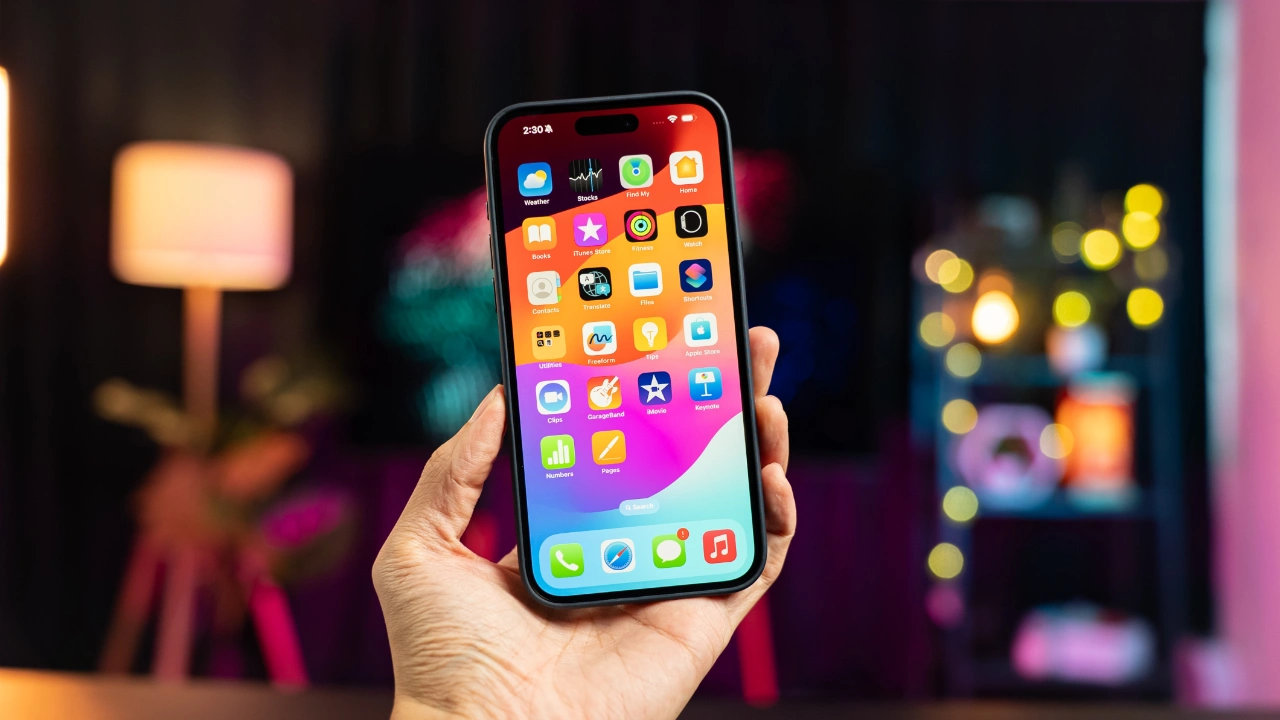
Apple will release iOS 17.2 later this month, we expect the Release Candidate to land this week and the final version to be released next week, this update will bring a range of new features to the iPhone.
If you’re wondering how this update can enhance your iPhone experience, you’re in the right place. Let’s explore the myriad of features that iOS 17.2 brings to the table, each designed to elevate your daily digital interactions. The video below from Payette Forward gives us a look at the new features in iOS 17.2 and explains how to get the most out of them

- Sharing Made Simple with AirTag Sharing You will be pleased to know that sharing an AirTag has never been easier. This nifty feature is perfect for tracking common items like the family car. Simply set it up through the Find My app and experience the convenience of shared tracking.
- Customize Your Alerts with New Default Notification Sound Gone are the days of the monotonous notification sound. With iOS 17.2, you can personalize your device even further by changing the default notification sound. This small change can make a big difference in how you interact with your device.
- Smarter Messaging with Inline Predictions Imagine a friend who completes your sentences – that’s what the inline predictions in messages feel like. This feature, which you can turn off if preferred, adds a layer of intelligence to your texting, making communication swift and efficient.
- Enhanced Security with iMessage Contact Key Verification Security is paramount, and the iMessage Contact Key Verification feature is like a magical envelope, ensuring your messages are read only by the intended recipient. This feature adds an extra layer of security to your communications.
- Exclusive Battery Information for iPhone 15 Users If you’re an iPhone 15 user, you’ll have access to detailed battery information in the ‘About’ settings. This includes the manufacture date and cycle count, providing a deeper insight into your device’s health.
- Contact Sharing with a Twist: Name Drop Feature Sharing contact information is now a breeze with the Name Drop feature. Simply bring two iPhones close together to share contact details. While convenient, it’s important to be mindful of privacy with this feature.
- Journal Your Thoughts Securely with the New Journal App For those who love journaling, the new Journal app is a treat. It offers optional prompts and the ability to lock your journal with a passcode, ensuring your thoughts remain private and secure.
- Laundry Made Easy: Photos App Deciphers Care Symbols Ever puzzled over laundry care symbols? The Photos app now has the ability to interpret these symbols from pictures of clothing tags, turning a mundane task into a simple, tech-savvy solution.
- Professional Video Recording with External USB Drive Support Content creators, rejoice! The iPhone 15 Pro/Pro Max now supports direct video recording to an external USB drive. This feature streamlines the content creation process, making it more efficient and user-friendly.
- Navigate with Ease: Offline Maps If you often find yourself in areas with poor network coverage, the offline maps feature will be a game-changer. Download maps for offline use and navigate without the need for a constant internet connection.
- Siri and CarPlay Enhance Driving Safety with Image Descriptions Driving just got safer with Siri’s ability to describe images received in messages while using CarPlay. This reduces the temptation to look at your phone, focusing on safety first.
Maximizing Your iOS 17.2 Experience
Each of these features in iOS 17.2 is designed to enhance your iPhone experience, catering to a variety of needs. From the practicality of offline maps and laundry symbol interpretation to the advanced security features in messaging, iOS 17.2 is more than just an update – it’s a comprehensive upgrade to your digital lifestyle. Whether you’re a content creator, a busy professional, or someone who enjoys the little conveniences in life, this update has something for everyone.
Source: Payette Forward
Image Credit: Amanz
Filed Under: Apple, Apple iPhone, Guides
Latest Geeky Gadgets Deals
Disclosure: Some of our articles include affiliate links. If you buy something through one of these links, Geeky Gadgets may earn an affiliate commission. Learn about our Disclosure Policy.
Credit: Source link