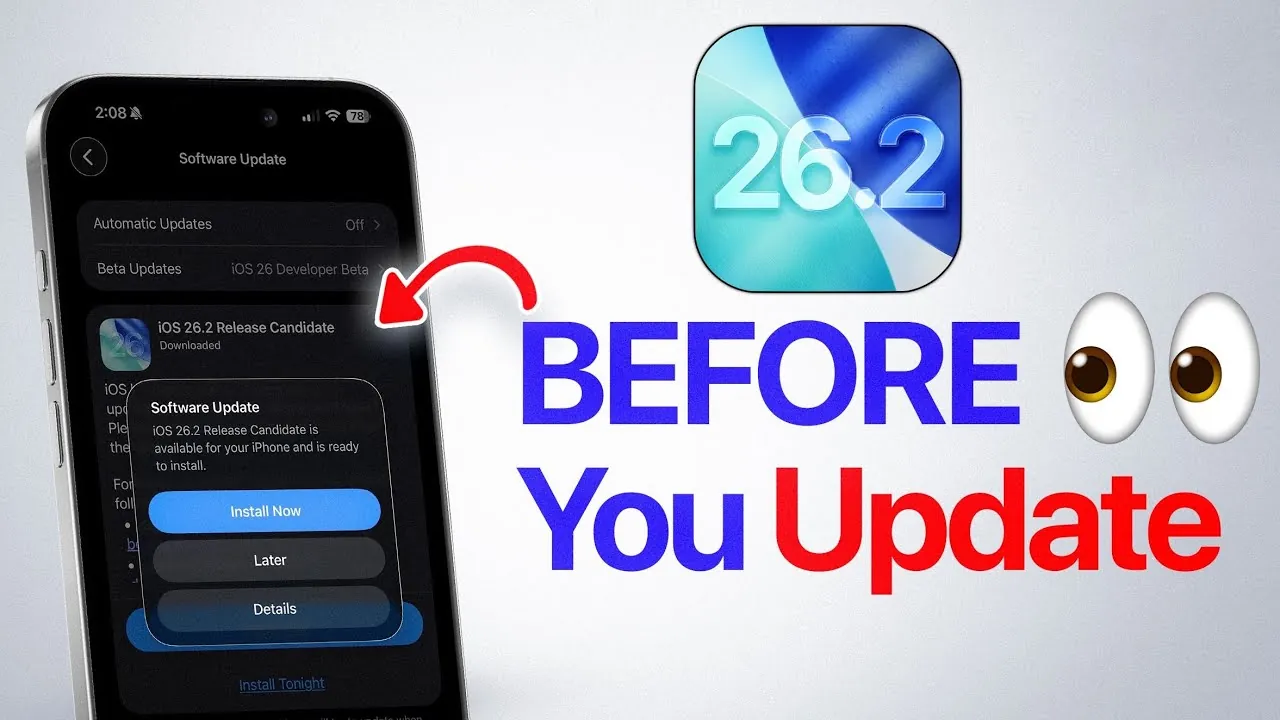
Apple is expected to release the iOS 26.2 software update later today. This latest update follows the release candidate (RC) phase and introduces a range of improvements, bug fixes, and performance enhancements. Before proceeding with the installation, it is essential to prepare your device to ensure a seamless transition and avoid potential issues. The video below from
iDeviceHelp shows us how to get our iPhones ready for the iOS 26.2 software update.

Steps to Prepare for the iOS 26.2 Update
Proper preparation is critical to ensure a smooth update process. Taking the following steps will help you avoid complications:
- Disable Beta Updates: If you are enrolled in Apple’s beta testing program, navigate to your device settings and turn off beta updates. This ensures that you receive the official public release without interference. After completing the update, you can re-enable beta testing if desired.
- Back Up Your Device: Use iCloud or a computer to create a backup of your data. This precaution protects your information in case any unexpected issues arise during the update process.
By following these steps, you can minimize the risk of data loss or technical disruptions during the update.
Making sure App Compatibility
Third-party app compatibility plays a significant role in maintaining a stable user experience after updating to iOS 26.2. To prepare your apps for the new operating system:
- Visit the App Store and check for updates to your installed apps. Developers frequently release updates to ensure their apps work seamlessly with the latest iOS version.
- Update your apps before installing iOS 26.2 to reduce the likelihood of crashes, glitches, or performance issues.
Taking these proactive measures ensures that your apps remain functional and reliable after the update.
Optimizing Network and Carrier Settings
After updating to iOS 26.2, it is important to verify your device’s carrier settings to maintain optimal connectivity. Carrier updates are designed to enhance your device’s compatibility with your mobile network. To check for carrier bundle updates:
- Open Settings, then go to General > About.
- If an update is available, a prompt will appear to install it.
Completing this step ensures that your device benefits from the latest carrier features and maintains reliable network performance.
Battery Performance and Optimization Tips
Battery performance in iOS 26.2 remains consistent with the previous version, iOS 26.1. While no significant improvements have been reported, the update provides stable battery life for newer devices. However, users with older iPhone models may experience some battery-related challenges. To maximize battery efficiency:
- Enable Low Power Mode during periods of heavy usage or when your battery is running low.
- Review and manage background app activity to minimize unnecessary power consumption.
These adjustments can help extend your device’s battery life and maintain optimal performance.
Performance Improvements and Bug Fixes
iOS 26.2 introduces several performance enhancements and addresses key issues identified in previous versions. Notable improvements include:
- Enhanced single-core and multi-core performance, as confirmed by benchmark tests.
- Fixes for issues such as lag, screen ghosting, and bugs in apps like Apple Music.
These updates contribute to a smoother and more responsive user experience, particularly for devices handling resource-intensive tasks.
Post-Update Recommendations
Once you have installed iOS 26.2, your device will undergo a brief indexing process to optimize features such as Spotlight Search and Siri Suggestions. During this period:
- Your device may temporarily feel slower, but this is a normal part of the update process and will resolve once indexing is complete.
- Avoid heavy usage immediately after the update to allow the system to stabilize and perform optimally.
Following these recommendations ensures that your device operates efficiently after the update.
Looking Ahead: Future Updates
With the release of iOS 26.2, Apple is expected to begin rolling out the iOS 26.3 beta in the coming weeks. If you are part of the beta testing program, you will have the opportunity to explore upcoming features and enhancements. Staying informed about these updates allows you to make the most of your device’s capabilities as Apple continues to refine its software.
Uncover more insights about iOS 26.2 Release in the previous articles we have written.
Source & Image Credit: iDeviceHelp
Filed Under: Apple, Apple iPhone, Guides, Top News
Latest Geeky Gadgets Deals
Disclosure: Some of our articles include affiliate links. If you buy something through one of these links, Geeky Gadgets may earn an affiliate commission. Learn about our Disclosure Policy.
Credit: Source link