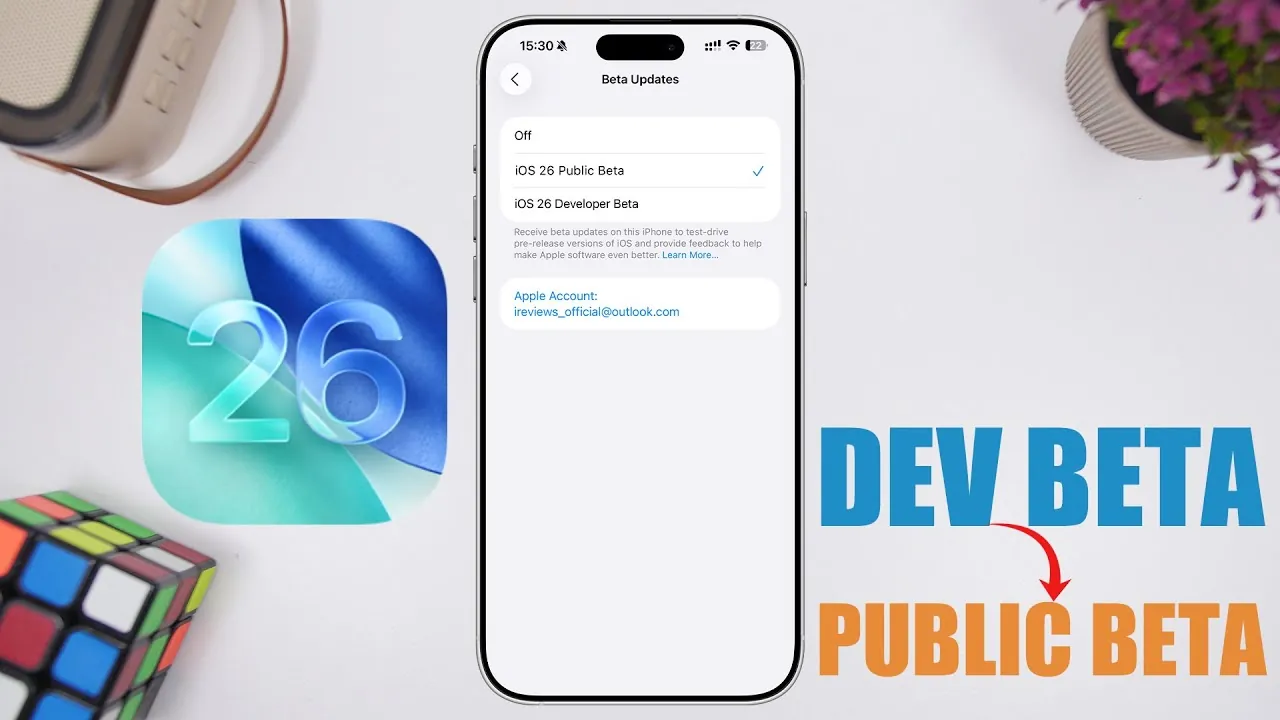
Switching from the iOS 26 developer beta to the public beta is a straightforward process that allows you to adjust your device’s update schedule to better align with your preferences. While both versions provide early access to the same features and functionality, understanding their distinctions and the steps involved in transitioning ensures a seamless experience. The video below from iReviews gives us more details on why you may want to consider switching from the developer beta to the new public beta.

Understanding iOS 26 Developer Beta and Public Beta
Both the developer beta and public beta grant users early access to iOS 26’s latest features, updates, and improvements. However, they serve slightly different purposes and are released on distinct schedules:
- Developer Beta: This version is released first and is specifically designed for app developers and advanced users. It provides early access to test new features and optimize apps for compatibility with iOS 26.
- Public Beta: Released shortly after the developer beta, this version is intended for general users who want to explore new features without requiring developer credentials. It offers a more accessible way to experience iOS updates ahead of the official release.
Despite the differences in their intended audiences and release timing, the content and functionality of both versions are identical. This means that switching from the developer beta to the public beta will not alter your overall experience with iOS 26.
Eligibility for Switching
Before proceeding with the switch, ensure your device meets the necessary criteria:
- If your device is running iOS 26 developer beta 1, 2, or 3, you are eligible to switch to the public beta.
- If your device is already on the re-released fourth developer beta, you are on the same version as the public beta, and no further action is required.
Confirming your eligibility is an essential step to avoid unnecessary updates or confusion during the process.
Steps to Transition to the iOS 26 Public Beta
Switching to the public beta is a simple process that can be completed directly from your device. Follow these steps to make the transition:
- Open the Settings app on your device.
- Navigate to General > Software Update.
- Check for the public beta option under available updates.
- Select the public beta and follow the on-screen instructions to download and install the update.
Once the installation is complete, your device will automatically switch to the public beta track. Future updates will follow the public beta release schedule, making sure you stay aligned with this version.
Key Considerations When Switching
While the functionality of your device remains unchanged after switching, there are a few important points to keep in mind:
- Release Timing: Public beta updates are typically released slightly later than developer beta updates. This delay ensures a more stable experience for general users.
- Purpose of the Switch: Transitioning to the public beta is ideal for users who no longer require developer-specific features or prefer the stability and accessibility of the public beta schedule.
- Reverting: If you decide to return to the developer beta, you can do so by re-enrolling your device in the developer beta program and following the appropriate update process.
Understanding these considerations helps you make an informed decision about whether switching to the public beta aligns with your needs and preferences.
Streamlining Your iOS Experience
Switching from the iOS 26 developer beta to the public beta is a hassle-free process that provides flexibility based on your requirements. Whether you prioritize early access to updates or prefer the slightly delayed but stable public beta schedule, this transition allows you to tailor your iOS experience. By following the outlined steps and keeping the key considerations in mind, you can confidently align your device with the update track that best suits your usage while continuing to explore the latest features and improvements of iOS 26.
Below are more guides on iOS 26 from our extensive range of articles.
Source & Image Credit: iReviews
Filed Under: Apple, Apple iPhone, Guides, Top News
Latest Geeky Gadgets Deals
Disclosure: Some of our articles include affiliate links. If you buy something through one of these links, Geeky Gadgets may earn an affiliate commission. Learn about our Disclosure Policy.
Credit: Source link