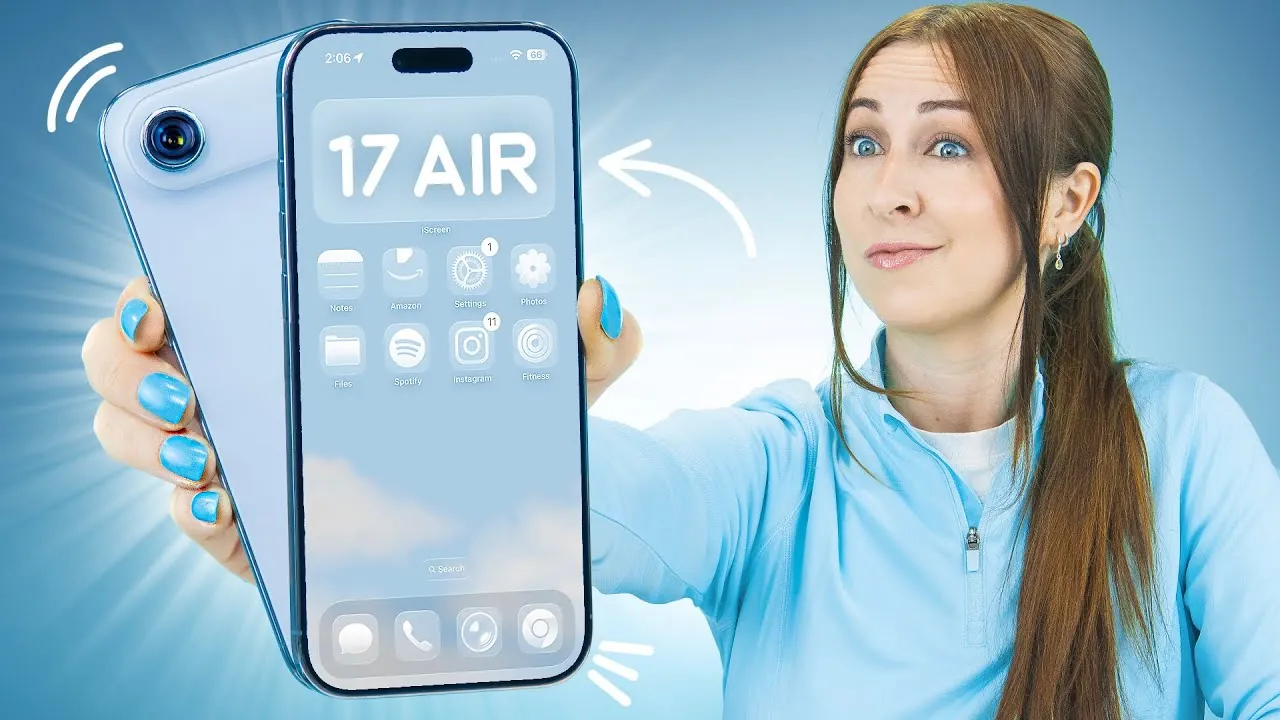
The iPhone Air is a sleek, lightweight device that combines style with functionality. Beyond its elegant design, it offers a range of features aimed at simplifying daily tasks and enhancing your overall experience. Whether you’re looking to extend battery life, customize your display, or explore advanced camera settings, the iPhone Air provides tools to help you personalize and optimize its use. The video below from Hayls World will walk you through key tips and tricks to unlock the full potential of your device.
Maximizing Battery Life
Making sure your iPhone Air stays powered throughout the day is crucial for uninterrupted use. The device includes several built-in tools and strategies to help you conserve energy effectively:
- Adaptive Power Mode: This feature dynamically adjusts performance and background activity based on your usage patterns, helping to extend battery life without sacrificing essential functionality.
- Battery Percentage Display: Enable this option to keep track of your battery level at a glance, making sure you’re always aware of your device’s power status.
- Fast Charging: Pair your iPhone Air with a 20W or higher power adapter to significantly reduce charging time, making sure your device is ready when you need it most.
- Low Power Mode: Activate this mode to temporarily reduce power consumption by limiting background processes and visual effects.
Enhancing Your Photography
The iPhone Air’s advanced camera system is designed to elevate your photography skills, offering tools and settings that cater to both casual users and photography enthusiasts:
- 48MP Resolution: Switch to this high-resolution mode for ultra-detailed photos with vibrant colors and sharp clarity, perfect for capturing intricate details.
- Advanced Settings: Adjust features like flash, timer, and night mode to capture stunning shots in any lighting condition, from dimly lit environments to bright outdoor scenes.
- Customizable Controls: Rearrange camera controls to suit your preferences, making it easier to access frequently used features with one hand.
- ProRAW and ProRes: Enable these formats for professional-grade editing flexibility, ideal for photographers and videographers.
Customizing Your Display
Personalizing your iPhone Air’s display can enhance usability and make the device feel uniquely yours. The following options allow you to tailor your screen to your preferences:
- 3D Wallpapers: Add dynamic wallpapers to create an engaging and visually striking lock screen effect that responds to your device’s movements.
- Always-On Display: Keep essential information, such as the time and notifications, visible even when your phone is locked, without compromising battery efficiency.
- Color Picker Tool: Customize home screen colors to reflect your personal style or mood, creating a cohesive and visually appealing interface.
- Font and Icon Adjustments: Modify font sizes and app icon layouts for improved readability and accessibility.
Optimizing Button Functions
The iPhone Air offers customizable button functions, allowing you to streamline tasks and improve convenience:
- Action Button: Assign specific tasks to the action button, such as launching apps, activating shortcuts, or opening the camera, for quick access to frequently used features.
- Camera Button: Simplify photo-taking by programming actions like zooming, switching modes, or starting video recording with a single press.
- Lock Button: Use the lock button for essential functions like emergency calls, device shutdown, or activating Siri for hands-free assistance.
Device Control and Innovative Features
The iPhone Air integrates seamlessly with other devices and offers unique functionalities to enhance your experience:
- Smart Device Control: Manage smart home devices, such as lights, thermostats, and speakers, directly from your iPhone Air, creating a centralized hub for your connected ecosystem.
- Selfie Camera Enhancements: Use features like auto-zoom, auto-rotate, and dual capture to take dynamic and versatile selfies, perfect for social media or personal use.
- Focus Modes: Customize focus settings to minimize distractions during work, relaxation, or sleep, making sure a more productive and balanced lifestyle.
Improving Audio and Call Management
The iPhone Air includes tools to enhance your audio experience and streamline call management:
- Custom Ringtones: Personalize your device by setting MP3 files as ringtones directly from the Files app, adding a unique touch to incoming calls.
- Call Screening: Enable the “ask reason for calling” feature to filter unknown callers, helping you prioritize important communications.
- Missed Call Reminders: Set automated reminders for missed calls to ensure you never forget to follow up with important contacts.
- Spatial Audio: Experience immersive sound quality with compatible headphones, enhancing music, movies, and calls.
Typing and Keyboard Enhancements
Typing on the iPhone Air is designed to be intuitive and responsive, with features that improve accuracy and user satisfaction:
- Character Preview: Re-enable this feature to see a preview of each keypress, helping to reduce typing errors and improve speed.
- Haptic Feedback: Activate tactile feedback for a more engaging and satisfying typing experience, providing subtle vibrations with each keypress.
- QuickPath Typing: Use swipe gestures to type faster and more efficiently, especially for one-handed use.
Managing Media Playback
The iPhone Air includes tools to help you control and manage your media consumption effectively:
- Timed Playback: Use the clock app to set a timer for media playback, making sure that music or videos stop automatically after a specified duration. This is particularly useful for falling asleep to your favorite content without draining the battery.
- Audio Sharing: Share audio with another pair of compatible headphones, allowing two users to enjoy the same content simultaneously.
The iPhone Air is a versatile device packed with features that cater to a wide range of needs. By exploring its hidden functionalities and customizing its settings, you can create a more personalized, efficient, and enjoyable experience. From extending battery life to mastering advanced camera settings and tailoring your display, these tips and tricks will help you unlock the full potential of your iPhone Air.
Here is a selection of other guides from our extensive library of content you may find of interest on iPhone Air tips and tricks.
Source & Image Credit: Hayls World
Filed Under: Android News, Apple iPhone, Guides
Latest Geeky Gadgets Deals
Disclosure: Some of our articles include affiliate links. If you buy something through one of these links, Geeky Gadgets may earn an affiliate commission. Learn about our Disclosure Policy.
Credit: Source link