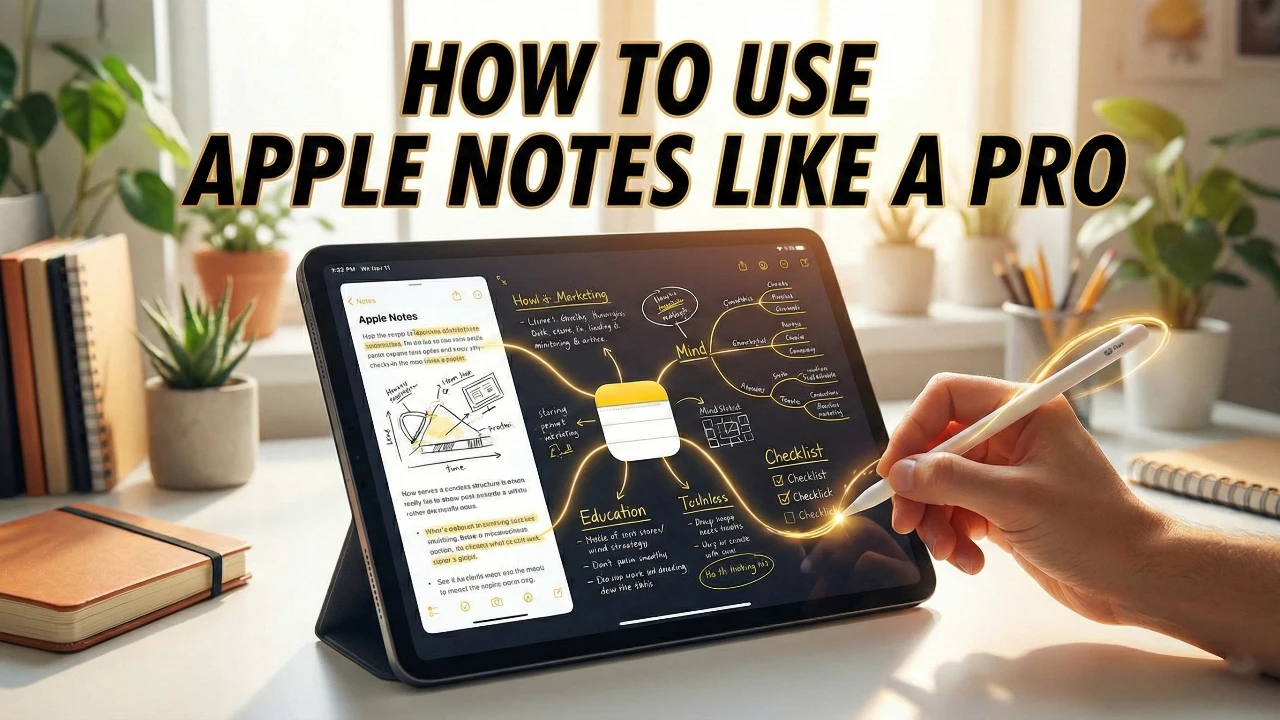
Apple Notes is a versatile and powerful tool that goes far beyond basic note-taking. With its seamless integration across Apple devices and a host of advanced features, it can significantly enhance how you organize, collaborate, and manage information. However, many users fail to use its full potential, often overlooking its more sophisticated tools and updates. If you’re among them, the video below from Brandon Butch will help you unlock the full capabilities of Apple Notes, especially with the latest enhancements introduced in iOS 26
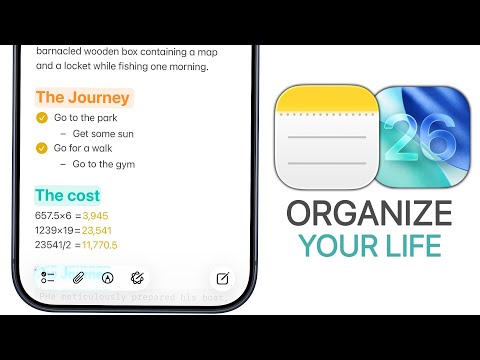
What’s New in iOS 26 for Apple Notes?
The iOS 26 update brings a range of new features to Apple Notes, designed to improve usability, creativity, and productivity. These updates make the app more versatile and user-friendly than ever before:
- Adaptive Toolbar: The new liquid glass design enhances navigation, offering a more intuitive and visually appealing interface.
- Markdown Support: Advanced formatting options allow you to import and export notes seamlessly, making it ideal for technical users and content creators.
- Apple Watch Integration: Use voice commands to create and view notes directly from your Apple Watch, keeping you productive even on the go.
- Calligraphy Pen for iPad: Add a creative touch to your workflow with this feature, perfect for handwritten notes or artistic projects.
These updates cater to a wide range of user needs, from casual note-takers to professionals managing complex workflows.
Organize Like a Pro
Apple Notes excels at keeping your information structured and easily accessible. By using its organizational tools, you can create a system that works for you:
- Folders and Nested Folders: Organize your notes into categories and subcategories for better clarity and focus.
- Smart Folders: Automatically sort notes based on tags or specific criteria, saving you time and effort.
- Tagging System: Use tags to categorize notes, making it easier to retrieve specific information when needed.
- Sorting Options: Arrange notes by date, title, or other parameters to maintain a clutter-free workspace.
These features ensure that your notes are always well-organized and easy to find, no matter how extensive your collection becomes.
Boost Productivity with Advanced Features
Apple Notes offers a variety of advanced tools designed to streamline your workflow and enhance productivity. These features are particularly useful for managing complex projects or detailed information:
- Note Linking: Connect related notes to create a seamless navigation experience between topics.
- Collapsible Headers: Break down lengthy notes into manageable sections, improving readability and focus.
- Formatting Options: Highlight important text, use block quotes, or apply mono-style formatting to enhance the presentation of your notes.
- Math Notes: Solve equations directly within the app, making it a valuable tool for students, engineers, and professionals.
These tools transform Apple Notes into a robust platform for managing detailed and interconnected information.
Document Management Made Easy
Apple Notes isn’t just for text—it’s also a powerful tool for handling documents. Its document management features make it easy to integrate physical and digital paperwork into your workflow:
- Document Scanning: Scan physical documents directly into the app, eliminating the need for separate scanning tools.
- Inline PDF Viewing: Open and annotate PDFs within your notes without requiring additional software.
- Form Filling and Signatures: Add signatures or fill out forms directly in the app, streamlining administrative tasks.
These capabilities make Apple Notes a one-stop solution for managing all your documentation needs.
Prioritize Privacy and Security
Protecting sensitive information is crucial, and Apple Notes delivers with robust security features that ensure your data remains private:
- Note Locking: Secure individual notes with a password or Face ID, adding an extra layer of protection.
- End-to-End Encryption: Keep your data safe, even if someone gains access to your device.
These security measures give you peace of mind when storing confidential or personal information.
Collaborate and Share Seamlessly
Collaboration is effortless with Apple Notes, making it an excellent tool for teamwork and shared projects:
- Sharing Options: Share notes with others, granting either view-only or collaborative access depending on your needs.
- Real-Time Updates: Track changes and activity in shared notes to stay aligned with your team.
Whether you’re brainstorming ideas or working on a group project, Apple Notes ensures everyone stays on the same page.
Optimize Your Workflow
Efficiency is at the heart of Apple Notes, with features designed to save time and keep you organized:
- Quick Note Creation: Access Quick Notes from the Control Center, lock screen, or action button to capture ideas instantly.
- Drag-and-Drop Functionality: Move notes into folders or rearrange content with ease.
- App Integration: Save content directly to Notes from Safari, Mail, or other apps without interrupting your workflow.
These tools ensure that capturing and managing information is always quick and hassle-free.
Tips and Tricks to Maximize Your Experience
Unlock even more value from Apple Notes with these lesser-known features:
- Interactive Checklists: Create checklists with haptic feedback for a satisfying sense of completion.
- Advanced Search: Use the search tool to find text, attachments, or specific content within your notes quickly.
- AI-Generated Images: Enhance your notes with visuals automatically generated based on your content.
- Custom Printing Options: Print notes with tailored layouts for physical copies that suit your needs.
These tips can help you take full advantage of the app’s capabilities, making your experience more efficient and enjoyable.
Sync Across All Your Devices
One of the standout features of Apple Notes is its seamless cross-device syncing. Whether you’re using an iPhone, iPad, Mac, or Apple Watch, your notes are updated in real-time. This ensures you always have access to the latest version, no matter which device you’re using, making it an indispensable tool for users who rely on multiple devices.
Apple Notes is more than just a note-taking app—it’s a comprehensive platform for organizing, collaborating, and managing information. By exploring its advanced features, organizational tools, and iOS 26 updates, you can transform the way you work and stay productive in any situation.
Uncover more insights about Apple Notes in the previous articles we have written.
Source: Brandon Butch
Filed Under: Apple, Apple iPhone, Guides
Latest Geeky Gadgets Deals
Disclosure: Some of our articles include affiliate links. If you buy something through one of these links, Geeky Gadgets may earn an affiliate commission. Learn about our Disclosure Policy.
Credit: Source link