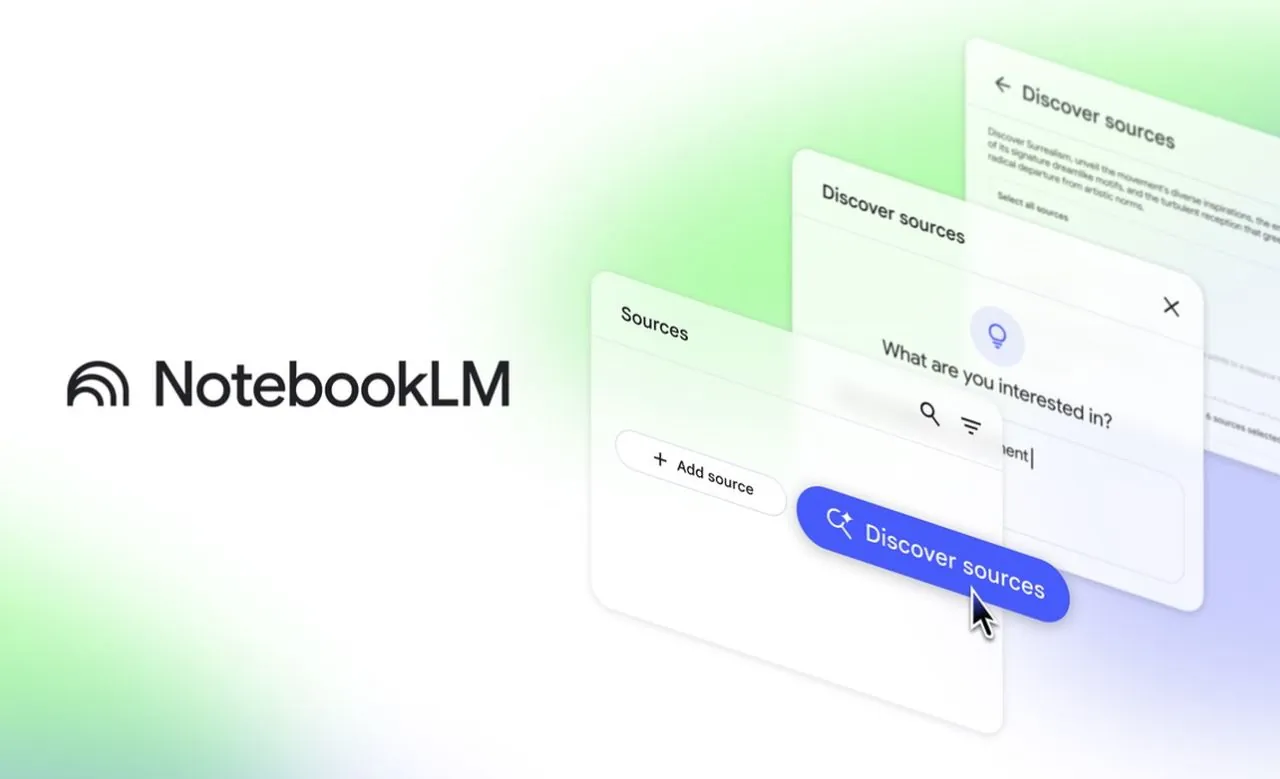
Have you ever wished for a tool that could turn the chaos of scattered research notes, dense academic papers, and complex concepts into something clear, concise, and actionable? Enter NotebookLM, Google’s new platform that’s redefining how we approach learning and research in 2025. Imagine effortlessly compiling everything you need—articles, PDFs, lecture notes—into one centralized hub, where AI not only organizes your materials but also distills them into digestible summaries and answers your most pressing questions. Whether you’re a student grappling with quantum computing or a professional diving into a new field, NotebookLM promises to make learning smarter, faster, and more intuitive. It’s not just a tool; it’s your personal research assistant, designed to help you focus on what matters most: understanding and applying knowledge.
Teacher’s Tech explains how to unlock the full potential of NotebookLM, from creating curated notebooks tailored to your specific needs to using its AI-powered summaries and interactive Q&A features. You’ll discover how this platform integrates seamlessly with your existing workflow, consolidating resources and simplifying even the most complex topics. Along the way, we’ll highlight practical examples, like using NotebookLM to break down quantum algorithms or generate multimedia study guides. Whether you’re looking to streamline your research, collaborate with peers, or customize your learning experience, this guide—crafted by the experts at Teacher’s Tech—will equip you with the tools and insights to transform how you learn in 2025. After all, the future of learning isn’t just about gathering information; it’s about making it work for you.
NotebookLM: AI Learning Tool
TL;DR Key Takeaways :
- NotebookLM offers curated notebooks that centralize and organize resources for specific subjects, saving time and enhancing productivity.
- The platform integrates diverse sources like PDFs, websites, and personal notes, streamlining research and simplifying complex topics.
- AI-powered summaries and interactive Q&A tools provide concise explanations and personalized learning experiences tailored to users’ expertise levels.
- Multimedia tools, including mind maps, study guides, audio, and video overviews, cater to various learning styles for dynamic and effective engagement.
- NotebookLM supports collaboration and customization, allowing users to share resources, adjust features, and personalize their learning workflows.
Curated Notebooks: Your Personalized Knowledge Hub
At the heart of NotebookLM lies the concept of curated notebooks—expertly assembled collections of resources tailored to specific subjects. These notebooks can be pre-built or customized to suit your needs, depending on your account type, whether educational or personal. For instance, if you are exploring quantum computing, you can compile research papers, lecture notes, and articles into a single, organized notebook. This feature centralizes your materials, saving you time and making sure quick access to essential resources. By having all your information in one place, you can focus on analyzing and learning rather than searching for scattered materials.
Centralized Research Through Source Integration
NotebookLM excels in consolidating your research by allowing you to upload and analyze a wide range of sources, including PDFs, websites, Google Docs, and personal notes. This integration eliminates the need to juggle multiple tools, streamlining your workflow. For example, if you are studying quantum algorithms, you can upload academic papers, technical documents, and even your handwritten notes. The platform analyzes these sources to help you extract key insights efficiently. By centralizing your research, NotebookLM ensures that you can focus on understanding and applying the information rather than managing disparate files.
How to Use NotebookLM in 2025

Explore further guides and articles from our vast library that you may find relevant to your interests in NotebookLM.
AI Summaries: Simplifying Complex Information
One of NotebookLM’s most powerful features is its ability to generate AI-powered summaries. These summaries condense intricate concepts into concise, digestible formats while maintaining accurate citations. For example, when studying quantum entanglement, NotebookLM can provide a clear, summarized explanation, complete with references to the original sources. This feature not only saves time but also ensures that your research remains credible and well-documented. By simplifying complex information, NotebookLM enables you to grasp challenging topics more effectively.
Interactive Q&A: Tailored Learning at Your Fingertips
NotebookLM’s interactive Q&A tool allows you to ask questions directly based on your uploaded materials. The AI adapts its responses to your level of expertise, making it suitable for both beginners and advanced users. For instance, if you are new to quantum computing, you might ask, “What is quantum superposition?” Alternatively, advanced users can request detailed explanations of specific algorithms. This adaptability ensures a personalized learning experience, allowing you to deepen your understanding of any subject at your own pace.
Customizing NotebookLM to Fit Your Needs
The platform offers extensive customization options, allowing you to tailor its features to your preferences. You can adjust conversational styles, response lengths, and even output languages. For example, if you prefer concise answers, you can configure the AI to provide brief explanations. Alternatively, you can opt for detailed responses if you are delving into a complex topic. This flexibility ensures that NotebookLM aligns with your unique learning style, making it a highly personalized tool that adapts to your needs.
Multimedia Tools for Engaging Learning
NotebookLM enhances traditional text-based learning by incorporating multimedia features that cater to various learning styles. These tools make it easier to visualize and retain complex information:
- Mind Maps: Visualize relationships between concepts, such as quantum gates and algorithms, to better understand their connections.
- Study Guides: Automatically generate summaries of key points from your sources, ideal for exam preparation or quick reviews.
- Audio Overviews: Listen to AI-generated summaries, customized for length and focus, to absorb information on the go.
- Video Overviews: Create slideshow-style videos with narration, tailored for specific audiences like students or professionals.
These features ensure that you can engage with material in a way that suits your learning preferences, whether you are a visual, auditory, or kinesthetic learner. By diversifying the ways you interact with information, NotebookLM makes learning more dynamic and effective.
Collaboration Made Easy
NotebookLM supports seamless collaboration, allowing you to share your work with peers, colleagues, or study groups. You can distribute curated notebooks, audio summaries, and video overviews to ensure everyone stays aligned. For example, if you are working on a group project about quantum cryptography, you can share your research and multimedia outputs to foster better teamwork and communication. This collaborative functionality makes NotebookLM an excellent tool for both individual and group learning environments.
Intuitive and User-Friendly Design
NotebookLM’s clean, intuitive interface enhances usability, allowing you to focus on your learning goals without distractions. With light and dark mode options, you can customize the interface to reduce eye strain during extended study sessions. The platform’s thoughtful design ensures a smooth and enjoyable user experience, making it accessible to users of all skill levels. By prioritizing simplicity and functionality, NotebookLM enables you to navigate its features effortlessly.
Empowering Learning and Research
NotebookLM is a versatile and innovative tool that simplifies the process of learning, organizing, and presenting complex topics. Its features—ranging from curated notebooks and AI-generated summaries to multimedia outputs and collaboration tools—make it an invaluable resource for anyone seeking to deepen their understanding of subjects like quantum computing. By combining advanced AI capabilities with a user-friendly interface, NotebookLM enables you to approach research and learning with greater efficiency and confidence. Whether you are tackling a challenging academic subject or exploring a new area of interest, NotebookLM provides the tools you need to succeed.
Media Credit: Teacher’s Tech
Filed Under: AI, Guides
Latest Geeky Gadgets Deals
Disclosure: Some of our articles include affiliate links. If you buy something through one of these links, Geeky Gadgets may earn an affiliate commission. Learn about our Disclosure Policy.
Credit: Source link