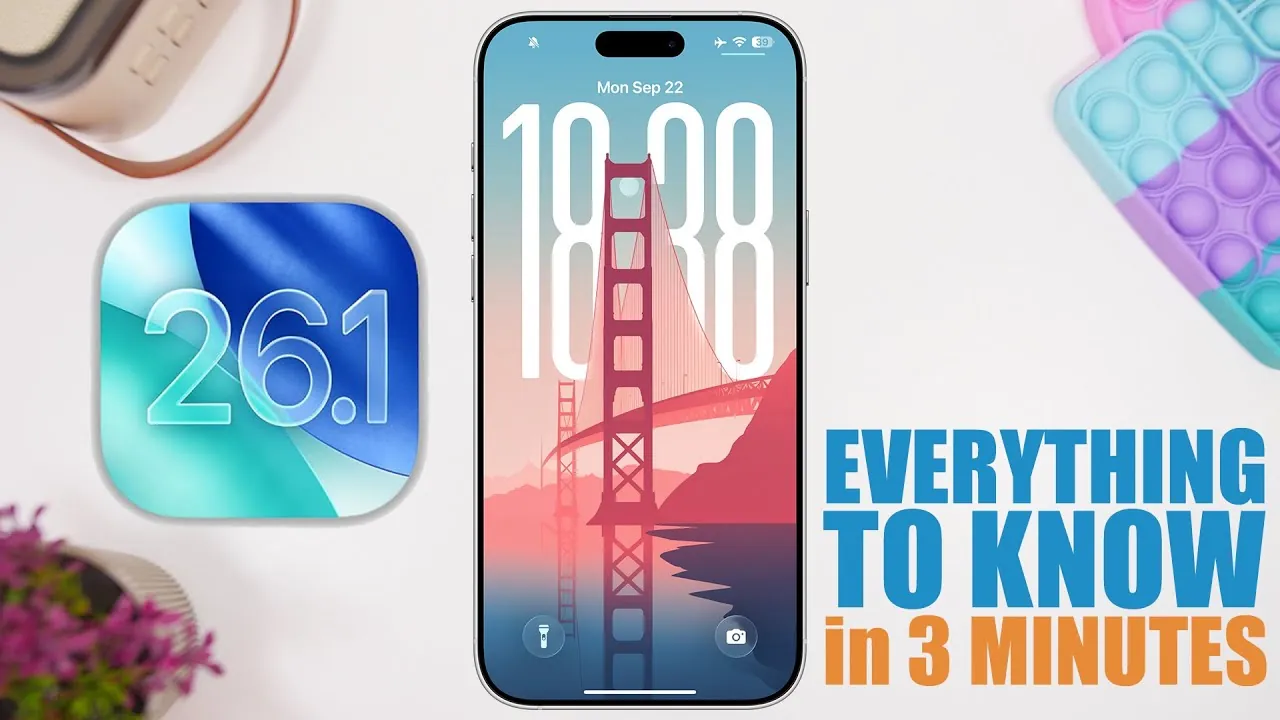
Apple has officially released the first beta of iOS 26.1, following the recent launch of iOS 26. This update, while substantial in size, focuses on refining the user experience through bug fixes and minor enhancements rather than introducing major new features. If you’re evaluating whether to install this beta, here’s a comprehensive breakdown of what it offers and how it could impact your device.

Key Highlights of iOS 26.1 Beta
The iOS 26.1 beta is designed to address specific issues and optimize existing features. While it doesn’t include new innovations, it introduces several noteworthy updates:
- Update Size: The beta download is between 13 and 15 GB, depending on your device model. This size indicates significant system-level adjustments, even though visible changes are minimal.
- Build Number: Identified as build number 23B5044i, this beta marks the initial testing phase of iOS 26.1, providing developers and advanced users with early access to upcoming refinements.
Fixes and Improvements
The primary focus of this beta is on resolving known issues and enhancing existing functionalities. Below are the most significant updates included in iOS 26.1 beta:
- Apple Watch Wi-Fi Bug Fix: A persistent issue where Wi-Fi disconnected during Face ID unlocking has been resolved. This fix ensures a more seamless connection between your iPhone and Apple Watch, particularly in scenarios requiring uninterrupted integration.
- Liquid Glass Effect Refinement: The liquid glass effect, introduced in iOS 26, has undergone further polishing. Users may notice a more refined and visually appealing interface, enhancing the overall aesthetic experience of the operating system.
- Apple Intelligence Dutch Support: Apple Intelligence, the AI-powered assistant, now supports the Dutch language. This addition broadens its accessibility, catering to Dutch-speaking users and expanding its global usability.
Performance and Battery Life
Apple has not explicitly highlighted performance or battery life improvements in this beta release. Early feedback from testers suggests that performance and battery efficiency remain consistent with iOS 26. While no significant changes have been reported, the update’s focus on system optimizations may contribute to subtle improvements over time. If performance and battery life are critical considerations for you, it may be prudent to wait for further updates or the official release.
Should You Upgrade?
Deciding whether to install the iOS 26.1 beta depends on your specific needs and technical expertise. For most users, it’s advisable to wait for the official release or a more stable version, such as iOS 26.0.1, which is expected soon. The beta primarily benefits developers and advanced users who are comfortable navigating potential bugs and system instability. While the fixes and enhancements in this update are valuable, they may not justify the large download size or the risks associated with beta software for the average user.
Browse through more resources below from our in-depth content covering more areas on iOS 26.1 Beta.
Source & Image Credit: iReviews
Filed Under: Gadgets News
Latest Geeky Gadgets Deals
Disclosure: Some of our articles include affiliate links. If you buy something through one of these links, Geeky Gadgets may earn an affiliate commission. Learn about our Disclosure Policy.
Credit: Source link