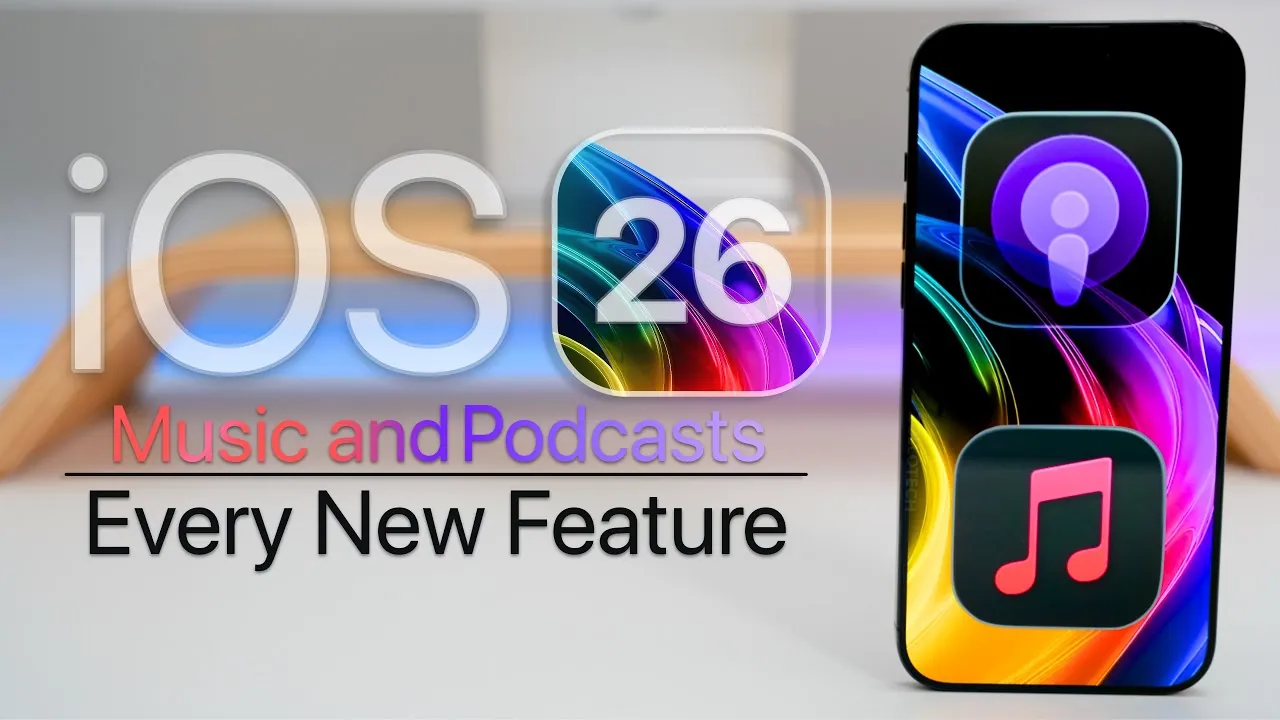
Apple’s iOS 26 brings a host of updates to Apple Music and Podcasts, focusing on streamlined design, enhanced customization, and seamless functionality. These updates aim to elevate your listening experience, whether you’re a devoted music enthusiast or an avid podcast listener. With visually dynamic features, improved usability, and cross-device integration, iOS 26 redefines how you interact with these platforms, making them more intuitive and engaging. The video below from Zollotech gives us more information.

Design Innovations: Liquid Glass and Enhanced Usability
One of the standout features of iOS 26 is the introduction of the “liquid glass” design, a dynamic translucency effect that transforms the visual interface. This sleek and modern design is applied across menus and backgrounds, creating a cohesive and polished aesthetic. Both Apple Music and Podcasts benefit from this redesign, with larger buttons and reorganized menu bars that improve navigation and accessibility.
Additionally, animated album artwork now takes center stage on the lock screen, offering full-screen visuals that bring your favorite music to life. These updates are more than just cosmetic; they are crafted to make your interactions smoother and more intuitive, making sure that the design enhances functionality without overwhelming the user.
Apple Music: Personalized Features for Every Listener
Apple Music in iOS 26 introduces several new features designed to enhance personalization and playback, giving you greater control over your music library and listening habits. These updates cater to both casual listeners and dedicated audiophiles:
- Automix: Enjoy seamless transitions between songs in playlists or radio stations, creating a smooth, DJ-like listening experience.
- Pinned Content: Pin your favorite albums, playlists, or artists for quick access. Rearrange or download pinned items for offline listening, making sure your top picks are always available.
- Playlist Folders: Organize your music library by grouping playlists into folders directly on your device, simplifying the management of extensive collections.
- Lyrics Translation: Translate song lyrics into supported languages, complete with pronunciation guides and larger text options. This feature makes it easier to sing along to foreign-language tracks and explore global music.
- Apple Music Replay: Access your top artists, albums, and songs directly within the app, eliminating the need to visit a web interface for year-in-review insights.
These features are designed to make your listening experience more personalized and efficient, whether you’re curating playlists, exploring new genres, or revisiting your favorite tracks.
Seamless Integration Across Devices
iOS 26 enhances Apple Music’s functionality across devices, making sure that your music is accessible wherever you go. Whether you’re working out, driving, or relaxing at home, these updates provide a consistent and user-friendly experience:
- Apple Watch: Music controls are now integrated into the workout interface, allowing you to adjust playback without interrupting your activity. This seamless integration ensures that your music complements your fitness routine.
- CarPlay: The updated interface incorporates the liquid glass design and larger buttons, making navigation safer and more intuitive. Pinned content is also accessible, so your favorite music and podcasts are always within reach during drives.
These improvements highlight Apple’s commitment to creating a unified ecosystem, where your music and podcasts are always at your fingertips, no matter the device.
Apple Podcasts: Enhanced Audio and Customization
Apple Podcasts also receives significant updates in iOS 26, focusing on audio quality, usability, and customization. These changes are designed to make discovering, managing, and enjoying your favorite shows easier than ever:
- Per-Show Settings: Customize playback speed and enhance dialogue clarity for individual shows, tailoring the listening experience to your preferences.
- Dynamic Animations: The redesigned interface incorporates liquid glass effects and animations, aligning with the broader visual updates in iOS 26.
- New Widgets: Stay connected to your favorite shows with widgets for recently played episodes, recommendations, and pinned content, all accessible directly from your home screen.
These updates ensure that Apple Podcasts remains a versatile and user-friendly platform, whether you’re catching up on your favorite series or exploring new recommendations.
Widgets and Visual Enhancements
Widgets play a central role in iOS 26, offering new options for both Apple Music and Podcasts. Live radio widgets, pinned content, and personalized recommendations provide quick access to essential features directly from your home screen. Additionally, the Podcasts app icon has been refreshed with subtle visual effects, reflecting the platform’s modernized aesthetic.
These enhancements are designed to make your home screen more functional and visually appealing, making sure that your favorite music and podcasts are always just a tap away.
A Unified and Personalized Entertainment Experience
iOS 26 sets a new standard for digital entertainment by combining visually striking design with advanced customization options. From the dynamic liquid glass interface to features like playlist folders, pinned content, and per-show podcast settings, these updates are tailored to your preferences and habits. Seamless integration with Apple Watch and CarPlay ensures that your favorite music and podcasts are always accessible, whether you’re on the move or relaxing at home. With iOS 26, Apple continues to refine its platforms, offering tools that are as functional as they are visually compelling.
Dive deeper into iOS 26 features with other articles and guides we have written below.
Source & Image Credit: zollotech
Filed Under: Apple, Apple iPhone
Latest Geeky Gadgets Deals
Disclosure: Some of our articles include affiliate links. If you buy something through one of these links, Geeky Gadgets may earn an affiliate commission. Learn about our Disclosure Policy.
Credit: Source link