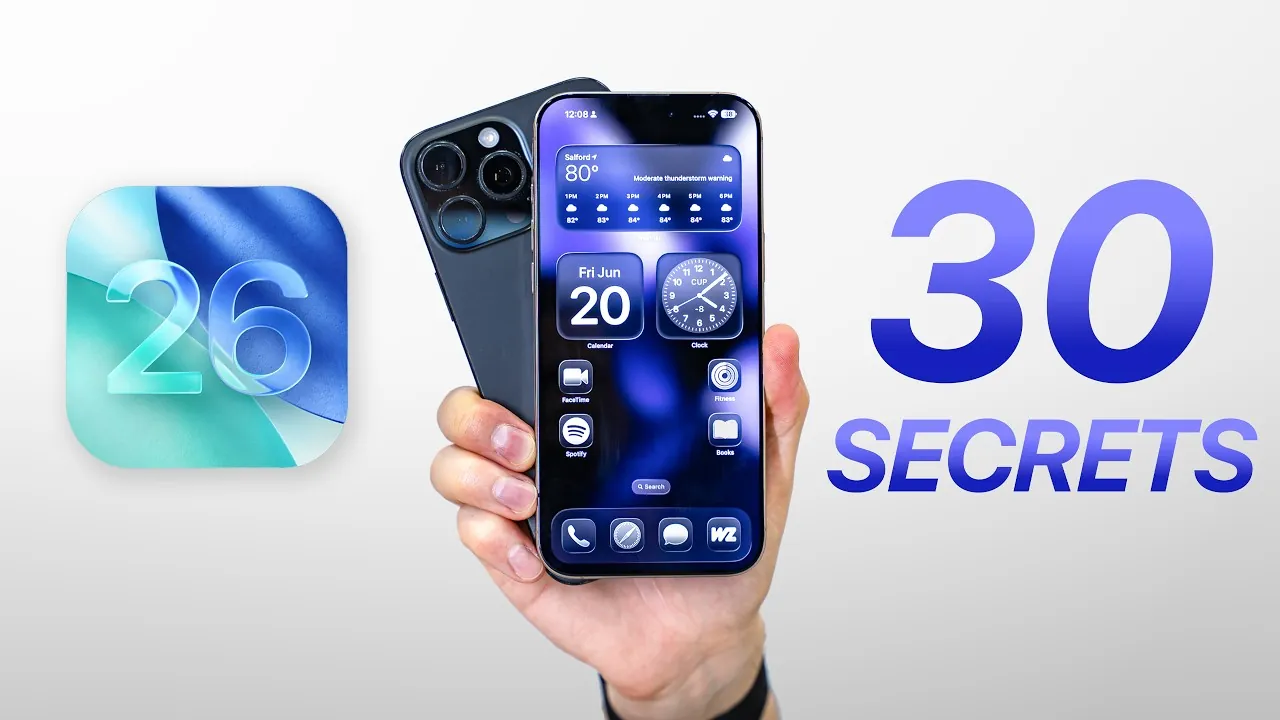
Apple’s iOS 26 delivers a comprehensive update packed with features that enhance usability, personalization, and functionality. With a refreshed user interface, smarter battery management, and expanded accessibility tools, this update is designed to cater to a wide range of users, from casual individuals to tech enthusiasts. Below is an in-depth look at the most notable features and updates, along with tips to help you maximize your experience with iOS 26 in a new video from ZONEofTECH.

Enhanced User Interface
iOS 26 introduces the Liquid Glass UI, a visually captivating design that adds a shimmering effect to icons and the dock, creating a sleek and modern aesthetic. This update also brings several other interface improvements:
- 3D Lock Screen: Adds depth and interactivity, making your device more engaging and visually dynamic.
- Safari Customization: Offers the flexibility to choose between Compact, Bottom, or Top navigation bars, allowing you to tailor your browsing experience.
- Full-Screen App Mode: Removes navigation indicators for a distraction-free experience, ideal for immersive activities like gaming or reading.
These updates not only enhance the visual appeal of your device but also provide greater adaptability to suit individual preferences.
Smarter Battery and Charging Features
Battery management in iOS 26 has been significantly improved with tools designed to optimize efficiency and extend usage. Key features include:
- Charging Estimates: The lock screen now displays the estimated time required to charge your device to 80%, helping you plan your day more effectively.
- Adaptive Power Mode: Automatically adjusts performance and background activity based on your usage patterns to conserve battery during critical moments.
These enhancements ensure that your device remains powered when you need it most, offering both convenience and peace of mind.
Accessibility Upgrades
Apple continues to prioritize inclusivity with iOS 26, introducing several new accessibility tools that make the operating system more user-friendly for everyone:
- Customizable Accessibility Reader: Allows you to adjust text size, font, and audio playback for a personalized reading experience.
- Personal Voice Setup: Enables users to quickly create a voice profile for text-to-speech applications, enhancing communication options.
- Expanded Background Sounds: Includes equalizer settings and timers, making it easier to focus or relax with ambient audio.
- Improved Braille Support: Offers enhanced compatibility with external Braille displays, making sure seamless integration for visually impaired users.
These updates underscore Apple’s commitment to creating a more inclusive digital environment.
App Improvements
Core apps in iOS 26 have been upgraded to improve functionality and organization, making daily tasks more efficient:
- Apple Music: Introduces playlist folders, allowing you to organize your music library more effectively.
- Wallet App: Provides real-time flight information through live activities, keeping you updated on travel plans.
- Phone App: Features a unified interface that consolidates calls, voicemails, and recents for easier navigation.
- Files App: Lets you expand folders without fully opening them, streamlining file management.
- Podcasts: Offers playback speed control ranging from 0.5x to 3x, giving you more flexibility in how you listen.
These updates are designed to simplify your workflow and enhance productivity across various aspects of your daily life.
Expanded Customization Options
Personalization is a key focus in iOS 26, with new features that allow you to make your device truly your own:
- Adjustable Snooze Durations: Customize snooze times for alarms to better align with your routine.
- Custom Ringtones: Create unique ringtones directly from audio files stored in the Files app.
- Enhanced Contact Monograms: Add a personal touch to your communication with customizable visuals for your contacts.
These options empower you to tailor your device to your preferences, enhancing both functionality and individuality.
New Functionalities
iOS 26 introduces a range of innovative tools that enhance convenience and expand the capabilities of your device:
- Satellite Weather Updates: Provides accurate weather forecasts even in areas without cellular coverage, making sure you stay informed wherever you are.
- eSIM Transfer Compatibility: Simplifies the process of switching between iOS and Android devices, offering greater flexibility.
- HDR Screenshots: Captures higher-quality images with improved clarity and detail, perfect for sharing or archiving important moments.
- Selective Text Copying in iMessage: Allows you to extract specific information from conversations with ease, saving time and effort.
These additions are designed to streamline everyday tasks and improve cross-platform compatibility, making your device more versatile.
Subtle Haptic Feedback
iOS 26 enhances the tactile experience with subtle haptic feedback during calls. Vibrations now indicate when a call connects or disconnects, providing an intuitive layer of interaction that improves usability and user awareness.
Additional Features
Several smaller yet impactful features round out the iOS 26 update, further enhancing usability and security:
- Late-Night Audio Compression: Balances sound levels for comfortable listening during quiet hours, making sure a better audio experience.
- Password Change History: Tracks changes in the Passwords app, helping you maintain better account security.
- Vision Pro Compatibility: Unlocks your iPhone using Apple’s advanced mixed-reality headset, showcasing the integration of innovative technology.
These features contribute to a well-rounded and secure user experience, making sure that iOS 26 meets the diverse needs of its users.
Here are more detailed guides and articles that you may find helpful on iOS 26 features.
Source & Image Credit: ZONEofTECH
Filed Under: Apple, Apple iPhone, Top News
Latest Geeky Gadgets Deals
Disclosure: Some of our articles include affiliate links. If you buy something through one of these links, Geeky Gadgets may earn an affiliate commission. Learn about our Disclosure Policy.
Credit: Source link