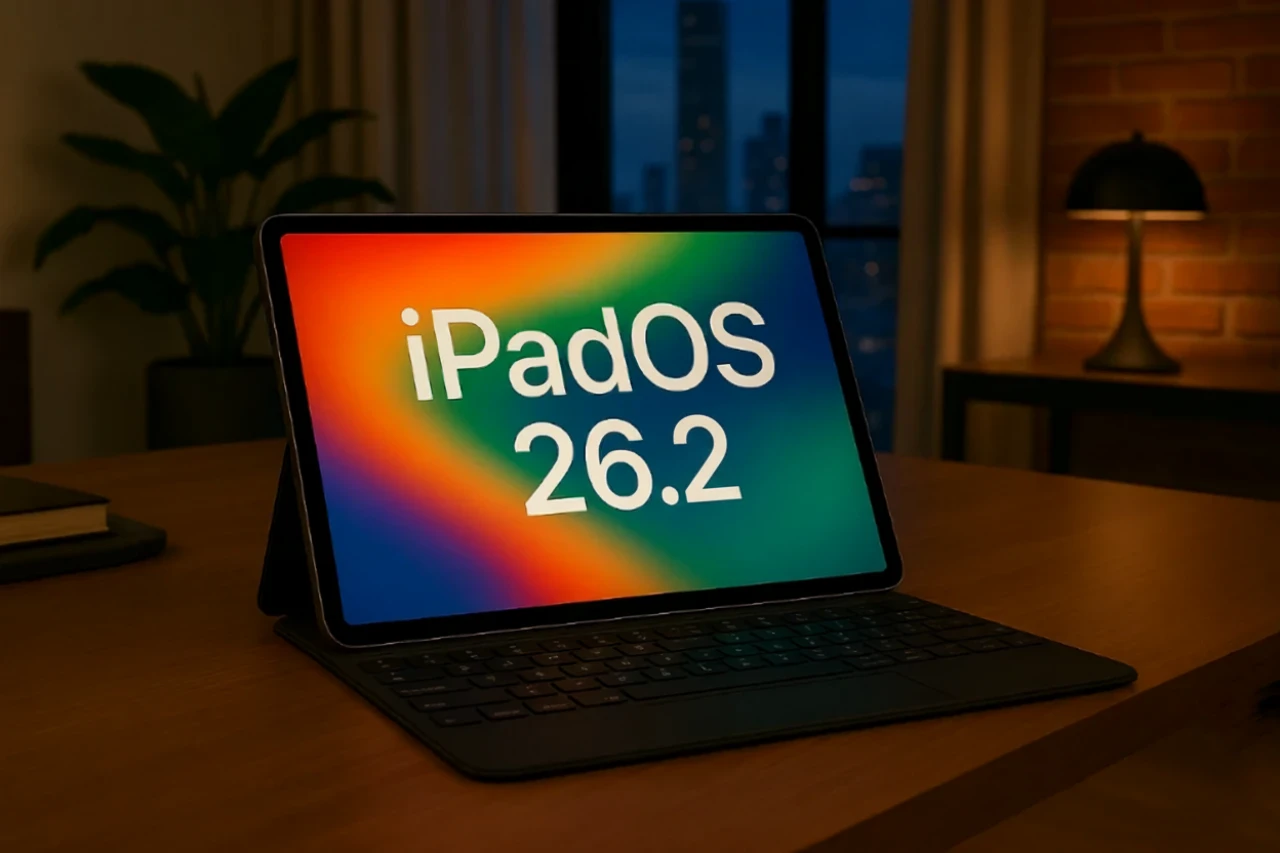
Apple’s iPadOS 26.2 update introduces a variety of enhancements designed to improve multitasking, personalization, and app functionality. Whether you use your iPad for professional tasks, creative projects, or entertainment, this update offers tools to make your experience more efficient and enjoyable. Below is an in-depth look at the most significant features and improvements.

Enhanced Multitasking for Seamless Productivity
For users who rely on multitasking, iPadOS 26.2 brings substantial improvements to streamline workflows. The reintroduction of the drag-and-drop multitasking feature allows you to move content effortlessly between apps in Split View and Slide Over. This functionality simplifies workspace customization, allowing you to manage multiple tasks with greater ease.
Additionally, refinements to window management make switching between apps smoother and more intuitive. These updates are particularly beneficial for users handling complex projects, as they reduce friction and help maintain focus. Whether you’re managing work assignments, organizing personal tasks, or balancing both, these multitasking enhancements are designed to boost productivity.
Refined Liquid Glass Interface for a Polished Experience
The Liquid Glass interface receives notable updates that merge aesthetics with functionality. A customizable lock screen clock now offers both glass and solid effects, allowing you to personalize your device’s appearance. Transparent elements in the Notification Center create a cohesive visual design, while smoother menu animations enhance the overall user experience.
These visual and functional improvements not only elevate the iPad’s aesthetic appeal but also contribute to a more seamless interaction with the device. The refined interface ensures that everyday tasks feel intuitive and polished, reinforcing Apple’s focus on user-centric design.
Smarter Media Features in Apple Music and Podcasts
Media enthusiasts will appreciate the thoughtful updates to Apple Music and Podcasts in iPadOS 26.2. These enhancements aim to make consuming and interacting with media more engaging and convenient.
- Apple Music: Offline lyrics are now available for downloaded songs, allowing you to follow along with your favorite tracks even without an internet connection. This feature is particularly useful for travel or areas with limited connectivity.
- Apple Podcasts: Automatic chapter creation simplifies navigation for episodes without pre-defined chapters. The new “From this Episode” feature highlights links mentioned during a podcast, making it easier to explore related content. Additionally, Apple is testing a “Mentions” feature, which links referenced podcasts for a more interconnected listening experience.
These updates enhance the functionality of Apple’s media apps, making sure a more immersive and user-friendly experience for music and podcast lovers alike.
Freeform App: Advanced Collaboration Tools
The Freeform app, Apple’s platform for brainstorming and collaboration, now includes customizable tables. Users can adjust colors, borders, and layouts to better organize their ideas, making the app more versatile for various planning needs.
These enhancements cater to both individual users and teams, offering structured tools for creative and strategic planning. Whether you’re working on a solo project or collaborating with others, the improved Freeform app provides greater flexibility and functionality to support your workflow.
Games App: Enhanced Features for Gamers
Gamers will find several updates in the Games app that improve usability and engagement. These features are designed to enhance the gaming experience for both casual and dedicated players.
- New library filter controls make it easier to organize and manage your game collection.
- Controller-based navigation offers a more immersive experience for users with external game controllers.
- The ability to track challenge scores directly within the app adds a competitive edge, allowing you to monitor your progress and achievements more effectively.
These updates streamline gaming on the iPad, making sure that the Games app remains a valuable hub for entertainment.
System-Wide Productivity and Usability Enhancements
Beyond individual app updates, iPadOS 26.2 introduces system-wide improvements aimed at enhancing usability and performance. Touch-based interface updates improve responsiveness, making sure smoother interactions across the device. Additionally, refinements to app functionality provide a more consistent and reliable experience.
These changes reflect Apple’s commitment to making the iPad a versatile tool that adapts to a wide range of user needs. Whether you’re using the device for work, creativity, or leisure, these enhancements ensure that the iPad remains a powerful and intuitive companion.
Comprehensive Updates for Every User
iPadOS 26.2 delivers a well-rounded set of features that cater to diverse user preferences. From the return of drag-and-drop multitasking to advanced collaboration tools in Freeform, this update emphasizes efficiency, customization, and user engagement. Whether you’re managing tasks, exploring creative projects, enjoying media, or gaming, iPadOS 26.2 ensures that your iPad continues to be a reliable and versatile device.
Discover other guides from our vast content that could be of interest on iPadOS 26.2 features.
Source & Image Credit: SlatePad
Filed Under: Apple, Apple iPad, Top News
Latest Geeky Gadgets Deals
Disclosure: Some of our articles include affiliate links. If you buy something through one of these links, Geeky Gadgets may earn an affiliate commission. Learn about our Disclosure Policy.
Credit: Source link