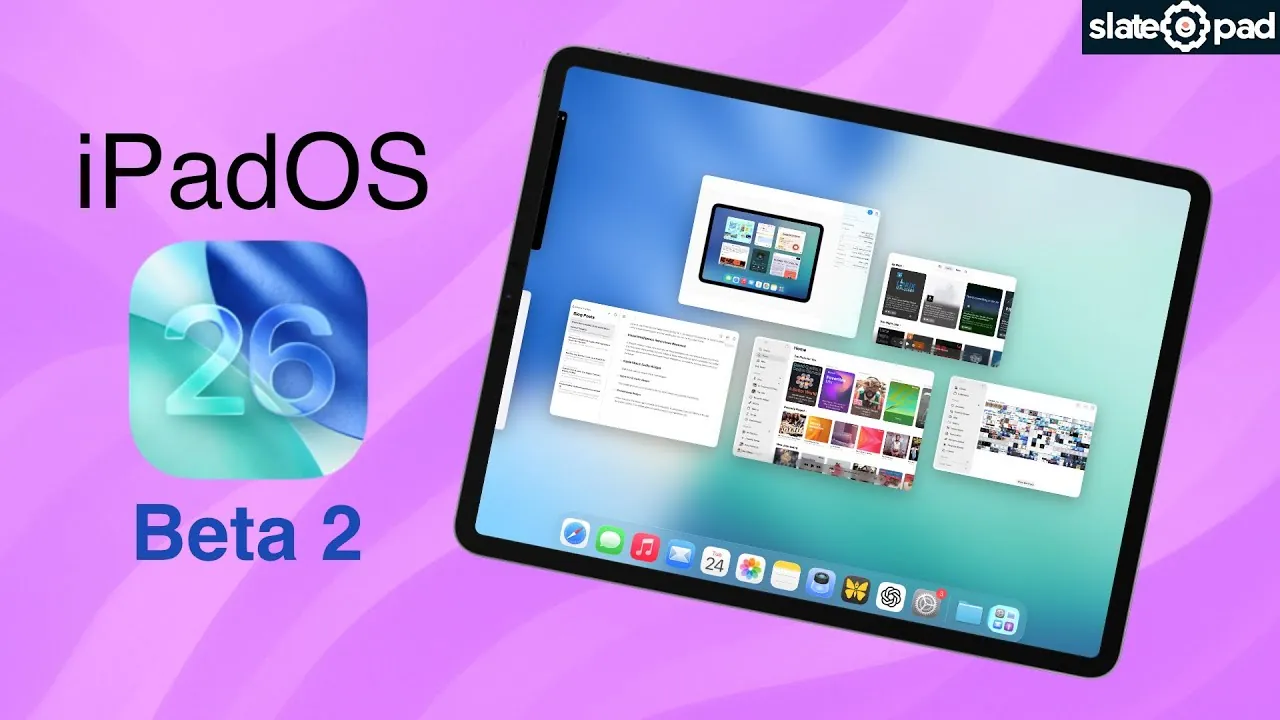
Apple’s iPadOS 26 Beta 2 introduces a range of updates aimed at refining the user experience. While the changes may appear incremental, they focus on improving performance, enhancing usability, and introducing new features. However, some anticipated functionalities remain absent, leaving room for further development in future iterations. This beta reflects Apple’s ongoing commitment to delivering a more polished and user-friendly operating system. The video below from SlatePad gives us a look at the new features and changes that Apple has introduced in iPadOS 26 beta 2.

Performance Enhancements
One of the most noticeable improvements in iPadOS 26 Beta 2 is the smoother animations. Transitions between apps and system menus feel significantly more fluid compared to Beta 1, creating a more polished and responsive experience. These refinements are designed to enhance overall system stability and ensure a seamless interaction for users.
Despite these advancements, certain challenges persist. Thunderbolt dock connections remain a notable pain point, with users reporting app crashes and device overheating during extended use. These issues highlight the need for further optimization, particularly for professional users who rely on Thunderbolt for high-speed data transfers and productivity tasks. Addressing these concerns will be critical in making sure the operating system meets the demands of power users.
Interface Refinements
The interface in iPadOS 26 Beta 2 has undergone subtle yet meaningful adjustments to improve usability. One of the standout changes is the reduced translucency in the Control Center, which enhances the legibility of text and icons. This improvement is particularly noticeable against bright or dynamic wallpapers, making navigation easier in well-lit environments. While not a innovative update, it demonstrates Apple’s attention to detail in refining everyday interactions.
Additionally, a new parallax wallpaper effect has been introduced, reminiscent of the feature first seen in iOS 7. This subtle enhancement creates a sense of depth as you tilt your device, adding a dynamic and visually engaging element to the user interface. Although primarily aesthetic, it contributes to the overall appeal of the operating system.
Thunderbolt Connectivity Issues
While iPadOS 26 Beta 2 brings several performance improvements, Thunderbolt connectivity continues to present challenges. Users have reported stability issues, including unexpected app closures and increased device temperatures when using Thunderbolt docks. These problems underscore the need for better handling of high-speed data transfers and power management.
For professionals who depend on Thunderbolt for tasks such as video editing, data backups, or connecting external displays, these issues can be particularly disruptive. Apple’s ability to address these concerns in future updates will be crucial in making sure the operating system meets the needs of its most demanding users.
Control Center and Sound Customization Updates
The Control Center has received a notable update with reduced translucency, making controls and notifications more accessible. By minimizing transparency, Apple has ensured that essential functions remain clear and easy to use, even when visually complex wallpapers are applied. This change enhances the overall user experience, particularly in environments with varying lighting conditions.
In addition to interface refinements, the sound settings have been updated to include a new disclosure arrow in the sound menu. This feature allows users to access an alternate version of the default ringtone, offering more customization options. While this change may seem minor, it caters to users who value personalization in their device settings, adding convenience and variety to notification tones.
Apple Music Widgets and Live Radio
The Apple Music app has seen significant enhancements in iPadOS 26 Beta 2 with the introduction of new widgets. These updates aim to streamline user interaction and provide quick access to favorite content. Key additions include:
- Live Radio Widget: This widget allows users to access Apple Music’s live radio stations directly from the home screen, offering a seamless way to enjoy live broadcasts.
- Pins Widget: Users can now pin their favorite songs or albums for easy retrieval, making it simpler to revisit frequently played content.
These widgets enhance the functionality of Apple Music, making it more convenient for users to interact with their music library and discover new content.
Visual Intelligence Feature Removed
One of the more disappointing changes in iPadOS 26 Beta 2 is the removal of references to the rumored “Visual Intelligence” feature. This feature was initially expected to enhance camera and screenshot analysis, offering advanced visual recognition tools. Its absence in this beta suggests that the feature may still be under development or that Apple has shifted its priorities. While this removal may leave some users disappointed, it highlights the iterative nature of beta releases and the ongoing refinement process.
Looking Ahead
iPadOS 26 Beta 2 delivers a mix of performance improvements, interface refinements, and new features, showcasing Apple’s iterative approach to enhancing the iPad experience. While smoother animations, improved Control Center legibility, and new Apple Music widgets stand out as highlights, challenges such as Thunderbolt connectivity issues and the absence of the Visual Intelligence feature leave room for improvement. As development continues, users can expect further refinements in future updates, paving the way for a more robust and user-friendly operating system.
Here is a selection of other guides from our extensive library of content you may find of interest on iPadOS 26 Beta 2.
Source & Image Credit: SlatePad
Filed Under: Gadgets News
Latest Geeky Gadgets Deals
Disclosure: Some of our articles include affiliate links. If you buy something through one of these links, Geeky Gadgets may earn an affiliate commission. Learn about our Disclosure Policy.
Credit: Source link