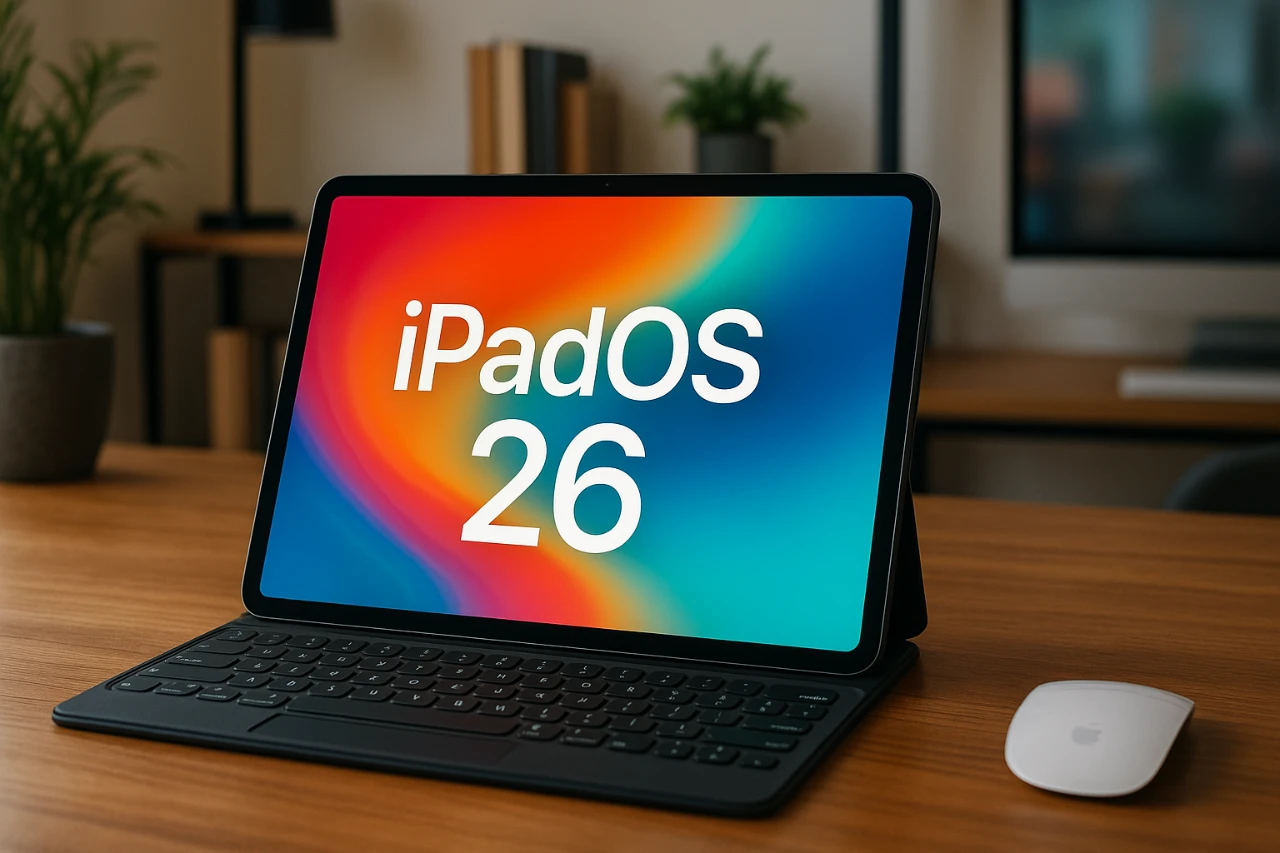
The release of iPadOS 26 represents a significant evolution for Apple’s iPad lineup, introducing features that bridge the gap between tablets and desktops. By aligning software capabilities across all models, this update shifts the focus to hardware differences, allowing users to choose the right iPad based on their specific needs. Whether you’re a student, a creative professional, or someone who values portability, understanding these updates is crucial for making an informed decision. The video below from GregsGadgets gives us more details about the impact of iPadOS 26 on the iPad.

Key Features of iPadOS 26
iPadOS 26 brings a host of enhancements designed to maximize productivity and versatility, making the iPad a more powerful tool for a wide range of users. Notable updates include:
- Advanced Multitasking: A revamped multitasking system introduces window resizing, app tiling, and macOS-style traffic light controls, allowing seamless management of multiple applications.
- Background Task Management: Resource-intensive tasks like rendering and exporting now run uninterrupted in the background, improving workflow efficiency.
- Enhanced Files App: New file organization tools, a more functional dock, and external audio controls simplify multitasking and file management.
- Desktop-Like Features: Additions such as a menu bar and macOS-inspired apps like Preview and Finder bring a familiar desktop experience to the iPad.
These updates elevate the functionality of even the entry-level iPad while allowing premium models to fully use their advanced hardware capabilities.
Base iPad: Affordable and Capable
The base iPad, priced between $300 and $350, offers excellent value for everyday users. With iPadOS 26, it now supports multitasking and desktop-inspired features, previously reserved for higher-end models. Powered by the A16 chip, it handles tasks like web browsing, video streaming, and light productivity with ease.
However, there are some limitations. The base iPad features a non-laminated display, supports only mirrored external displays, and lacks advanced features like Apple Pencil Pro compatibility. Despite these trade-offs, it remains an ideal choice for students and casual users seeking an affordable yet capable device.
iPad Air: The Perfect Balance
At $600, the iPad Air strikes a balance between affordability and premium features. Its laminated, anti-reflective display offers superior image quality, while the M3 chip ensures smooth performance for demanding tasks such as video editing, graphic design, and gaming.
The iPad Air supports advanced Apple Pencil Pro features, including magnetic charging and pressure sensitivity, making it a strong option for creative professionals. Additionally, it includes a faster USB-C port (10Gbps) and full external display support, allowing users to expand their workspace. For those seeking a versatile device with enhanced performance, the iPad Air is a compelling choice.
iPad Pro: Unmatched Power and Precision
Starting at $1,000, the iPad Pro is designed for users who demand the highest level of performance and features. Its OLED display delivers exceptional brightness, contrast, and HDR support, while the 120Hz ProMotion refresh rate ensures fluid visuals and low latency for Apple Pencil users.
The M4 chip provides a significant performance boost over the M3, excelling in resource-intensive tasks such as 3D rendering, high-resolution video editing, and advanced gaming. Additional features include Face ID for secure authentication, a Thunderbolt USB-C port for ultra-fast data transfer, and a four-speaker audio system for immersive sound. Paired with the Magic Keyboard, which includes a haptic trackpad, the iPad Pro transforms into a true laptop replacement, ideal for professionals and power users.
iPad Mini: Compact and Powerful
For users who prioritize portability, the iPad Mini offers a unique solution. Priced at $500, it features an 8.3-inch compact design and the powerful A17 Pro chip, making it ideal for gaming, multitasking, and on-the-go use.
While the iPad Mini supports Apple Pencil Pro, it lacks keyboard accessories, focusing instead on being a lightweight, tablet-first device. This makes it an excellent choice for users who value simplicity and convenience without sacrificing performance.
Choosing the Right iPad for Your Needs
With iPadOS 26 leveling the software playing field, selecting the right iPad now depends on your hardware preferences and budget. Here’s a breakdown to help guide your decision:
- Base iPad: Best suited for casual users and students who need an affordable device with solid performance.
- iPad Air: Ideal for professionals and creatives seeking a balance of power, display quality, and advanced features.
- iPad Pro: Perfect for those requiring top-tier performance, premium features, and a laptop-like experience.
- iPad Mini: Great for users who prioritize portability and compact design without compromising on power.
Apple’s updated iPad lineup, combined with the enhancements of iPadOS 26, ensures there’s a device tailored to every lifestyle. Whether you need a budget-friendly option, a versatile mid-range device, or a high-performance powerhouse, the iPad family offers something for everyone.
Dive deeper into iPadOS 26 features with other articles and guides we have written below.
Source & Image Credit: GregsGadgets
Filed Under: Apple, Apple iPad, Top News
Latest Geeky Gadgets Deals
Disclosure: Some of our articles include affiliate links. If you buy something through one of these links, Geeky Gadgets may earn an affiliate commission. Learn about our Disclosure Policy.
Credit: Source link