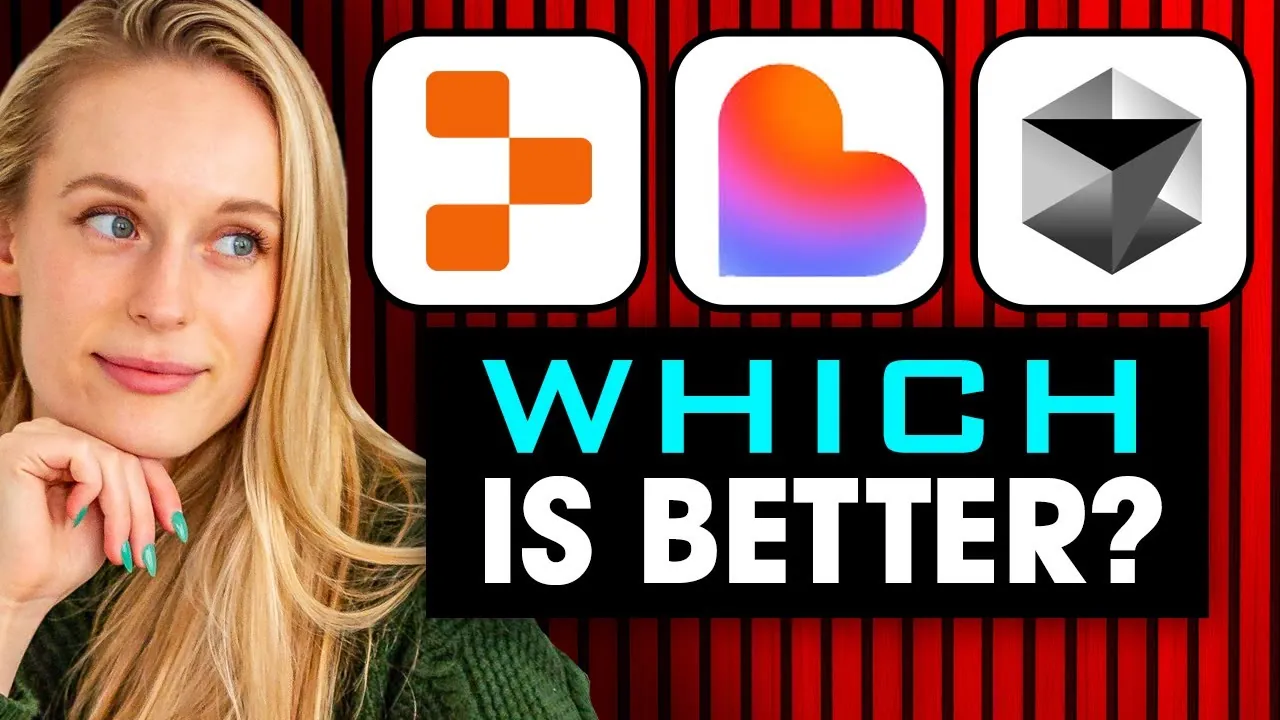
What if the key to transforming your coding workflow wasn’t just about skill, but about choosing the right AI partner? In a world where development tools are becoming increasingly intelligent, selecting the best fit for your needs can feel like navigating a maze. Enter Lovable, Cursor, and Replit—three standout AI-powered coding platforms, each promising to transform how you build applications. But here’s the catch: their strengths cater to vastly different users. Whether you’re a beginner looking for simplicity, an intermediate coder craving balance, or an expert demanding total control, the decision isn’t as straightforward as it seems. So, which one truly delivers on its promises?
Tiff In Tech looks into the unique strengths and trade-offs of these platforms, offering a side-by-side comparison that goes beyond surface-level features. You’ll discover how Lovable simplifies prototyping for non-technical users, why Replit strikes a compelling balance between ease and functionality, and how Cursor enables advanced developers to push boundaries. By the end, you’ll not only understand which tool aligns with your skill level and goals but also gain insight into how AI is reshaping the coding landscape. The choice you make could redefine how you approach your next project, so let’s explore the possibilities.
AI Coding Tools Comparison
TL;DR Key Takeaways :
- Lovable is ideal for beginners or non-technical users, offering a simple and intuitive interface for quick prototyping, but lacks advanced customization features.
- Replit (Ripple) caters to intermediate users, balancing ease of use with robust functionality, including features like app previews and user authentication.
- Cursor is designed for experienced developers, providing advanced customization and control, requiring technical expertise for tasks like dependency installation.
- The tools are tailored to different skill levels: Lovable for simplicity, Replit for balanced functionality, and Cursor for extensive flexibility and precision.
- Choosing the right tool depends on your technical proficiency and project goals, making sure an efficient and productive development experience.
Lovable: A Beginner-Friendly Option
Lovable is specifically designed for those who are new to coding or prefer a straightforward, guided approach. Its intuitive interface simplifies the development process, making it an excellent choice for non-technical users or individuals looking to quickly prototype their ideas. One of its standout features is the built-in integration with tools like Supabase, which streamlines database management and allows users to generate initial outputs with minimal effort.
While Lovable excels in simplifying the early stages of app development, it does have limitations. Advanced features, such as user authentication or detailed customization, often require additional prompts or manual adjustments. This makes Lovable most suitable for creative projects where speed and simplicity are the primary goals.
For instance, if your aim is to prototype a video-sharing app without delving into complex coding, Lovable provides a user-friendly environment to bring your vision to life. Its simplicity ensures that even those with limited technical knowledge can create functional prototypes efficiently.
Replit (Ripple): A Balanced Tool for Intermediate Users
Replit, also referred to as Ripple, offers a balanced approach that caters to users with some coding experience. It bridges the gap between simplicity and functionality, making it an appealing choice for intermediate developers. One of its key features is the ability to preview your app during the development process, allowing you to track progress and make adjustments before finalizing features.
Although Replit’s build time is slower compared to Lovable, it compensates with more robust outputs. These include features like video pages and user authentication, which add depth and functionality to your app. This platform is particularly well-suited for users who are comfortable with basic coding concepts and want to create fully functional applications without sacrificing too much control.
For example, if your goal is to develop a video-sharing platform that balances ease of use with advanced functionality, Replit provides the tools and flexibility you need. Its combination of user-friendliness and robust features makes it a versatile option for semi-technical users.
Which AI Coding Tool is Best For Your Project?

Advance your skills in AI-powered coding tools by reading more of our detailed content.
Cursor: Advanced Customization for Experts
Cursor is tailored for experienced developers who prefer a hands-on approach to app development. Unlike Lovable and Replit, Cursor positions AI as a supportive assistant rather than the primary driver of the development process. This means users must have a solid understanding of technical concepts, as the platform requires tasks such as installing dependencies and setting up a local development environment.
While this added complexity may deter beginners, Cursor offers unparalleled customization and control. Advanced developers can fine-tune every aspect of their app, using AI-powered suggestions to streamline complex coding tasks. This makes Cursor an ideal choice for those who want to build highly tailored applications with precise specifications.
For instance, if you’re an experienced developer aiming to create a video-sharing platform with unique features and extensive customization, Cursor provides the flexibility and control needed to achieve your goals. Its emphasis on advanced functionality ensures that technical users can maximize their creative potential.
Key Comparisons
Each of these tools is designed to cater to a specific audience, offering unique strengths based on your technical proficiency and project goals:
- Lovable: Focuses on simplicity and accessibility, making it ideal for beginners or non-technical users who want to quickly prototype ideas without diving into complex coding.
- Replit: Strikes a balance between user-friendliness and functionality, targeting semi-technical users who aim to build apps with moderate complexity and robust features.
- Cursor: Provides advanced customization and control, appealing to experienced developers who prefer a hands-on approach and require extensive flexibility in their projects.
Making the Right Choice
Selecting the most suitable AI-powered coding tool depends on your skill level, project requirements, and development goals. For beginners, Lovable’s intuitive interface and guided approach offer a straightforward way to bring ideas to life with minimal effort. Intermediate users will find Replit to be a versatile option, combining ease of use with robust functionality to support moderately complex projects. Advanced developers, on the other hand, can use Cursor’s emphasis on customization and control to create highly tailored applications.
By understanding the unique strengths and limitations of each platform, you can make an informed decision that aligns with your needs. Whether you prioritize simplicity, functionality, or advanced customization, these tools provide a range of options to support a productive and efficient development experience. With the right tool in hand, you can streamline your coding process and focus on bringing your creative vision to life.
Media Credit: Tiff In Tech
Filed Under: AI, Top News
Latest Geeky Gadgets Deals
Disclosure: Some of our articles include affiliate links. If you buy something through one of these links, Geeky Gadgets may earn an affiliate commission. Learn about our Disclosure Policy.
Credit: Source link