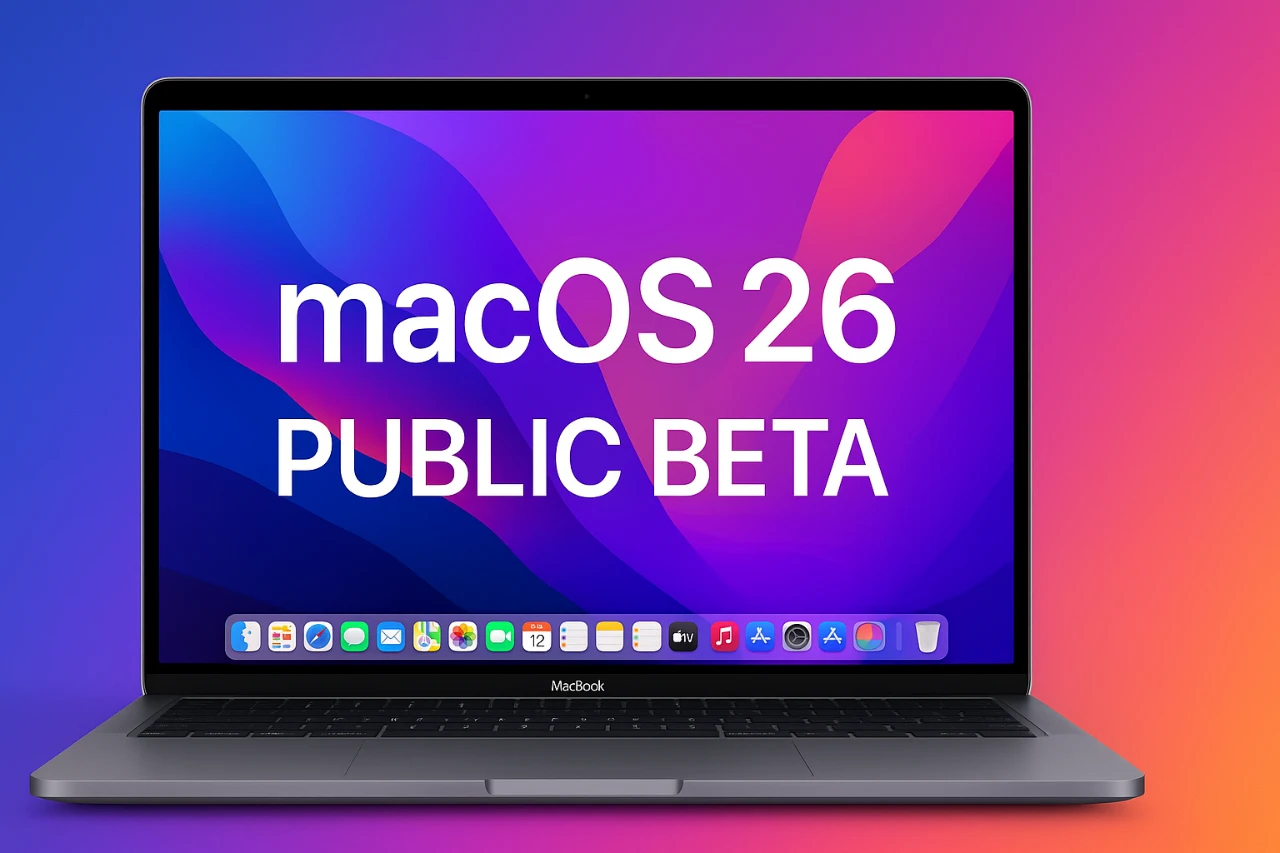
Apple has officially released the public beta of macOS 26, codenamed “Tahoe,” offering users an early look at the next evolution of its desktop operating system. This version introduces a range of updates spanning design, functionality, and customization, inviting users to explore its features and provide valuable feedback. Below is an in-depth look at the ten most notable changes in macOS 26 in a new video from HalfManHalfTech.

How to Access the Beta
The macOS 26 public beta is available to anyone interested in testing the system. To begin:
- Visit Apple’s official beta program website and enroll your device.
- Confirm that your Mac meets the compatibility requirements to ensure a smooth installation process.
- Back up your data to protect against potential issues, as beta software may contain bugs.
By participating, you gain early access to the latest features and play a critical role in improving the final release by reporting bugs and usability concerns.
1. Redesigned Interface with Liquid Glass Theme
macOS 26 introduces a striking new look with its redesigned interface. The traditional Launchpad has been replaced by the innovative “Apps” application, which organizes programs into categorized sections for more intuitive navigation. A standout feature of the redesign is the “liquid glass” theme, a translucent design element applied throughout the system. This theme enhances visual depth and cohesion, delivering a sleek and modern aesthetic that feels both fresh and functional. The updated interface is designed to make navigation smoother while offering a visually engaging experience.
2. Spotlight Search Gets Smarter
Spotlight search has undergone a significant upgrade, making it more powerful and efficient. Results are now grouped into four distinct categories:
- Applications: Quickly locate and launch apps.
- Files: Easily find documents, images, and other media.
- Actions: Perform tasks directly from the search interface, such as setting reminders or sending emails.
- Clipboard: Access recently copied items for quick reuse.
New keyboard shortcuts enhance navigation, allowing you to execute commands or locate files faster than ever. This update transforms Spotlight into a more versatile tool for productivity and organization.
3. Expanded Customization Options
Customization takes center stage in macOS 26, offering users greater control over their desktop experience. You can now personalize icons, widgets, and themes to align with your preferences. The system introduces four distinct modes—light, dark, tinted, and clear—allowing you to tailor the appearance to your liking. Enhanced animations for system controls, such as volume and brightness adjustments, add a polished and fluid touch to everyday interactions. These updates ensure that macOS 26 not only looks better but also feels more responsive and engaging.
4. Redesigned Control Center
The Control Center has been reimagined to improve accessibility and efficiency. Customizable icons and shortcuts allow you to prioritize the tools and features you use most frequently. This redesign ensures that essential controls are always within reach, streamlining workflows and enhancing productivity. Whether you’re adjusting system settings or accessing quick actions, the updated Control Center makes managing your Mac more intuitive and convenient.
5. Image Playground and Genoji Integration
Creative users will find plenty to love in the updated Image Playground app. Now integrated with Genoji, a design synchronization tool, this feature allows you to create and sync artistic designs seamlessly across devices. Expanded style options, including oil painting, watercolor, vector, and anime, provide more ways to express your creativity. Whether you’re a professional designer or a hobbyist, these tools make it easier than ever to produce visually stunning content. The integration with Genoji also simplifies the process of sharing and collaborating on creative projects.
6. Messages App Enhancements
The Messages app has received several updates aimed at improving communication and personalization. Backgrounds now sync with your iPhone settings, making sure a consistent look across all your Apple devices. Additionally, Genoji creation and sharing have been optimized, allowing you to generate and send custom emojis more efficiently. These enhancements make the Messages app a more dynamic and enjoyable platform for staying connected with friends, family, and colleagues.
7. Feedback Assistant for Bug Reporting
As part of the beta program, Apple encourages users to report issues through the Feedback Assistant. This tool is essential for identifying and resolving bugs before the official release. By submitting detailed feedback, you contribute to refining macOS 26 and ensuring a smoother experience for all users. The Feedback Assistant is easy to use and plays a crucial role in shaping the final version of the operating system.
Why Try the macOS 26 Beta?
macOS 26 “Tahoe” offers a glimpse into the future of Apple’s desktop operating system, with a host of new features designed to enhance both aesthetics and functionality. Key highlights include:
- A redesigned interface featuring the modern liquid glass theme.
- Smarter Spotlight search for faster and more efficient navigation.
- Expanded customization options for a personalized user experience.
- Creative tools like Genoji integration in the Image Playground app.
- Enhanced productivity features, such as the redesigned Control Center.
By joining the beta program, you gain early access to these innovations while contributing to their development. Whether you’re drawn to the aesthetic updates, creative tools, or productivity enhancements, macOS 26 promises a refined and forward-looking user experience.
Dive deeper into macOS 26 Public Beta with other articles and guides we have written below.
Source & Image Credit: HalfManHalfTech
Filed Under: Apple, Laptops, Top News
Latest Geeky Gadgets Deals
Disclosure: Some of our articles include affiliate links. If you buy something through one of these links, Geeky Gadgets may earn an affiliate commission. Learn about our Disclosure Policy.
Credit: Source link