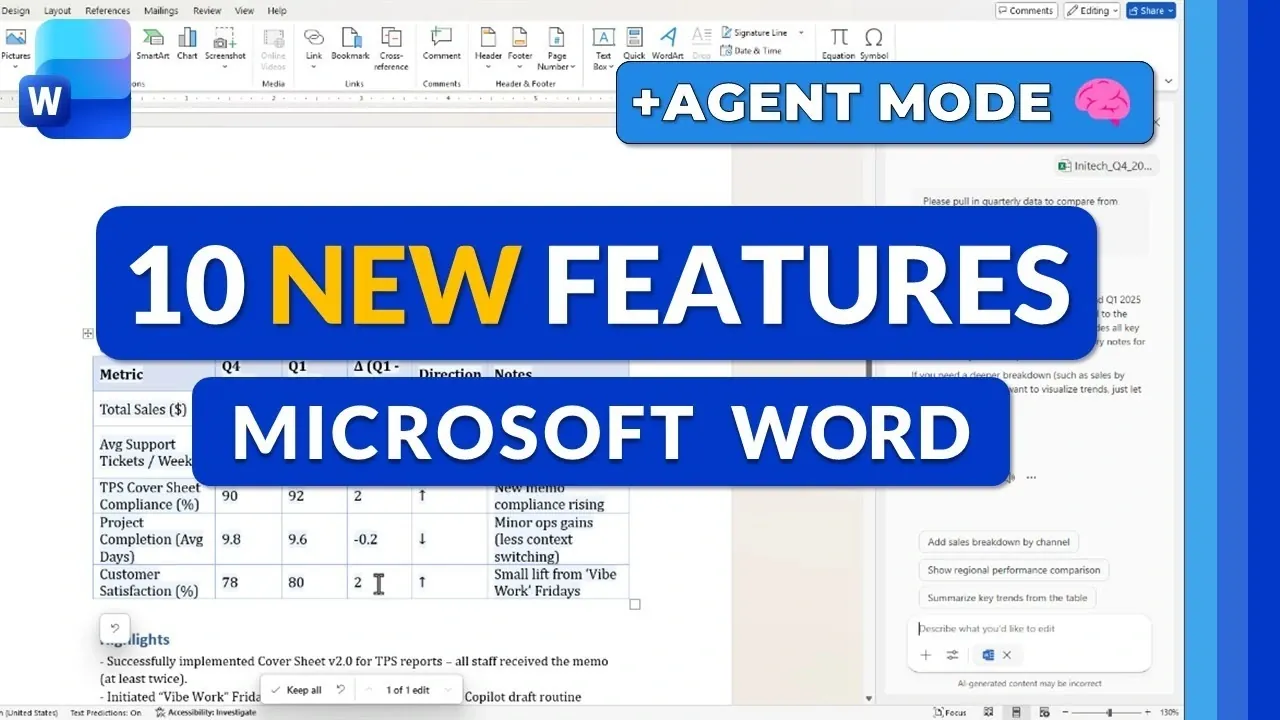
What if your word processor could not only understand your needs but also anticipate them? With the 2025 update to Microsoft Word, that vision is closer to reality than ever. Packed with innovative features like AI-powered Copilot Chat and the innovative Agent Mode, this update promises to transform how we create and collaborate on documents. From automating tedious formatting tasks to allowing real-time teamwork with seamless precision, Microsoft Word’s latest tools are designed to save time and elevate productivity. But with so many changes, does it truly live up to the hype? Mike Tholfsen takes us behind the scenes for an exclusive first look at what’s new, and what’s next.
In this detailed rundown, Mike Tholfsen explains the top 10 features that make Microsoft Word 2025 a standout upgrade. From intelligent automation to enhanced creative tools like Ink to Shape Conversion, these updates cater to everyone from professionals juggling complex projects to students crafting polished assignments. And don’t miss the debut of Agent Mode, a feature poised to redefine how we approach repetitive tasks. By the end, you’ll not only know what’s new but also how these innovations can transform your workflow. So, what does the future of document creation look like?
Microsoft Word 2025 Updates
TL;DR Key Takeaways :
- AI-Powered Tools: The 2025 update introduces Copilot Chat for summarizing documents and generating visuals, and Agent Mode for automating repetitive tasks like formatting and data integration.
- Real-Time Collaboration: Enhanced collaboration features allow multiple users to edit documents simultaneously with instant updates, improving teamwork and efficiency.
- Enhanced Drawing and Visual Tools: New drawing tools, ink-to-shape conversion, and Fluent Design icons simplify creating polished visuals and annotations.
- Web Version Usability Enhancements: Updates to the web version include a redesigned landing page, improved table editing, and click-to-rename functionality for better workflow management.
- Formatting and Content Integration Improvements: Merged formatting support and link previews streamline document editing and enhance accessibility without switching between applications.
AI-Powered Tools: Copilot Chat and Agent Mode
The centerpiece of this update is the introduction of Copilot Chat and Agent Mode, two advanced AI tools that simplify complex tasks and enhance productivity.
- Copilot Chat: This AI-powered assistant integrates seamlessly across Microsoft Word, Excel, PowerPoint, Outlook, and OneNote. It enables you to summarize lengthy documents, generate visuals, and engage in interactive conversations, all without leaving the Word interface. A lightweight version ensures accessibility for users with varying levels of technical expertise, making it a versatile tool for diverse needs.
- Agent Mode: Designed to automate repetitive tasks, Agent Mode excels in real-time editing. It handles formatting, table creation, and data integration from Excel with minimal manual input. Additionally, it supports collaboration with external files, making sure smooth workflows across platforms. Whether working solo or as part of a team, Agent Mode significantly reduces effort while boosting efficiency.
Real-Time Collaboration and Enhanced Drawing Tools
Collaboration and creativity are at the forefront of this update, with features that make teamwork and visual expression more intuitive and effective.
- Real-Time Collaboration: Agent Mode assists simultaneous editing by multiple users, with changes reflected instantly. This fosters a dynamic and efficient collaborative environment, ideal for teams working on shared projects or documents.
- Enhanced Drawing Tools: The updated Draw tab introduces new tools such as fountain pen, brush pen, and pencil options. These additions provide greater flexibility for annotations, illustrations, and creative input. The expanded toolbar further enhances usability, allowing you to customize tools to suit your specific requirements.
Microsoft Word 2025 Agent Mode Update & More
Expand your understanding of Microsoft Office 2025 Features with additional resources from our extensive library of articles.
Ink to Shape Conversion and Fluent Design Icons
For users who rely on visual elements, Microsoft Word’s new features simplify the creation of polished and professional visuals.
- Ink to Shape Conversion: This feature automatically converts hand-drawn shapes into clean, geometric figures. It is particularly useful for creating diagrams, flowcharts, and other visual aids with minimal effort, making sure a professional appearance.
- Fluent Design Icons: A refreshed visual design introduces modern, cohesive icons across Microsoft Word. This update aligns the software’s appearance with the broader Microsoft suite, offering a cleaner and more intuitive user interface that enhances the overall experience.
Word for the Web: Usability Enhancements
The web version of Microsoft Word has received significant updates, making it more user-friendly and efficient for online document creation and management.
- Redesigned Landing Page: A simplified and intuitive layout makes it easier to navigate, create, and manage documents directly from the web interface.
- Improved Table Editing: New drag-and-drop functionality for rows and columns streamlines table adjustments, saving time and effort during document formatting.
- Click-to-Rename Files: File management is now more efficient with the ability to rename files directly within the interface, eliminating unnecessary steps and improving workflow efficiency.
Merged Formatting Support and Link Previews
Microsoft Word’s 2025 update also introduces refinements to formatting and content integration, designed to save time and enhance usability.
- Merged Formatting Support: When pasting content into your document, the formatting now aligns seamlessly with your existing style. This eliminates the need for manual adjustments, making sure a consistent and polished appearance.
- Link Previews: Hovering over a link now provides a quick preview of its content, whether it’s a document, video, or other media. This feature reduces the need to switch between applications, improving accessibility and workflow efficiency.
Microsoft Word 2025: A Step Forward in Productivity
The 2025 update to Microsoft Word represents a significant evolution in document creation and collaboration. By integrating AI-powered tools like Copilot Chat and Agent Mode, enhancing drawing and formatting capabilities, and improving usability for web users, Microsoft has created a platform that is both intuitive and powerful. These updates are designed to streamline workflows, reduce manual effort, and empower users to produce high-quality documents with ease. Whether you are a professional managing complex projects, a student working on assignments, or a casual user, the new features ensure that Microsoft Word remains an indispensable tool for productivity in the digital age.
Media Credit: Mike Tholfsen
Filed Under: Technology News, Top News
Latest Geeky Gadgets Deals
Disclosure: Some of our articles include affiliate links. If you buy something through one of these links, Geeky Gadgets may earn an affiliate commission. Learn about our Disclosure Policy.
Credit: Source link