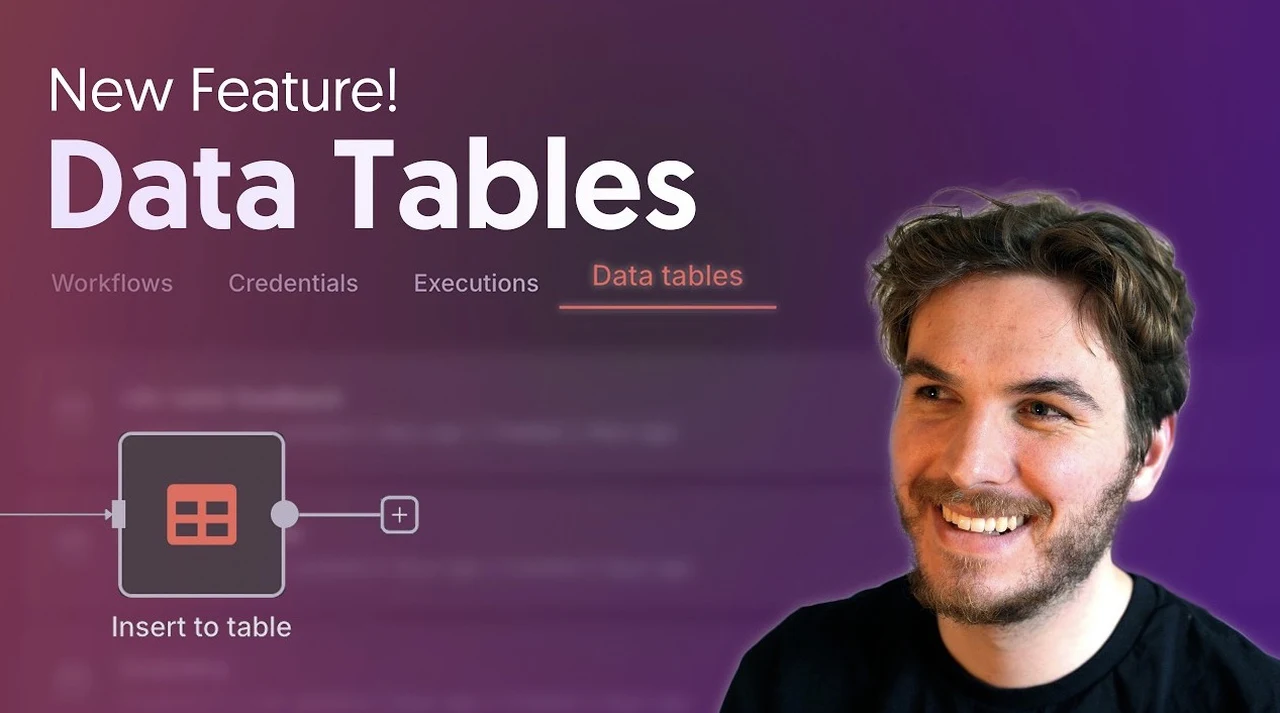
What if building powerful, data-driven workflows no longer required juggling multiple tools or worrying about connectivity issues? With the introduction of native data tables, n8n has redefined what’s possible in workflow automation. Imagine seamlessly managing sales data, automating repetitive tasks, or refining contact lists, all without ever leaving the platform. This innovative feature doesn’t just simplify your processes; it eliminates the usual roadblocks, like reliance on external APIs or internet connectivity, that often slow down automation efforts. The result? A faster, more reliable way to handle your data and supercharge your workflows.
In this overview, Nate Herk explains how native data tables are transforming the way users approach automation. From their ability to store and manipulate diverse data types to their seamless integration with n8n’s automation capabilities, these tables are designed to empower users at every level. Whether you’re curious about how they stack up against tools like Google Sheets or eager to see how they can streamline your specific use cases, this feature offers something for everyone. By the end, you’ll discover how native data tables can become the backbone of your most efficient and adaptable workflows yet.
n8n Native Data Tables
TL;DR Key Takeaways :
- n8n has introduced native data tables, allowing users to store, manage, and query data directly within the platform, eliminating reliance on external APIs or internet connectivity.
- Key features include support for multiple data types, data import options, and comprehensive data operations like inserting, updating, deleting, and filtering rows.
- Native data tables streamline tasks such as sales data analysis, contact management, and workflow automation, offering a seamless alternative to tools like Google Sheets.
- Compared to Google Sheets, native data tables provide faster performance, greater reliability, and scalability for larger datasets, enhancing workflow efficiency.
- Benefits include reduced dependency on external tools, simplified data management, and improved workflow automation, making it a powerful addition to n8n’s capabilities.
What Are Native Data Tables?
Native data tables are an integrated feature within n8n that allow users to store, manage, and manipulate data without leaving the platform. Accessible through the “Data Tables” tab, this feature removes the need for external tools, allowing users to focus on building workflows without interruptions. By embedding data storage directly into the platform, n8n ensures that processes remain efficient, self-contained, and adaptable to various use cases.

Key Features of Native Data Tables
n8n’s native data tables are designed with a range of features to enhance usability and flexibility. These include:
- Support for Multiple Data Types: Store data in formats such as string, number, boolean, and date, catering to diverse workflow requirements.
- Data Import Options: Import datasets from external sources like Google Sheets or manually input data directly into the tables for convenience.
- Comprehensive Data Operations: Perform essential actions such as inserting, updating, deleting, and filtering rows with ease, making sure efficient data handling.
These features make native data tables a versatile tool, whether you’re managing simple data storage or creating complex automation workflows.
Practical Applications of Native Data Tables
Native data tables are designed to address real-world challenges across various domains. Below are some practical examples of how this feature can be used:
1. Sales Data Analysis
With native data tables, you can store and analyze sales data directly within n8n. For instance, you can query datasets to identify trends, calculate total revenue, or determine average quantities sold. This enables you to make data-driven decisions without relying on external tools, streamlining your sales analysis process.
2. Contact Management
Managing contact data becomes more efficient with native data tables. You can import contact lists, filter them based on specific criteria such as location or email domain, and use the refined data to personalize communications. This ensures that your outreach efforts are both targeted and effective, saving time and improving engagement.
3. Workflow Automation
Native data tables can be combined with n8n’s automation capabilities to streamline repetitive tasks. For example, you can automatically update records, trigger actions based on changes in your data, or generate reports. This integration allows you to build workflows that are both efficient and highly customizable.
n8n Native Data Tables Overview

Find more information on n8n Native Data Tables by browsing our extensive range of articles, guides and tutorials.
How Do Native Data Tables Compare to Google Sheets?
While Google Sheets is a widely used tool for data storage and manipulation, n8n’s native data tables offer several distinct advantages:
- Speed: Native data tables are optimized for smaller datasets and single-row operations, reducing delays and improving workflow performance.
- Reliability: Unlike Google Sheets, which may encounter API rate limits or connectivity issues, native data tables operate independently of external systems, making sure uninterrupted functionality.
- Scalability: Native data tables maintain consistent performance even with larger datasets, such as those containing 400 rows or more, making them suitable for a wide range of applications.
By eliminating the need for API calls, native data tables reduce latency and enhance the overall efficiency of your workflows.
Benefits of Using Native Data Tables
The introduction of native data tables brings numerous advantages to n8n users, including:
- Streamlined Workflow Efficiency: Integrated data storage simplifies automation processes, reducing the time and effort required to manage workflows.
- Reduced Dependency on External Tools: By eliminating the need for third-party solutions, native data tables ensure uninterrupted operations and greater control over your data.
- Simplified Data Management: Built-in support for various data types and operations makes managing data intuitive and hassle-free, even for complex workflows.
These benefits make native data tables a valuable addition to n8n’s suite of automation tools, empowering users to create more efficient and reliable workflows.
Best Practices for Using Native Data Tables
To maximize the potential of native data tables, consider the following best practices:
- Match Data Types: Ensure that the data types in your tables align with your workflow requirements to avoid errors and ensure smooth operations.
- Use Filtering Effectively: Extract specific subsets of data for targeted actions, improving the precision and efficiency of your workflows.
- Automate Repetitive Tasks: Use n8n’s automation features in combination with native data tables to handle recurring processes effortlessly, saving time and resources.
By following these practices, you can unlock the full potential of native data tables, allowing you to build workflows that are both effective and adaptable to your specific needs.
Why Native Data Tables Matter
n8n’s native data tables represent a significant enhancement in workflow automation. By integrating data storage, management, and querying directly into the platform, this feature eliminates the need for external APIs and provides a faster, more reliable alternative to tools like Google Sheets. Whether you’re analyzing sales data, managing contacts, or automating complex processes, native data tables offer the tools you need to create efficient, data-driven workflows tailored to your unique requirements.
Media Credit: Nate Herk | AI Automation
Filed Under: AI, Top News
Latest Geeky Gadgets Deals
Disclosure: Some of our articles include affiliate links. If you buy something through one of these links, Geeky Gadgets may earn an affiliate commission. Learn about our Disclosure Policy.
Credit: Source link