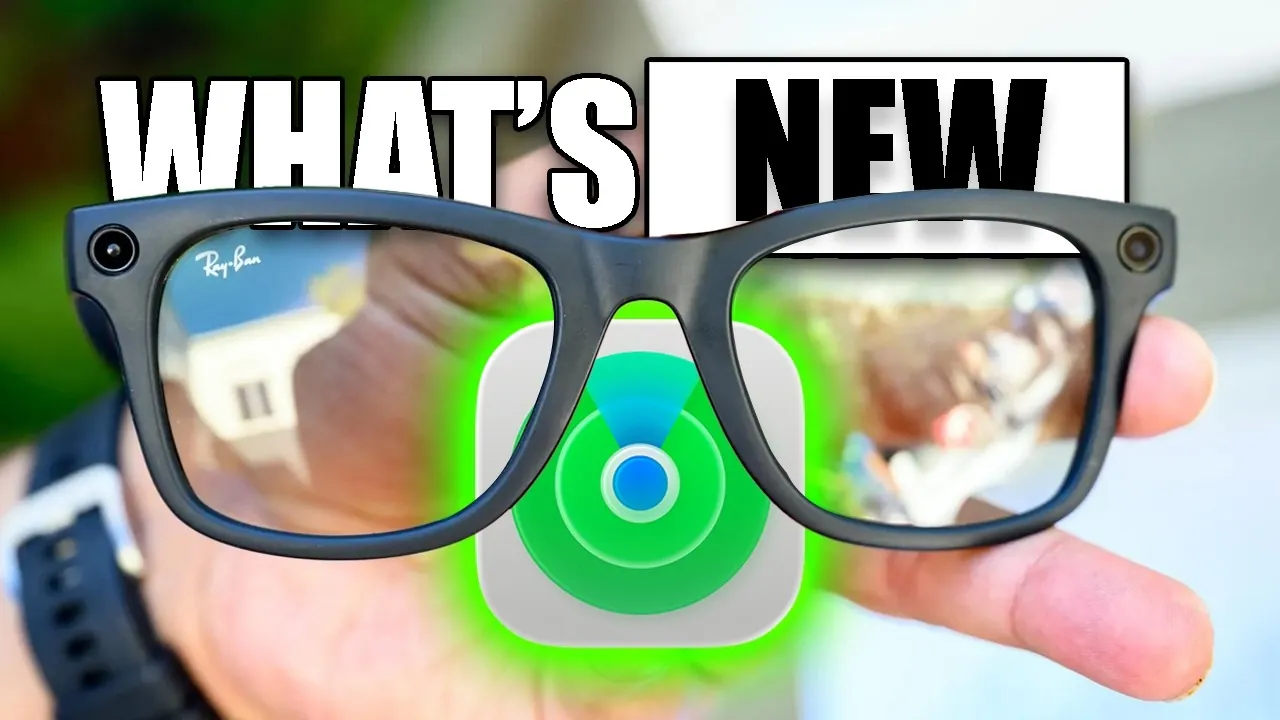
Meta has introduced firmware update version 22 for its smart glasses, delivering a range of new features to both first- and second-generation models. This update enhances functionality, improves usability, and broadens compatibility with third-party applications. Whether you rely on these glasses for fitness, media creation, or everyday tasks, the update ensures a more seamless and versatile experience. By focusing on inclusivity and practicality, Meta continues to refine its smart glasses to meet the diverse needs of its users. The video below from HotshotTek gives us more details.
Advanced Media Creation Tools
The latest update brings significant advancements to media creation, making it easier to capture high-quality content:
- Hyperlapse Recording: Stabilized, time-lapse videos are now possible, perfect for capturing dynamic scenes such as cityscapes, outdoor adventures, or fast-paced events.
- Slow Motion Recording: High-quality slow-motion capabilities allow users to highlight intricate details or emphasize specific moments with precision.
- Extended Video Durations: First-generation glasses now support up to 3 minutes of continuous recording, while second-generation models extend this to 5 minutes, catering to casual users and professional content creators alike.
These tools provide users with creative flexibility, rivaling traditional recording devices and making the glasses a valuable asset for media enthusiasts.
Improved Audio Features for Better Communication
Audio enhancements are a key focus of this update, making sure clearer communication and a more immersive listening experience:
- Conversation Focus: This feature amplifies voices in noisy environments, making it easier to communicate. Users can adjust the settings to standard, boost, or turn it off based on their needs.
- Natural Audio Fade: Audio levels now transition smoothly when moving away from a speaker, creating a more natural and immersive experience.
These upgrades make the glasses more adaptable to various environments, whether you’re in a bustling café, attending a meeting, or enjoying a quiet conversation.
Enhanced Voice Assistant and Fitness Integration
Meta’s voice assistant has been upgraded to offer greater functionality, making it an indispensable tool for multitaskers and fitness enthusiasts:
- Access real-time fitness data, weather updates, and news with improved efficiency.
- Seamlessly sync with third-party health apps like Apple Health and Garmin, allowing comprehensive tracking of workouts and fitness metrics.
- Auto-capture overlays for fitness data when paired with compatible Garmin smartwatches, providing real-time insights during physical activities.
These features streamline daily routines and enhance fitness tracking, offering users a more integrated and efficient experience.
Expanded Third-Party App Compatibility
The update strengthens integration with popular third-party applications, making the glasses more versatile and user-friendly:
- Spotify Integration: Users can now create personalized playlists tailored to their environment, enhancing their listening experience during workouts, commutes, or relaxation.
- Improved synchronization with fitness tracking apps ensures that health data remains accurate and up to date.
These additions broaden the appeal of Meta smart glasses, catering to a wide range of users with diverse needs and preferences.
Find My Location: Added Convenience
The new Find My Location feature offers peace of mind by helping users locate misplaced glasses. Similar to Apple’s AirTag, this tool tracks the last connected location of the glasses, making retrieval quick and straightforward. This feature is particularly beneficial for users who frequently misplace their devices, making sure that their smart glasses are always within reach.
Inclusive Features Across All Models
One of the most notable aspects of this update is its inclusivity. Both first- and second-generation Meta smart glasses receive the same suite of features, eliminating the need for hardware upgrades. This approach underscores Meta’s commitment to providing value to all its customers, regardless of the model they own. By making sure that no user is left behind, Meta reinforces its dedication to enhancing the overall user experience.
Redefining Smart Glasses Functionality
Meta’s firmware update version 22 represents a significant step forward in the evolution of smart glasses. With advanced media creation tools, enhanced audio capabilities, a smarter voice assistant, seamless third-party app integration, and the convenience of the Find My Location feature, these glasses are now more versatile than ever. Whether you are a fitness enthusiast, a content creator, or someone seeking everyday convenience, this update ensures that Meta smart glasses remain an essential tool in your daily life.
Dive deeper into Meta Smart Glasses with other articles and guides we have written below.
Source & Image Credit: HotshotTek
Filed Under: Gadgets News
Disclosure: Some of our articles include affiliate links. If you buy something through one of these links, Geeky Gadgets may earn an affiliate commission. Learn about our Disclosure Policy.
Credit: Source link